Sense 2.0
A Front End Retail Management Assistance
Research
UX / UI
Tangible design
Company : Avairsense [oureye.ai ]
Duration : 4months
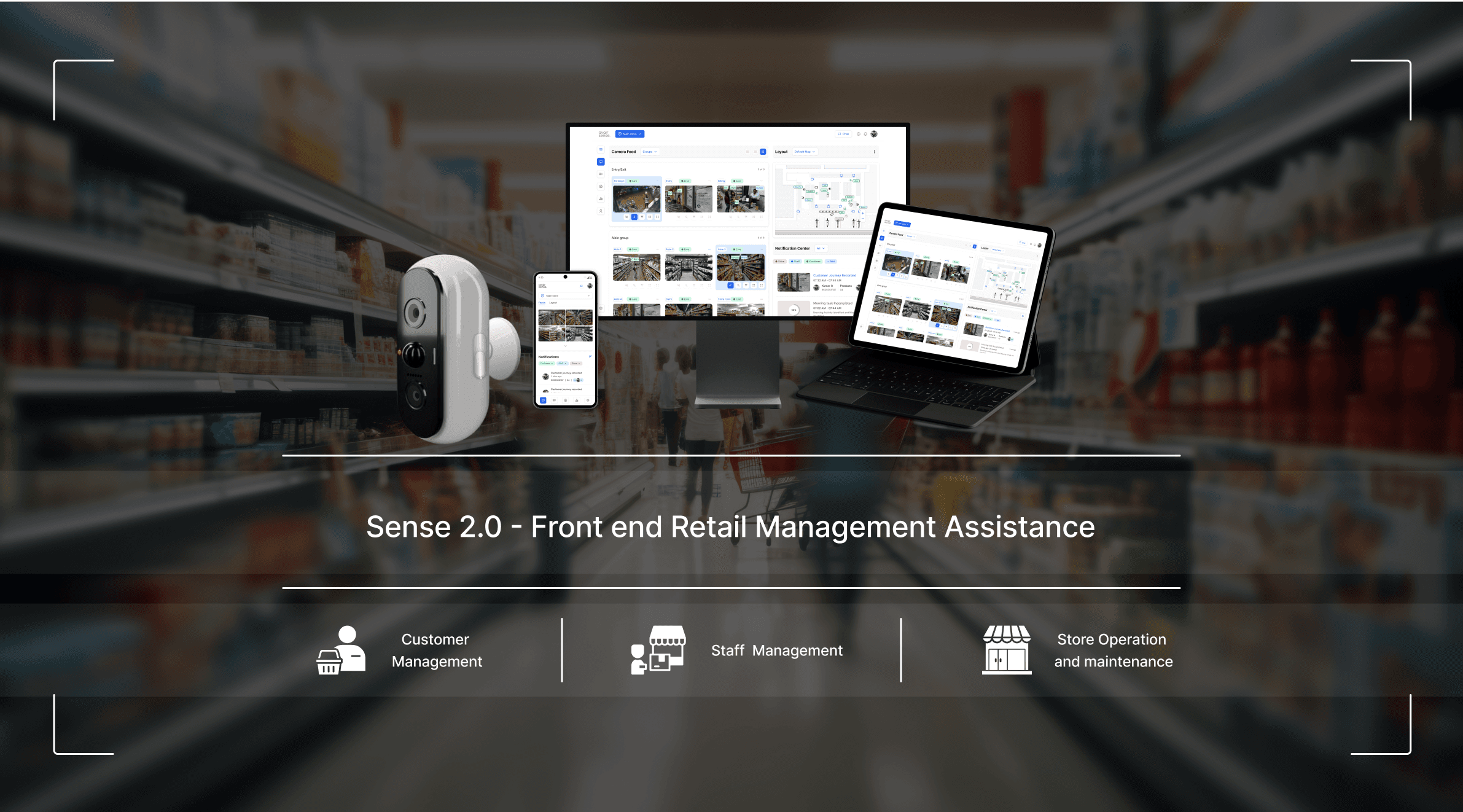
Overview
Traditional store management struggles with proactive conflict resolution, leading to inefficiencies and lost opportunities. Sense 2.0 revolutionizes retail with an AI-driven ecosystem that combines smart cameras and other integrations to optimize safety, operations, and customer experiences. Offering a seamless blend of a bird’s-eye view (context and spatial awareness) and detailed insights, Sense 2.0 empowers managers to make informed decisions and swiftly resolve issues, ensuring a successful and secure retail environment.
Initial hypothesis
Creating Master Management system for store front end management.
Design process & objectives
objectives
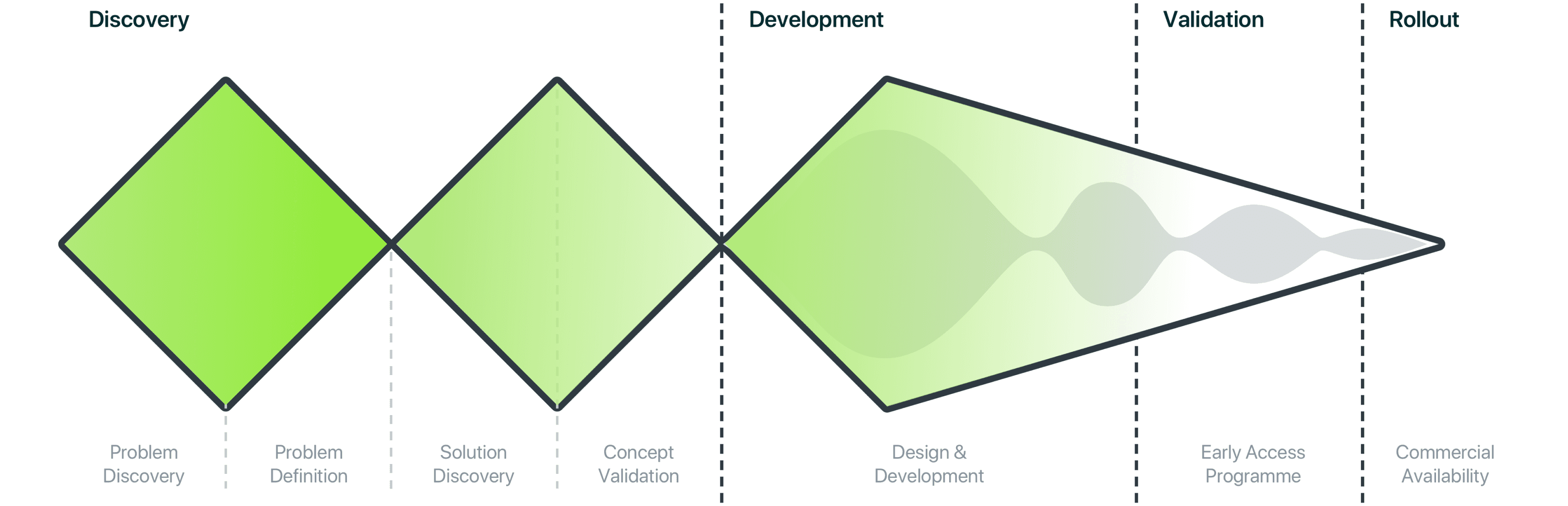
January
July
Identify Retail target segment.
Define opportunity Area.
Conduct primary and secondary research .
Identifying Pain Points .
Insights gathering.
Ideating possible solutions.
Defining Service .
Product-Based Services
Software as a Service (SaaS)
Retail Camera Form design.
Retail Application / Dashboard Design.
My scope of Work
& Define
Brief
Objective:
Develop an AI-driven camera system tailored for India’s retail sector to enhance front-end management by improving safety, customer and staff management, and operational efficiency.
Gap:
Most unorganized and semi-organized Indian retail stores lack comprehensive management solutions. The market needs a system that extends beyond security to address retail-specific challenges.
Challenges :
India’s diverse retail landscape requires solutions adaptable to varied cultural preferences and management needs, as seen in dynamic markets like Bangalore ( which are shaped by expanding demographic layers)
Market Potential:
With vast growth potential in India’s unorganized retail sector, Sense 2.0 aims to be an essential tool, helping stores modernize, stay competitive, and boost operational efficiency.
Keywords
Dynamic Indian retail market
Limitation with CCTV camera
Unmet needs in
store management
Rapid technical advancement
Front end Retail management assistance.
Context
Some point personas and their context for dealing with escalations.
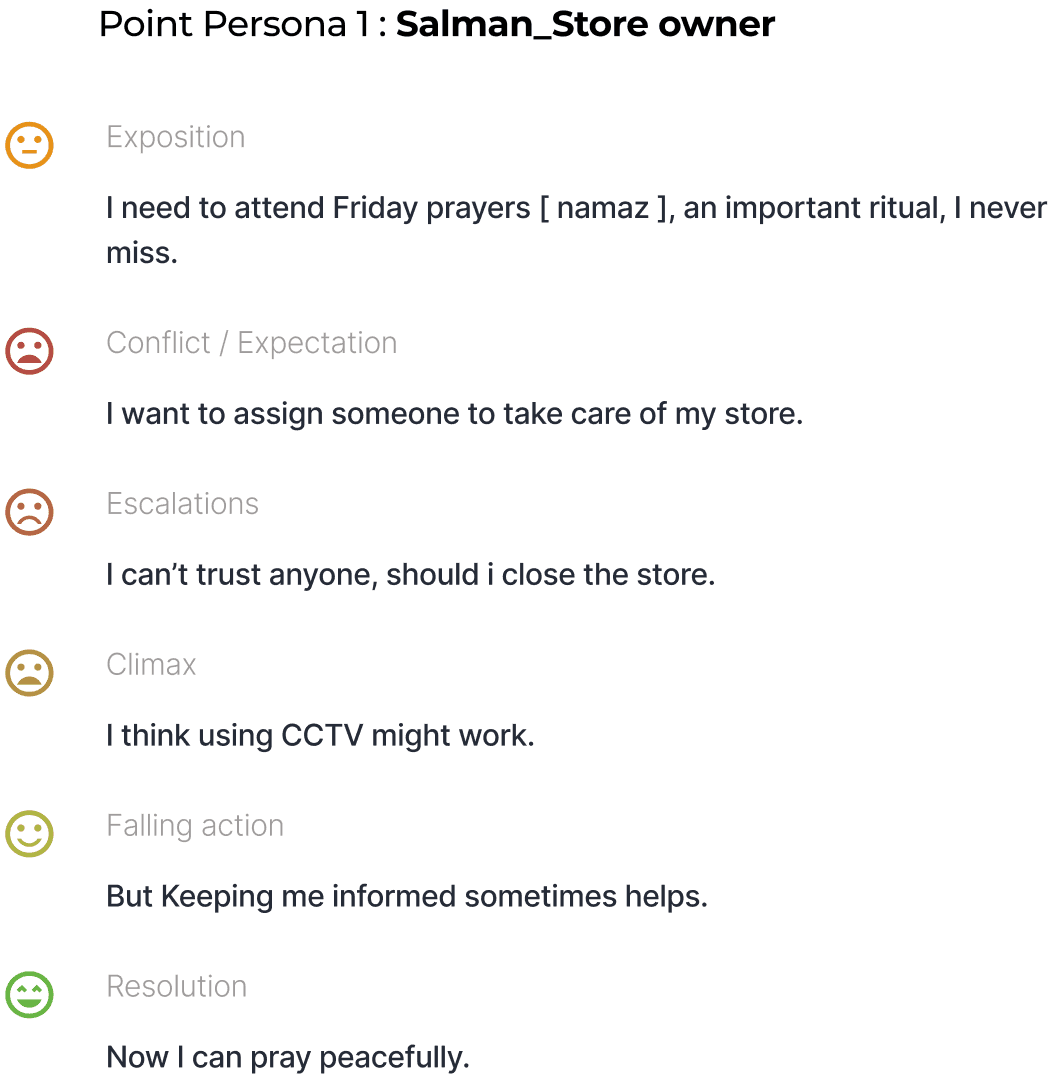
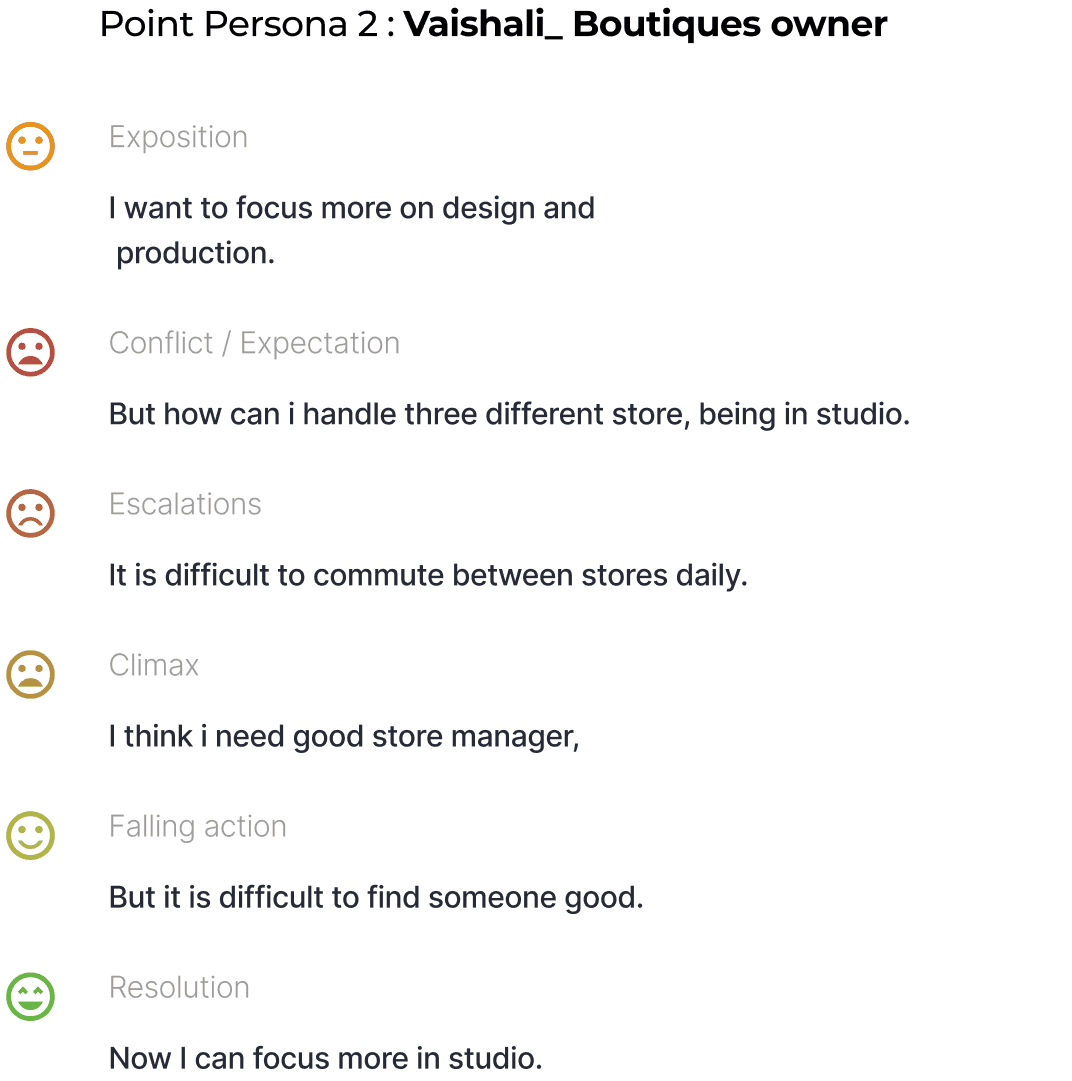
Point personas - who are in a position to manage a store and deal with escalations.
Similarly many such Exposition, Conflicts and Escalations exist !
“ ahh, lot of shop lifting happens, so We have changed arrangement , we kept small products close to us so that will protect , (small products are easy to steal ) . “
“ Due to inconsistent shop opening and closing times, our customer base has declined significantly. “Punctuality is important”
“ Flexibility with assistants is crucial due to the challenges of hiring and training, so i always keep my cool with them.”
“Working long hours without sufficient breaks is affecting my health, making it hard to stay energetic and focused throughout the day.”
"Arrangement and orientation are crucial, such as moving the milk and refrigerator inside, increased sales as customers bought extra products when seeing them.”
"The decline in customer footfall due to online competitors like Zepto and Instamart is alarming, necessitating new strategies to retain and attract customers while maintaining profitability."
“ Handling family and business is hectic, if family requires us, we cant leave business and go “
“Mani, staying with my family, manages the shop during our absences. However, we avoid extended breaks to ensure continuity. “
“Managing the busy evening period is challenging, especially when assistants are not available to monitor the vegetable area."
And more………..
Brief validation , Primary Research & Product thinking Documentation
the problem area we want to solve.
In Store Operational Disruptions and Risk Management
Product placement
Customer Service & Management
Staff Management
Maintenance and Infrastructure
What?
“Traditional/Existing management approaches fail to provide point persona [owners / co owner / managers] with the insights and tools needed to proactively identify and address conflicts & escalations at different layers,
Why?
leading to operational inefficiencies, poor customer experiences, and missed business opportunities and more . The lack of informed decision-making and inefficient processes hinders their ability to respond effectively to escalations.”
How?
How might we design a system that empowers point persona to anticipate, prevent, and resolve escalations, driving business success and growth also by considering their Personal compliances ?
“From Reactive Surveillance to Proactive Monitoring and Management”
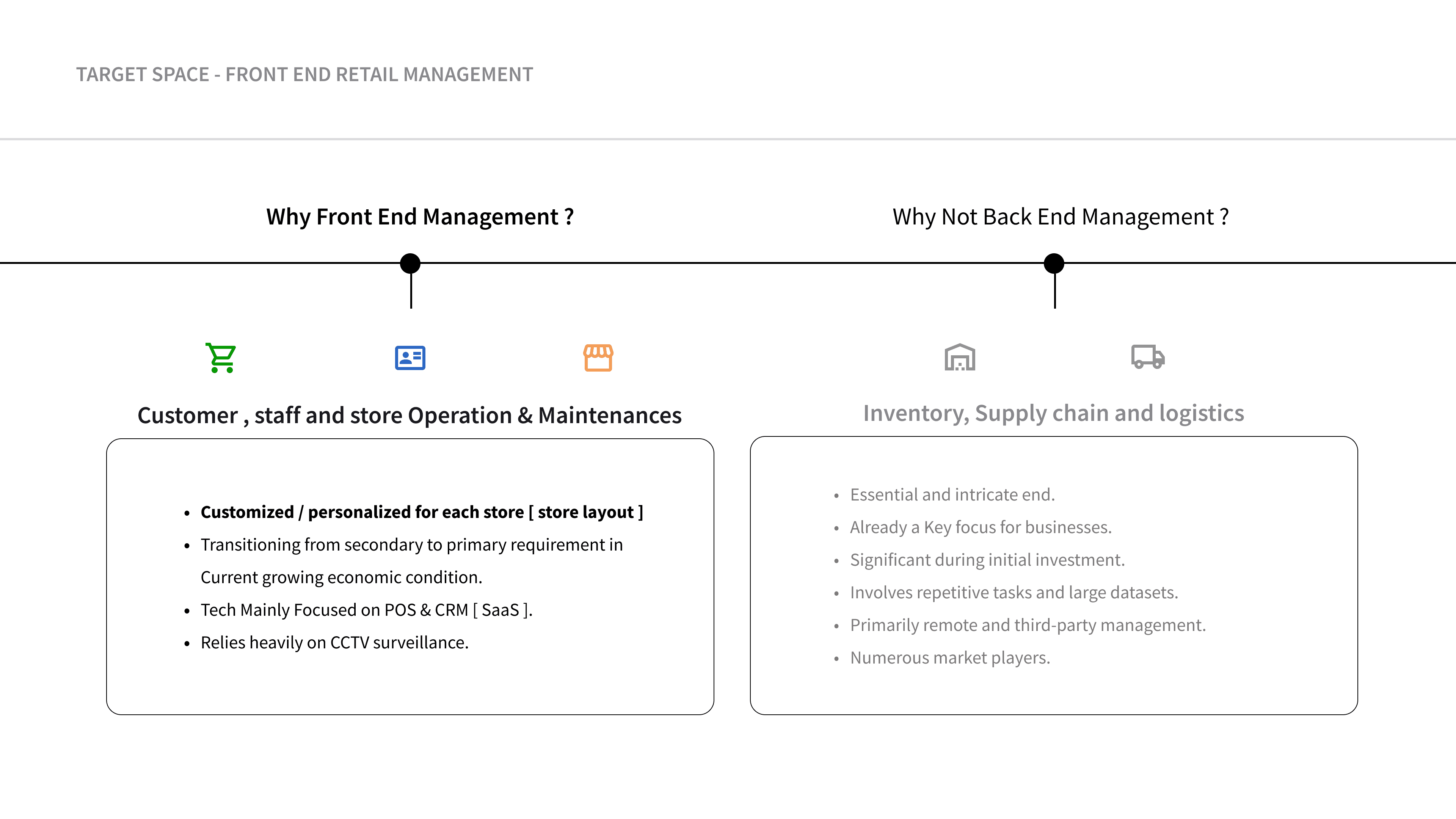
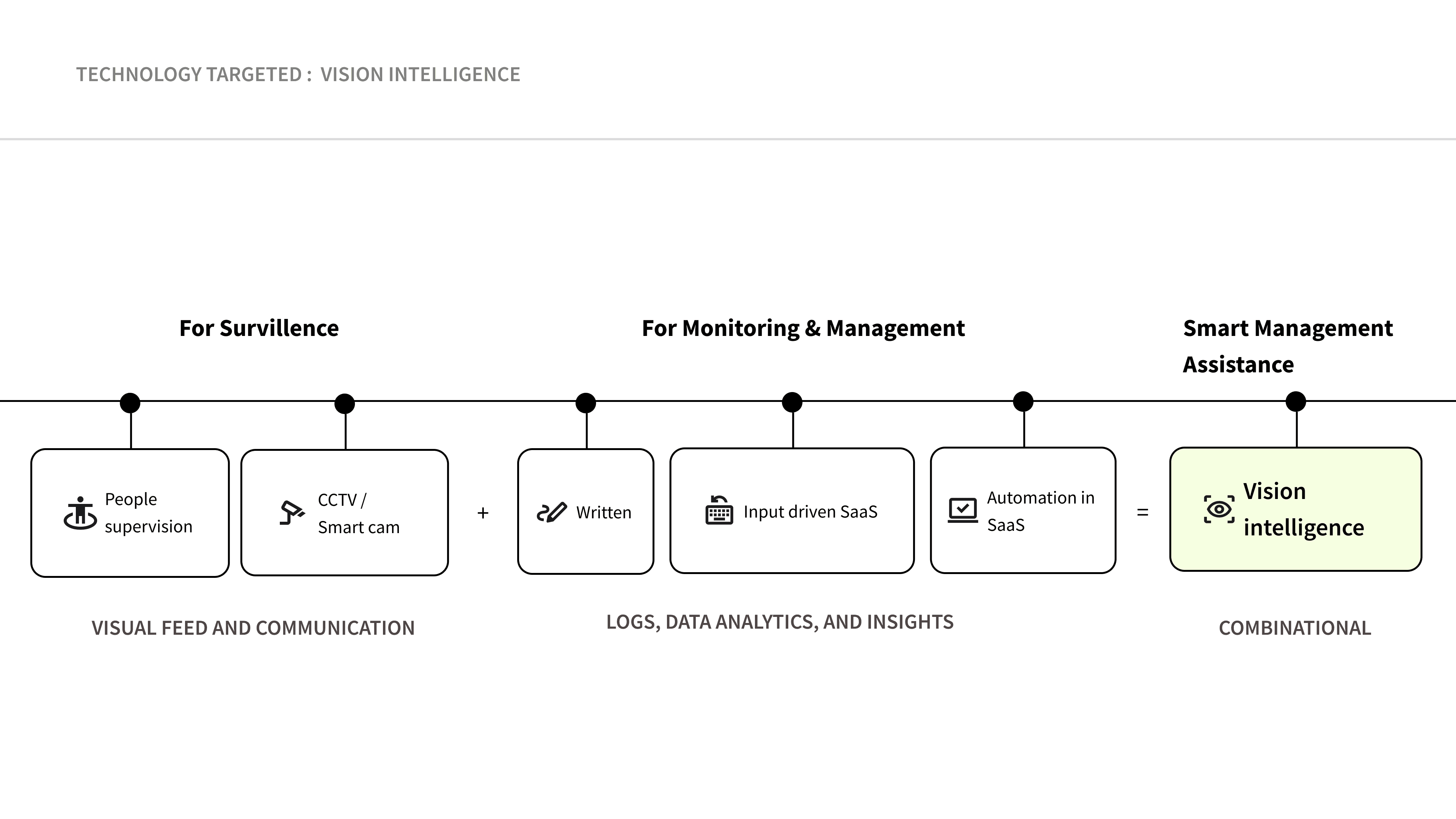
Summary: Smart Management Assistance
This fusion of data types can provide a more complete understanding of store operations, enabling single integrated management system:
Multimodal analysis: Analyzing both visual and textual data to identify patterns, trends, and anomalies.
Enhanced insights: Combining data from different sources to gain a deeper understanding of customer behavior, sales trends, and operational efficiency.
Improved decision-making: Using integrated data to inform decisions on inventory management, staffing, marketing, and customer experience.
Increased accuracy: Reducing errors and inconsistencies by leveraging multiple data sources to validate findings .
Streamlined reporting: Generating comprehensive reports that incorporate both visual and textual data, facilitating easier understanding and actionability.
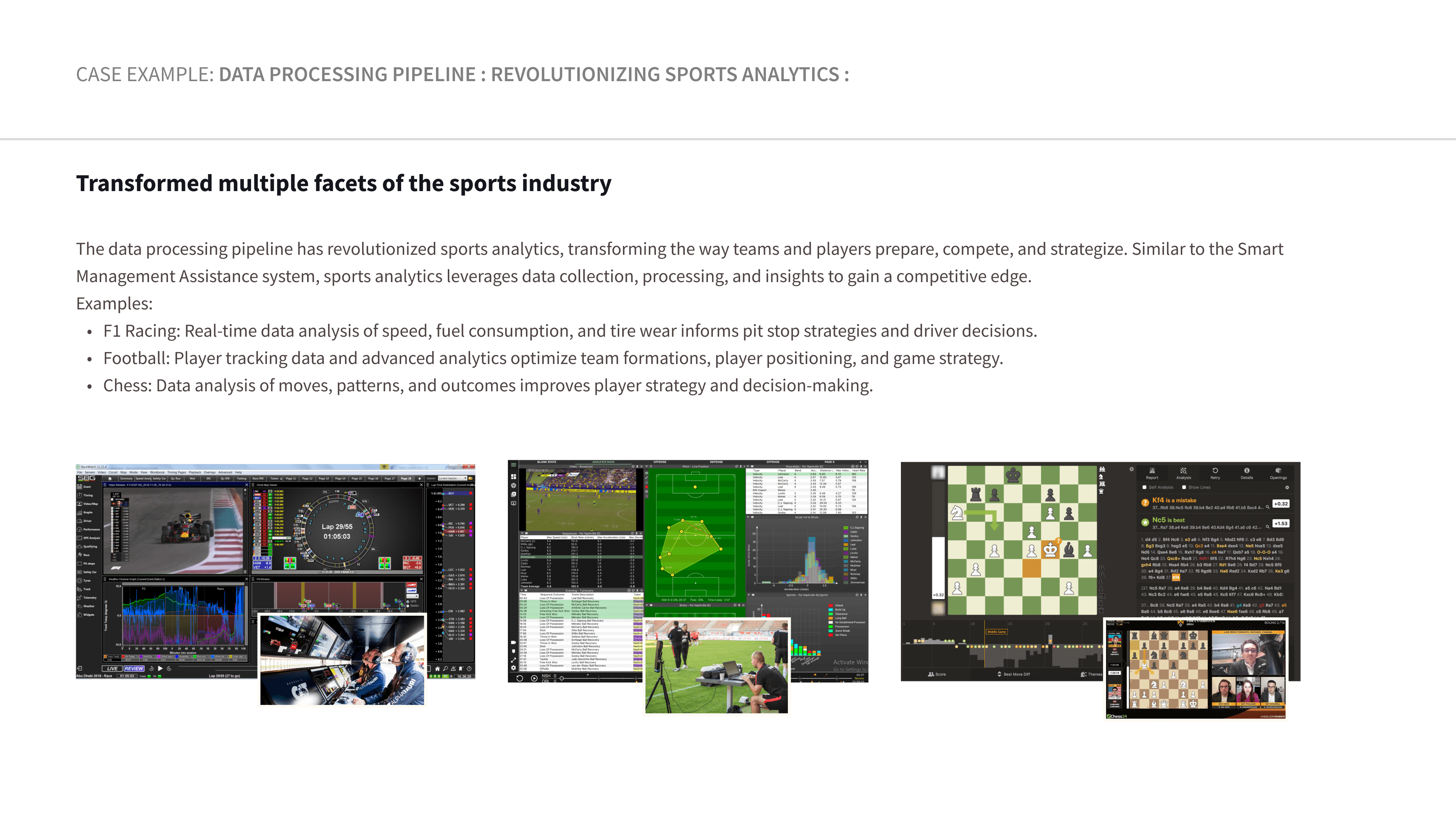
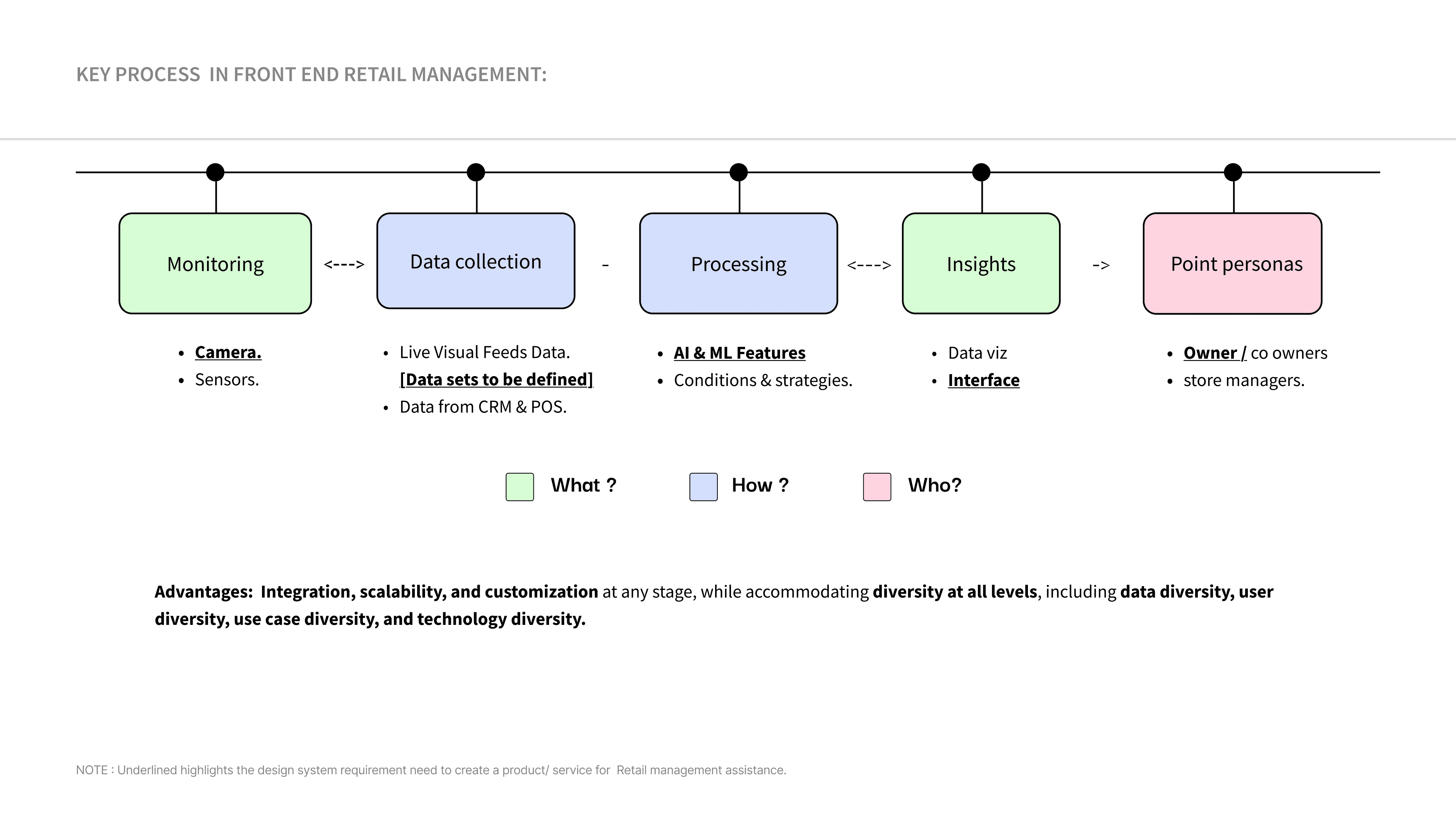
Data collection and Data processing layers
Considerations
NOTE : The data flow structure for this example scenario but technical validation is necessary to ensure the accuracy and effectiveness of this.
Store Journey
Closed
Closed
Store Opening
Store closing
Operation time End
Operation time start
Customer Journey
Baggage check-in
Cart/Basket Pickup
Product purchase
Product Checkout
Store exit
Threat
Threat
Staff Journey
Security task
Security
Store exit
Vehicle exit
Task
Task
Activities
Zone operations
Store Data
Staff data
Customer data
Varies for each store
Store operation parameters layer ( store conditions )
Interface layer
Infrastructure
Products
User experience
Store entry
Store entry
Varies for User type
Point persona [ Store mangers challenges ]
Owner/Manager
Journey
Monitoring
Management

Cameras
Store zones
identified
object Tagging
Activity / Task
Sentiment analysis
Profiles
Profiles
Attributes
Events /Activity
Objects
Constant
Location
Components
Events
Data processing layer ( AI & ML )


Vehicle exit
Staff management
Store managment
Customer management
Administration and Accounts
Backend management
Conflict / Escalations
Wants and needs
Frustrations
Salman

Salman 44 years old , own a supers market in two different location in Bangalore. He has been in this business for 12 years . Since his two stores are located in different location in Bangalore , he manages one and he Hired his cousin Brother to manage one.
Technology
Equipped to handle computers operations and Mobiles application.
Sales - POS software.
Increased footfall, improve profit and Scale this stores.
Staff who can be trusted and take control over store.
Motivations
Improving sale and revenue ,Sustaining in the existing business.
Scaling his business domain.
Space constraints - rent and commercial real estate cost is rising. we have run business in small spaces.
Regulatory compliance, Various taxes, licenses, and regulations at the local & state.
Local competition, every streets have a super market now ,
Managing two retail stores simultaneously at different locations.
Staff / workers unavailability and their vacations.
Physical issues / health issue
Operational difficulties - stress and burnouts.
Details
Education: 12 th
Occupation : Owner
Annual Income : N/D
Location: Bangalore, Karnataka.
Average Footfall : 200 - 300 Per store / Per day [ Also includes reparative customers]
Employee per store : 3 and 4 Male Staffs
Efficient operation - [ cost effective operation ]
Sustaining the Staff .
Maintaining consistency in goods quality and store management.
Improving customer satisfaction.
PERSONA
Owner / Managers scenarios
Mapping Physical and cognitive abilities required at each circumstances and scenarios in his/her daily journey.


Scenario description
Motivation
Cognitive &
Physical abilities
UD Principle
Ideas
Feature
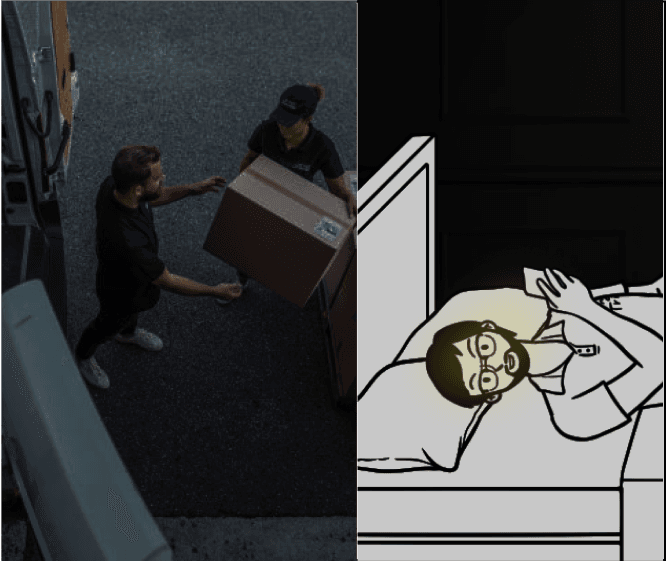
Stocks are Delivered around midnight sometimes
He knows there is security guard to manage it. But he wishes to know, it delivery status.
In sleep,
~ can Hearing
Perceptible Information
To Know key information [ Event description , image, time].
Raw data to Processed info : Safe Inventory stocking process.
Remote management
Event specific notification
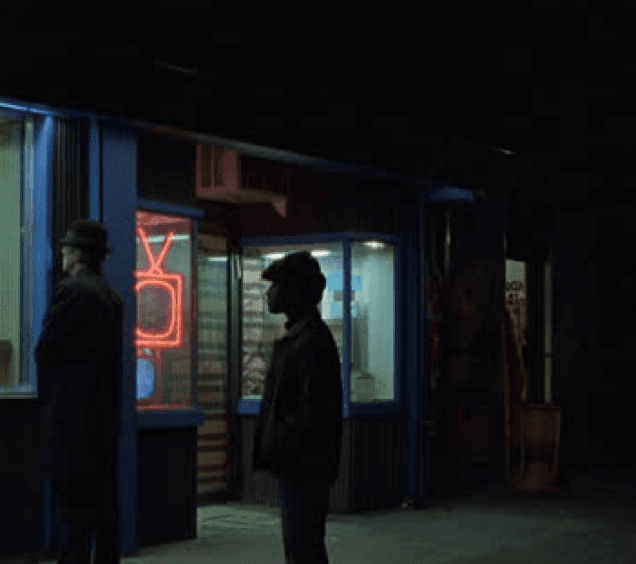
Noticed unusual gathering in store front, potential violence issues, since staff involved..
Likes to cross check event , to know more about it.
Awake
~ can Hearing , see and less focus.
To Know more information - Event timeline activities and like to communicate to his security staff about it.[App to camera chat ]
Perceptible Information
Low Physical Effort
Threat notification
Communication.
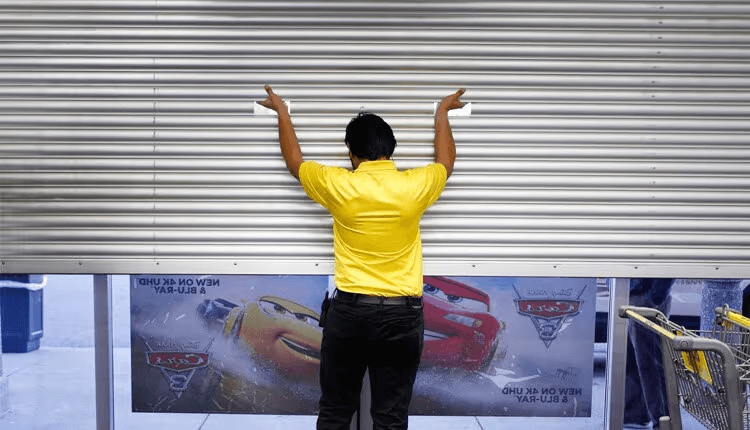
Staff arrived on time and opened the store.
Finds Store operation is consistent.
Awake and active
can Hearing , see and highly focused.
Helps to Recall info about store opening timing and staff time for this week.
Analytics .
Perceptible Information
Identifying profile
Identifying Event
Finds his manager started his/her operation likes to assign task to him.
Need to inform him about stock delivery.
Awake and active
can Hearing , see and in move
Have to facilitate Two way communication feature. CHAT support, Multiuser support.[ owner/co owner/manager support].
Task management
Chat communication.
Multiuser support
Flexibility In Use
Equitable Use
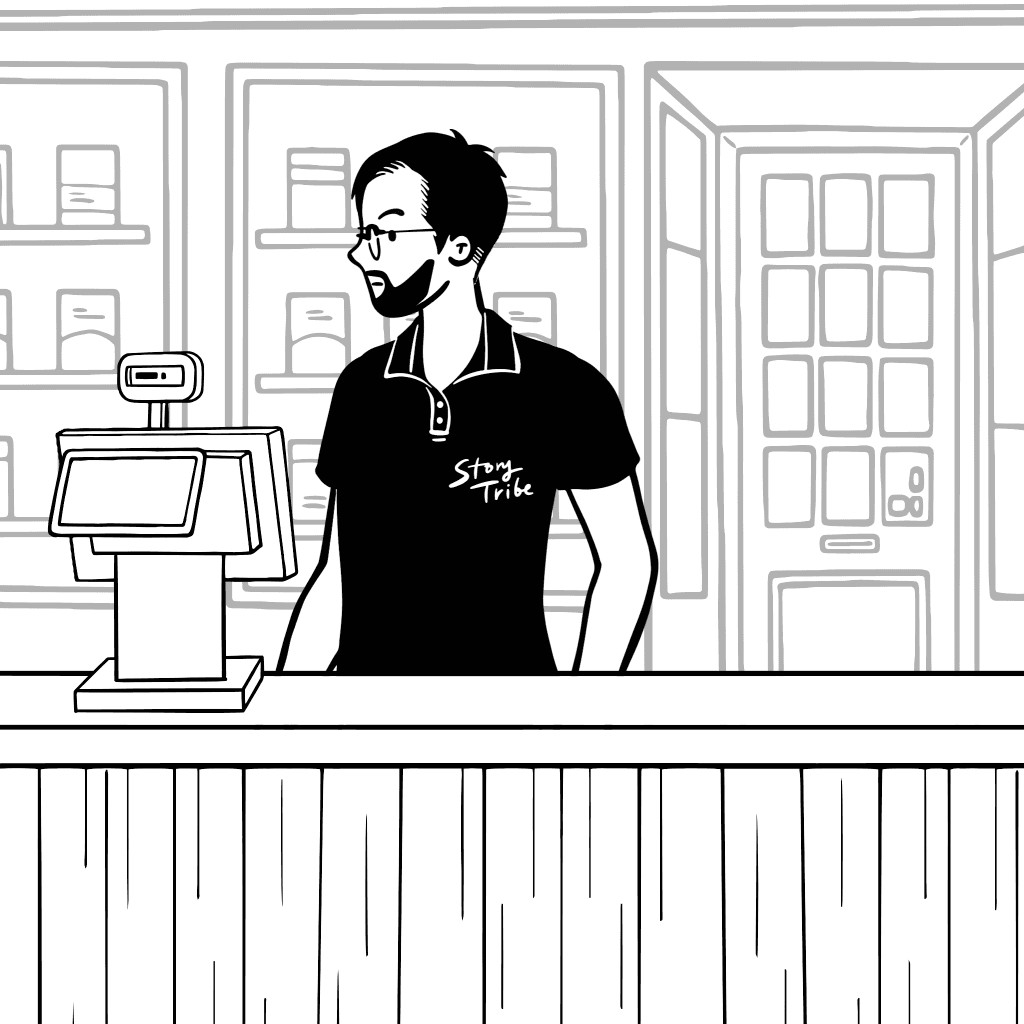
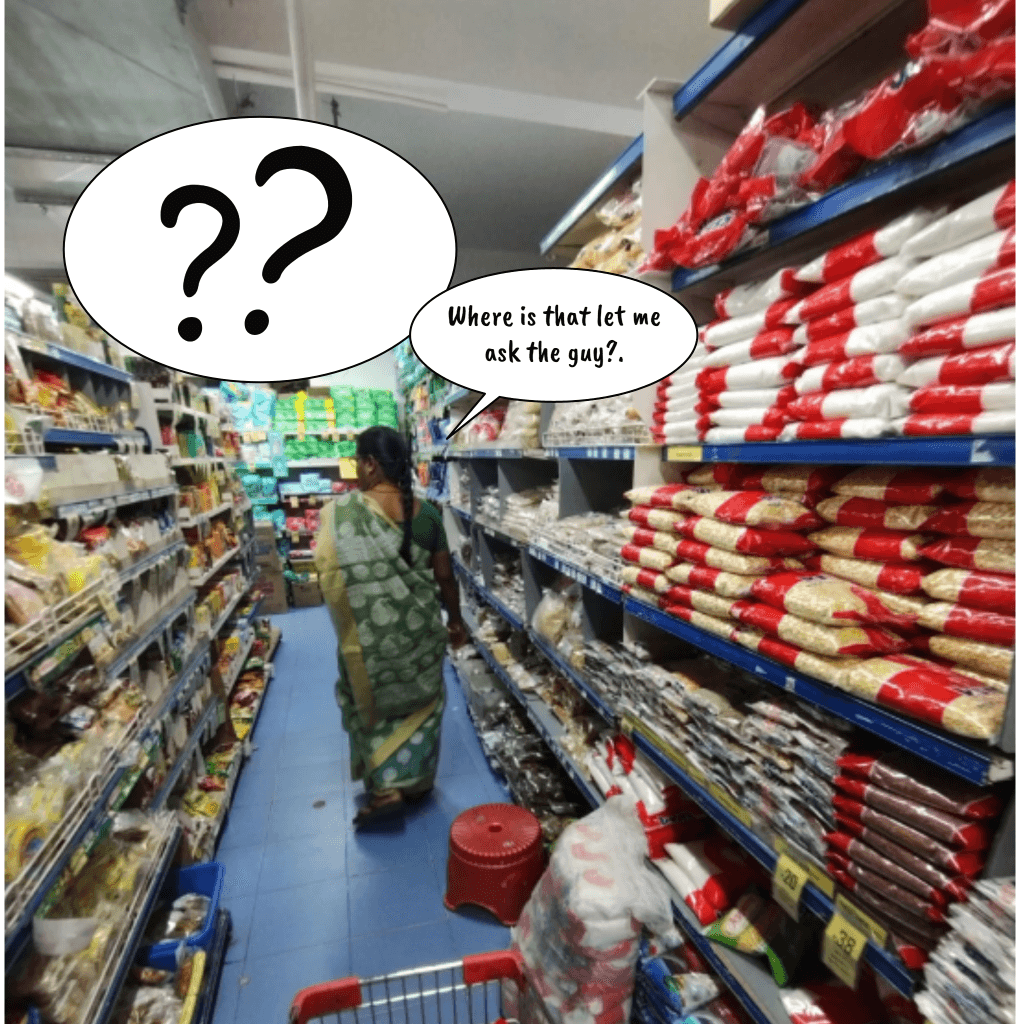
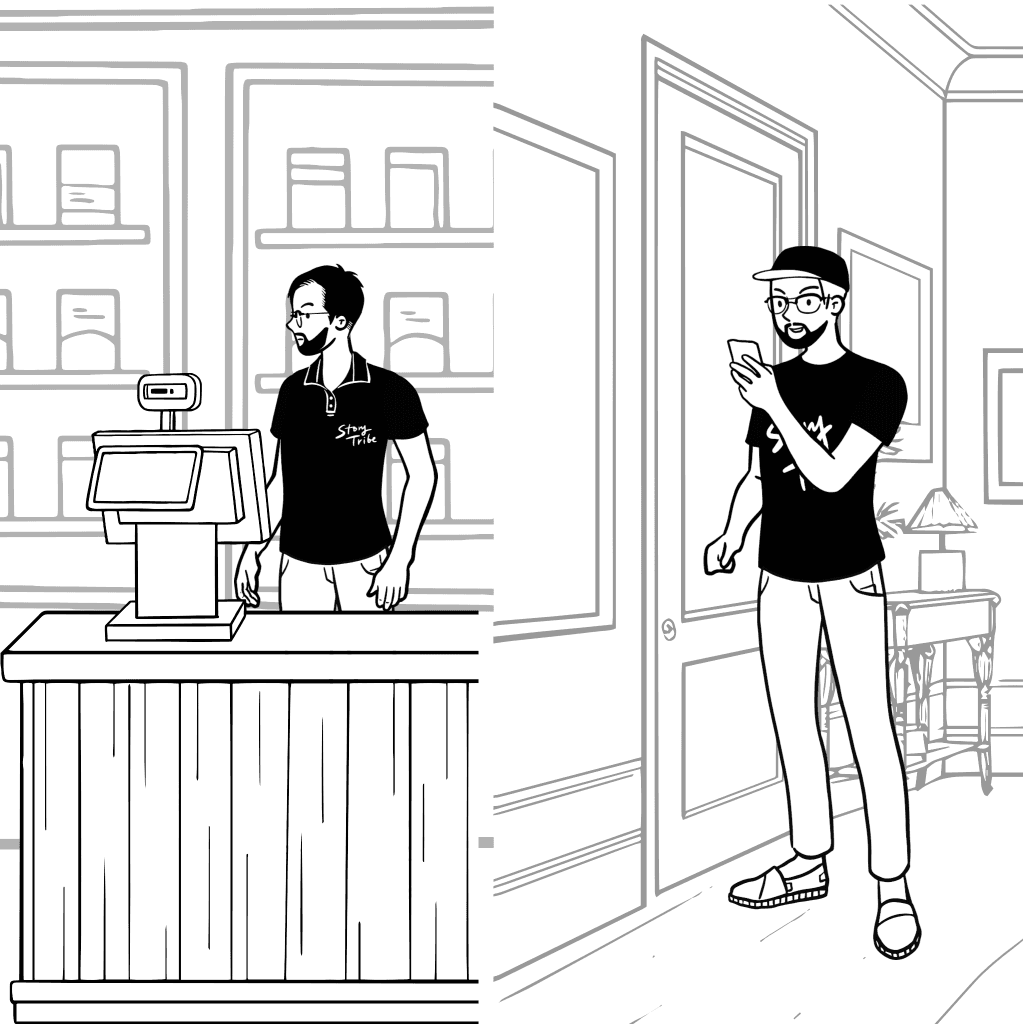
Where is that let me ask the guy?
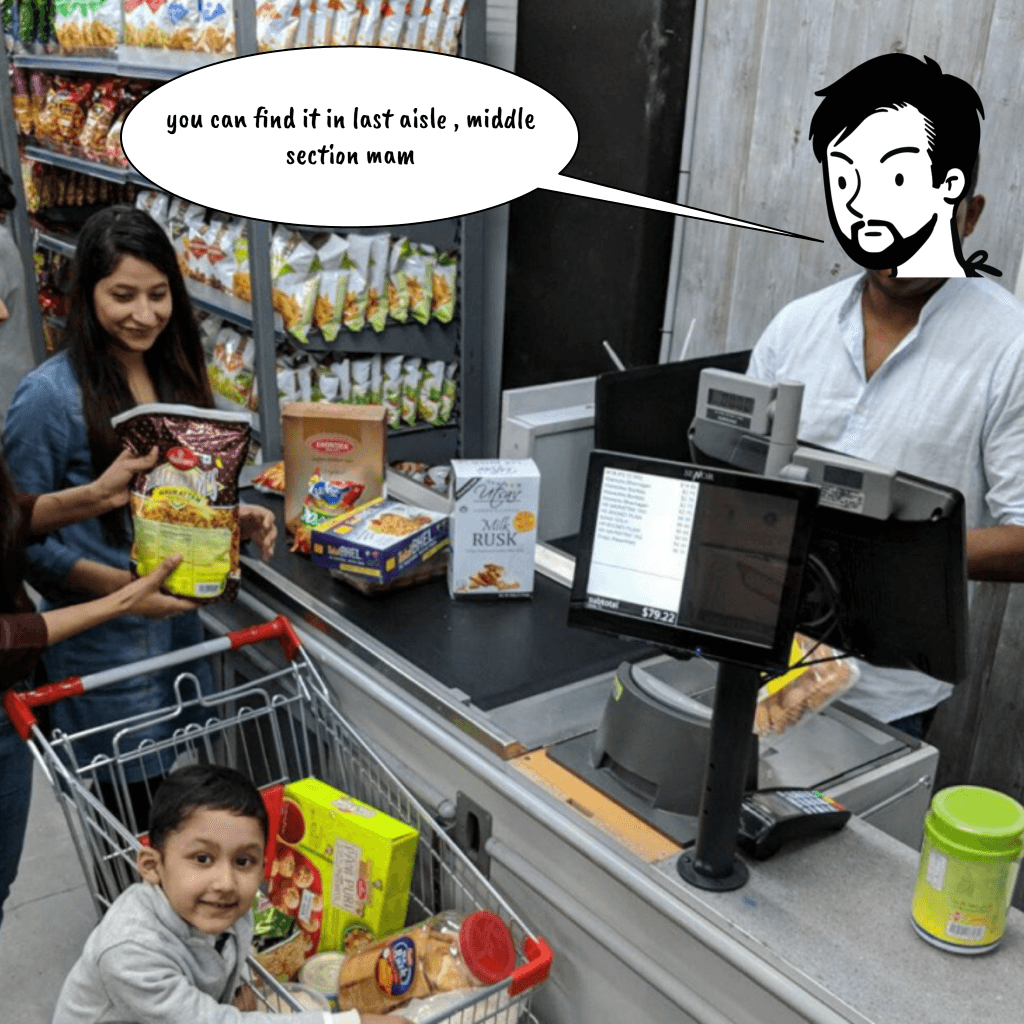
You can find it in last aisle,
middle section mam.
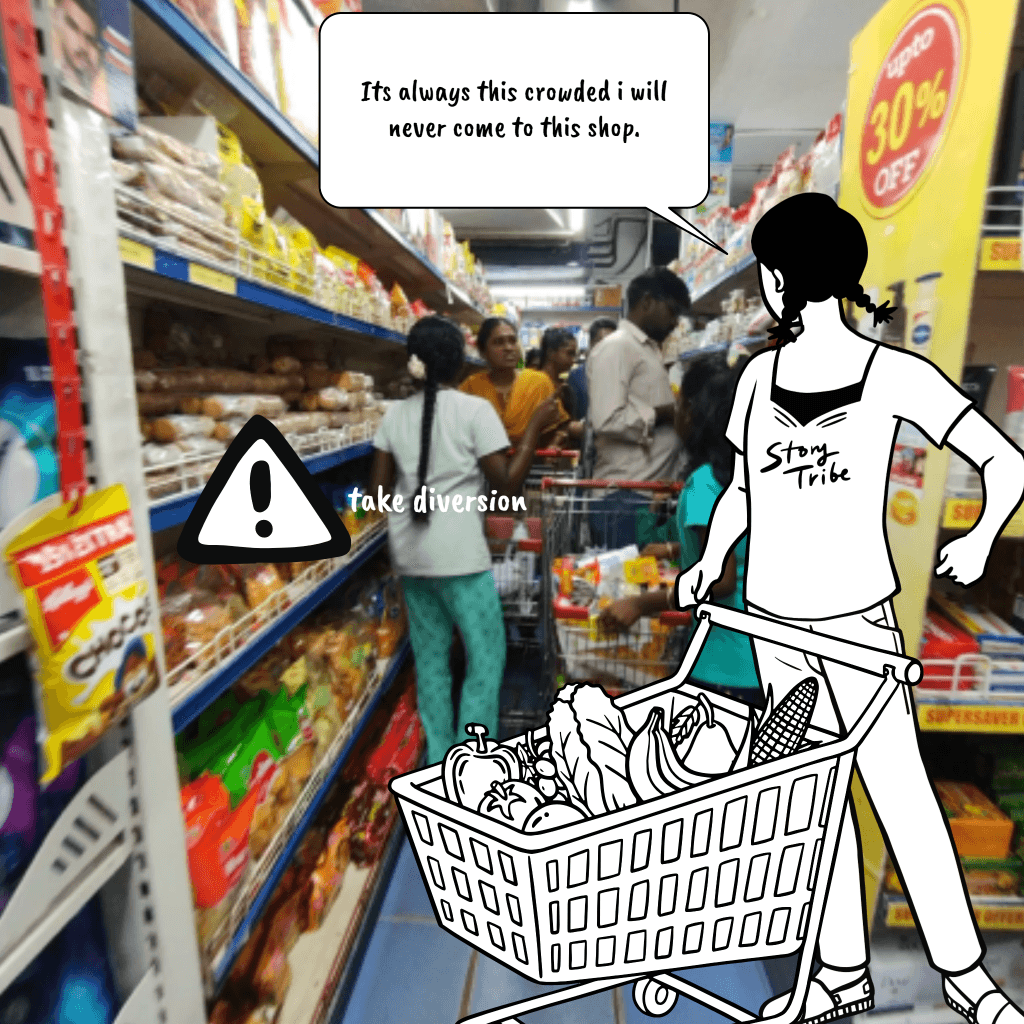
Arrived to store
Quickly go through store events , check logs of store operations and staffs.
Active
Hearing, Vision, touch, In move.
Profiling quickly what happened from the start of the day till that point.
Profiling
Event Timeline
Simple and Intuitive Use
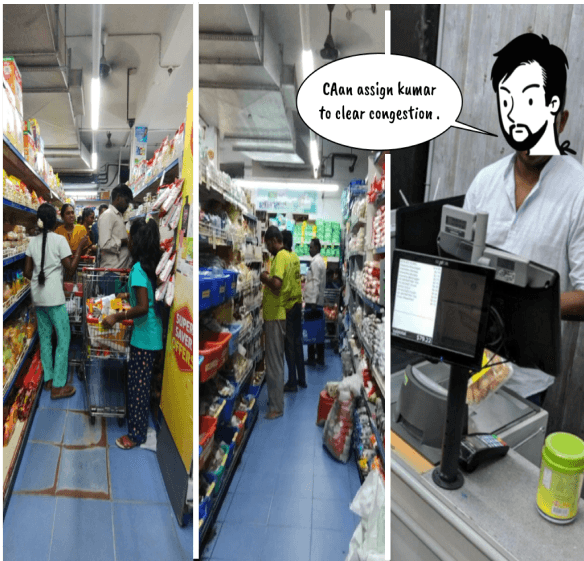
Noticed a customer finds it difficult to find product without support.[ repeating action, Moving around action ]
Like to gain good reputation from customers.
Multitasking.
~ can Hearing , see and hand engaged.
Can direct customer to the required product.
Perceptible Information
Low Physical Effort
Identifying Event [ Customer ]
I can’t leave bill counter to assist her, let me talk via camera speaker.
To assist her.
Engaged in billing
can Hearing, see and hands engaged
Two way communication feature. /
Application to camera speaker.
Perceptible Information
Communication
Interface Medium ?
Finds another customer feeling discomfort because of crowded aisle.
Finds No staff there , Let me assign Kumar to clear that .
To clear congestions.
To Find, locate staff store.
Know and Locate staff, customers easily.
visual Layout map, spotting customers& staff
Layout map
Flexibility In Use
Low Physical Effort
Simple and Intuitive Use
Awake and active
can Hearing, see and in move
Scenario description
Motivation
Cognitive &
Physical abilities
UD Principle
Ideas
Feature
Scenario description
Motivation
Cognitive &
Physical abilities
UD Principle
Ideas
Feature
That's a critical notification.
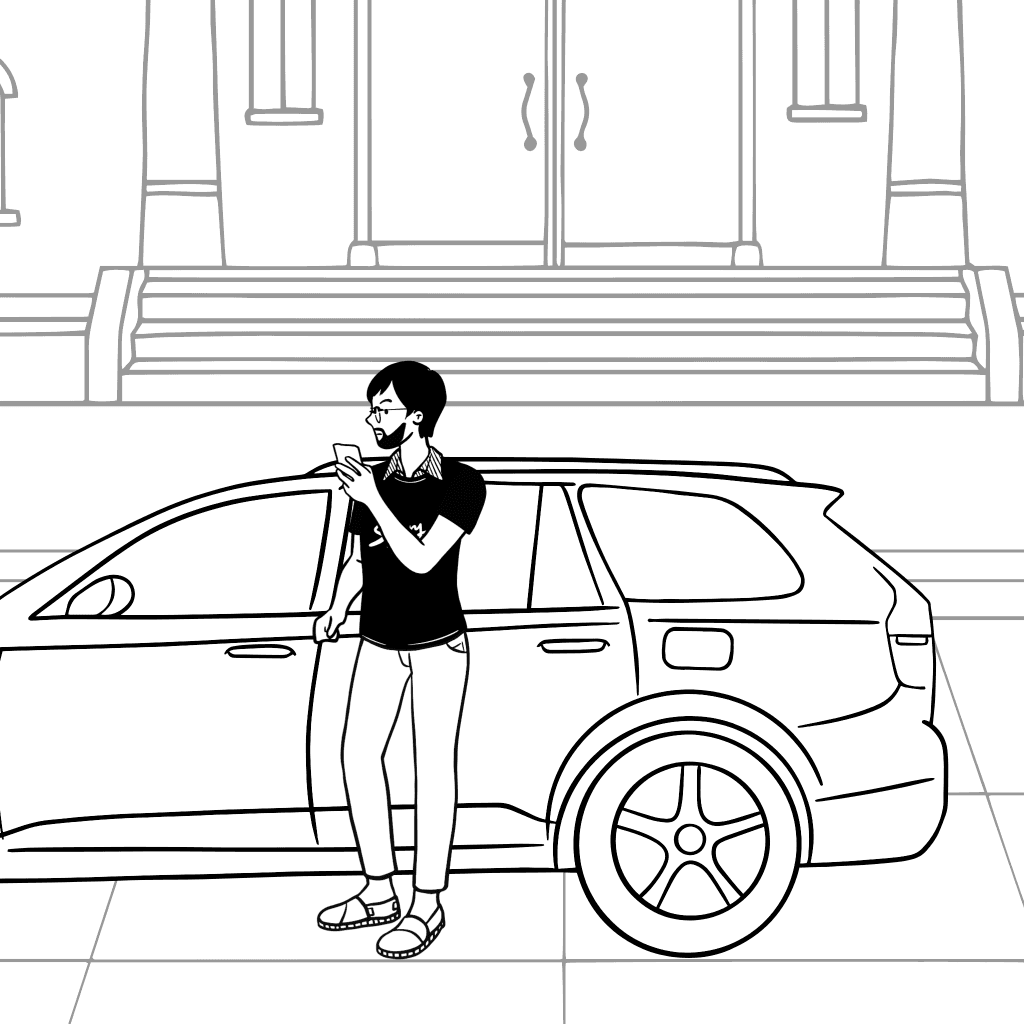
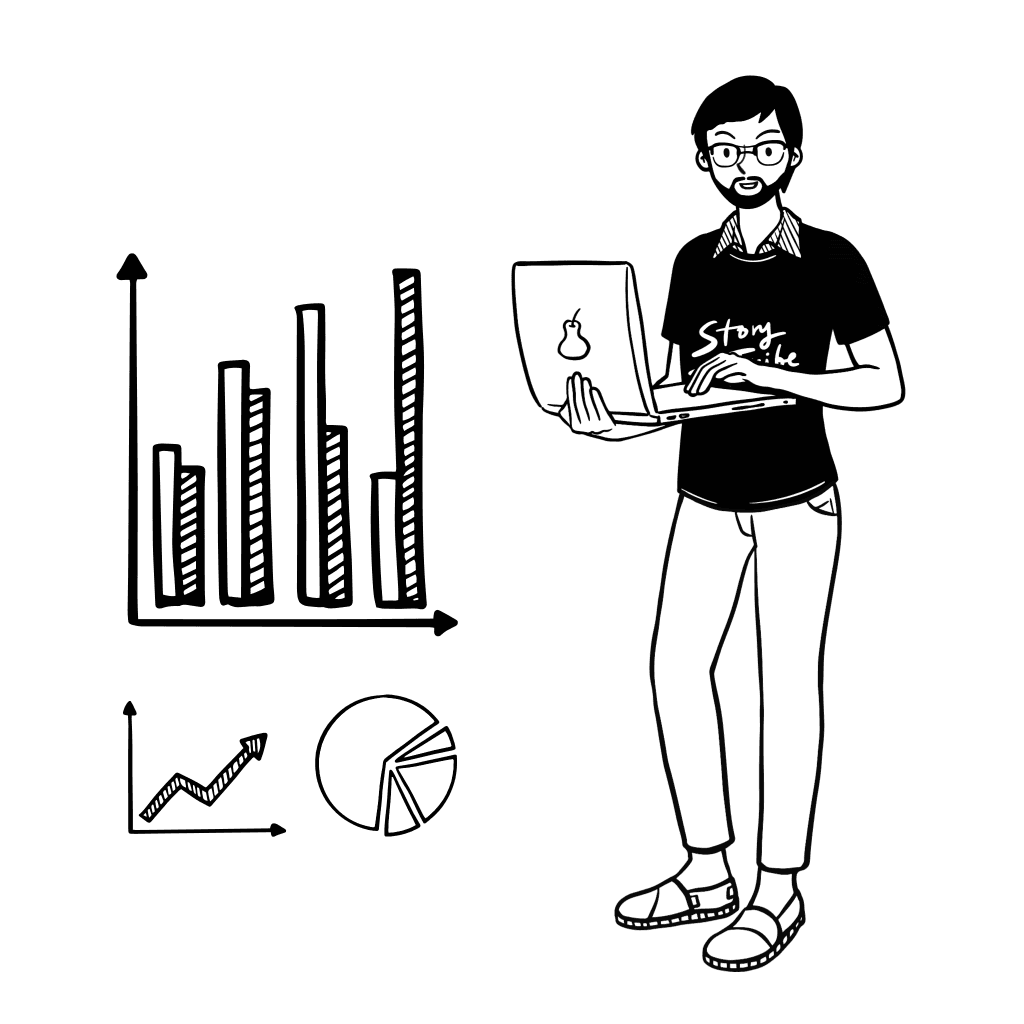
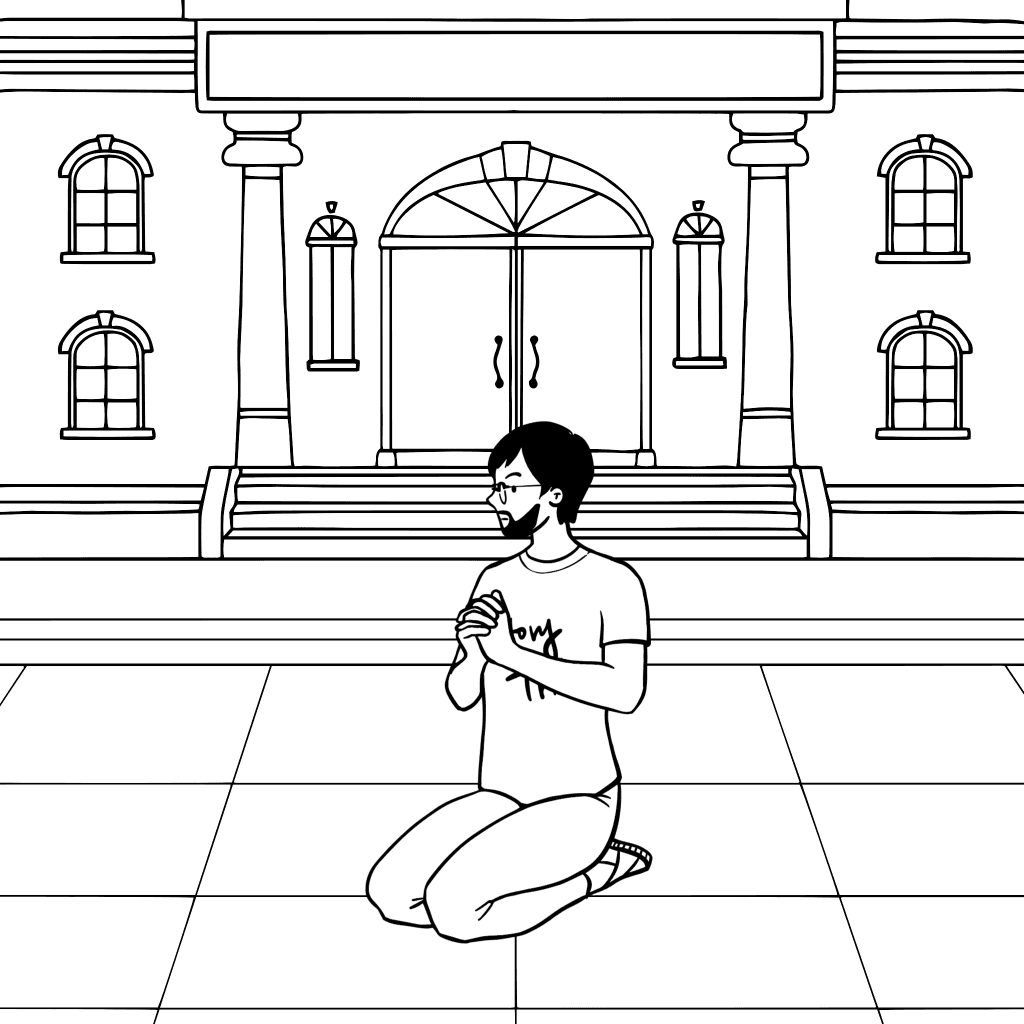
While managing pos/other software , he hears notification sound.
Only take action if it is critical event.
Active
Hearing, Vision engaged, hands engaged
profiling quickly what happened from the start of the day till that point / Device ?
Event Timeline
Profiling
Perceptible Information
Low Physical Effort
Simple and Intuitive Use
Friday prayer scenario !
I need to assign someone to be in checkout desk.
Inactive ,
All senses , hand engaged
Different application modes - which controls the information output, notification. [ Silence and active ]
Can Custom define zone and camera intelligence to inform certain info needed.
Perceptible Information
Low Physical Effort
System modes / notification modes.
Task management
Custom zone definition.
Simple and Intuitive Use
Flexibility In Use
After prayer scenario.
Like to have quick look into events.
Where assistant can find and provide only quick critical logs after the prayer. where cctv wont - informed KPI
Perceptible Information
Quick data finding
Custom analytics.
Awake and active
can Hearing, see and in move.
can view generative report / KPI for Required custom interval.
like to know todays analytics and performance.
Likely with Hourly / daily / weekly / monthly and yearly KPI And provide insights of repetitive pattern.
Perceptible Information
Analytics.
Report generation.
Active
Can Hearing, see.
Scenario description
Motivation
Cognitive &
Physical abilities
UD Principle
Ideas
Feature
Better engagement with customers, to improve reputation.
Have another store to manage.
observational / qualitative insights to understand customer trends and product trends. especially in apereal and customer electronics kind of retail.
Like to know customer information.
Like to check at that store at regular interval.
Like to extract , know qualitative information. [ ex : spent time analysis ]
Active
Hearing, Vision engaged, hands engaged
Awake and active
can Hearing, see and in move.
Awake and active
can Hearing, see and in move.
Perceptible Information
Low Physical Effort
Simple and Intuitive Use
Low Physical Effort
Low Physical Effort
Flexibility In Use
Perceptible Information
Can identify face - can find more insight/ info to engage with customer by 3rd party POS / CRM Integrations and also other key integrations to make it more efficient.
Store management feature / to handle Multistore with ease.
Custom analysis - Can effectively extract qualitative insights - to understand customer trend and product trends.
Integration.
Smart suggestions.
Multistore management
Custom analysis [ intelligence ]
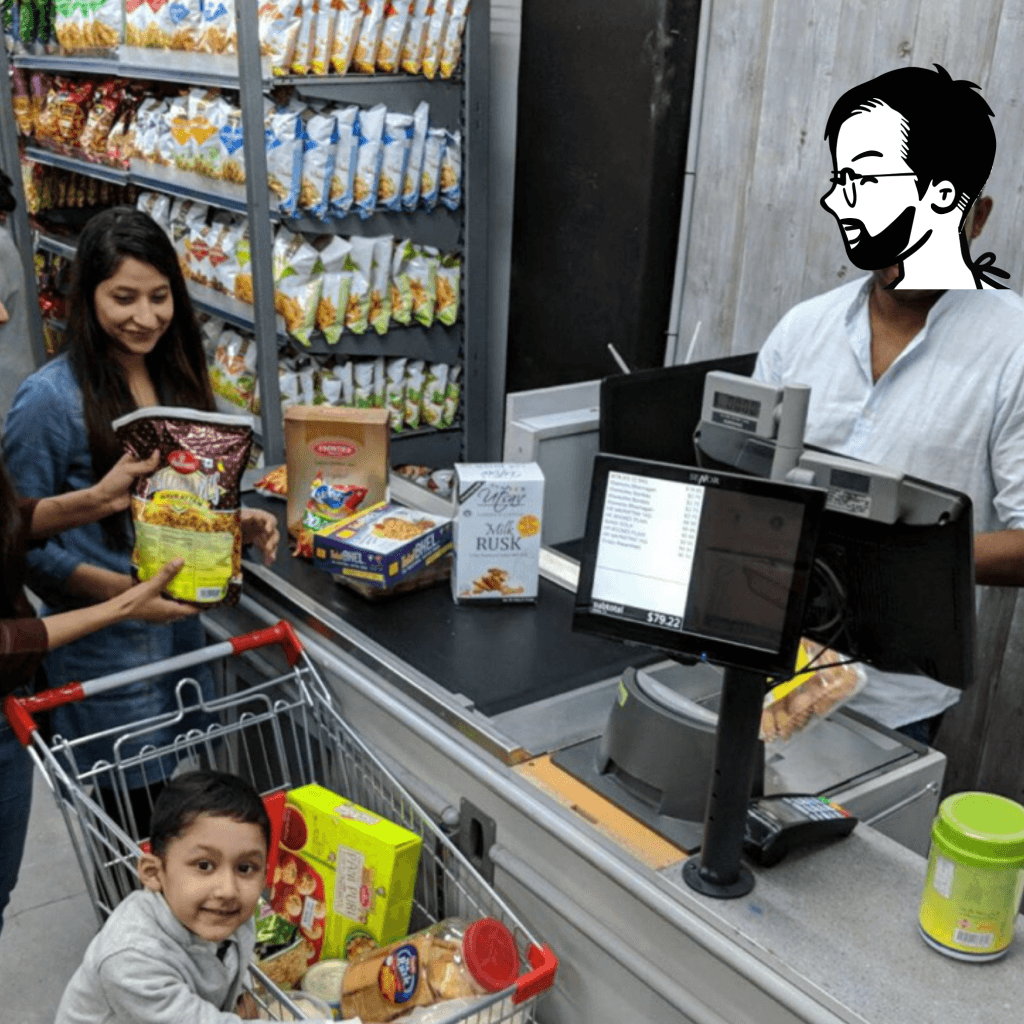
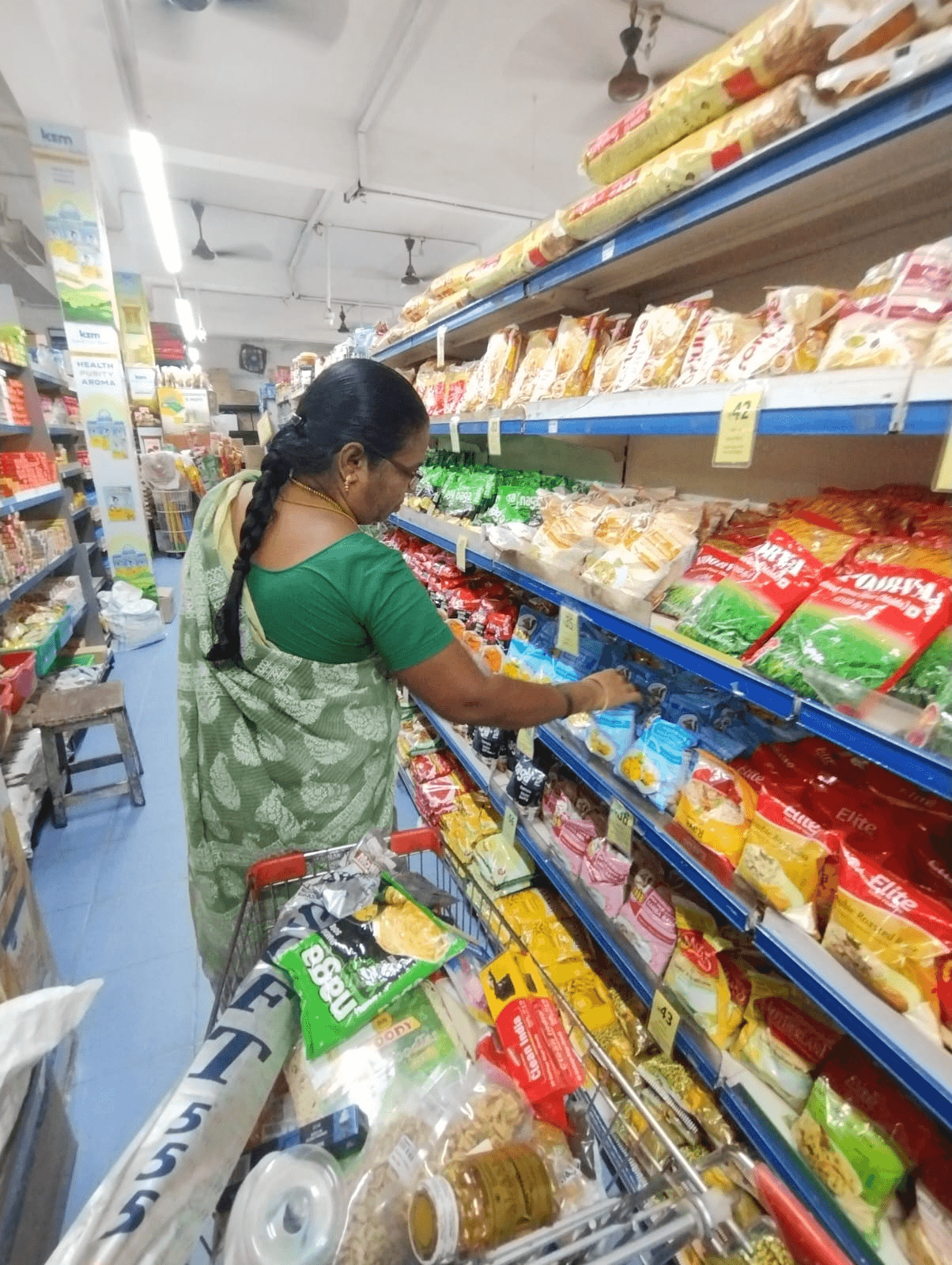
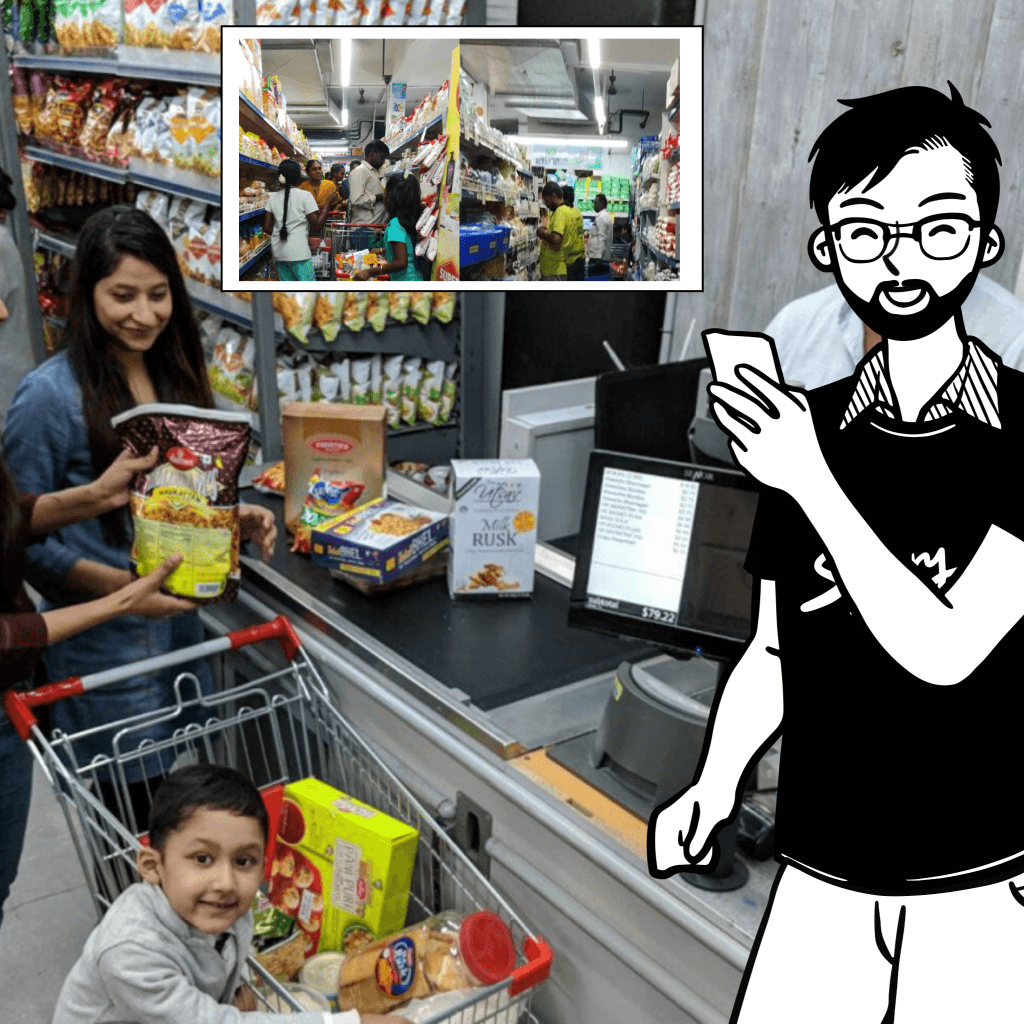
Hi kavitha mam !
How are you?

Owner / Managers Mental model
Mapping existing mental models of users to understand tech usage and business, including perceptions, thought processes, behaviors, and business context.
Scenario description
Motivation
Cognitive &
Physical abilities
UD Principle
Ideas
Feature
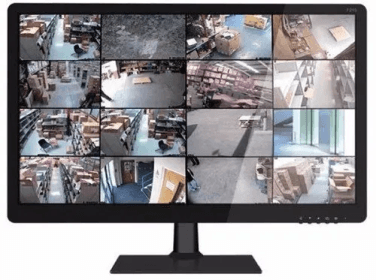
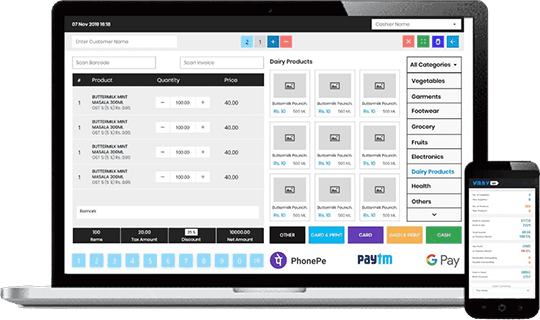
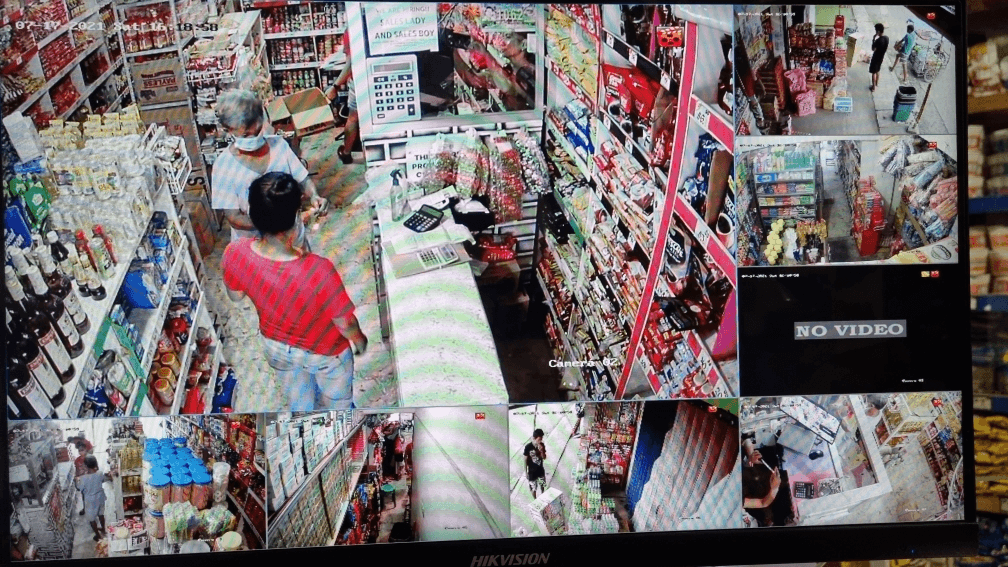
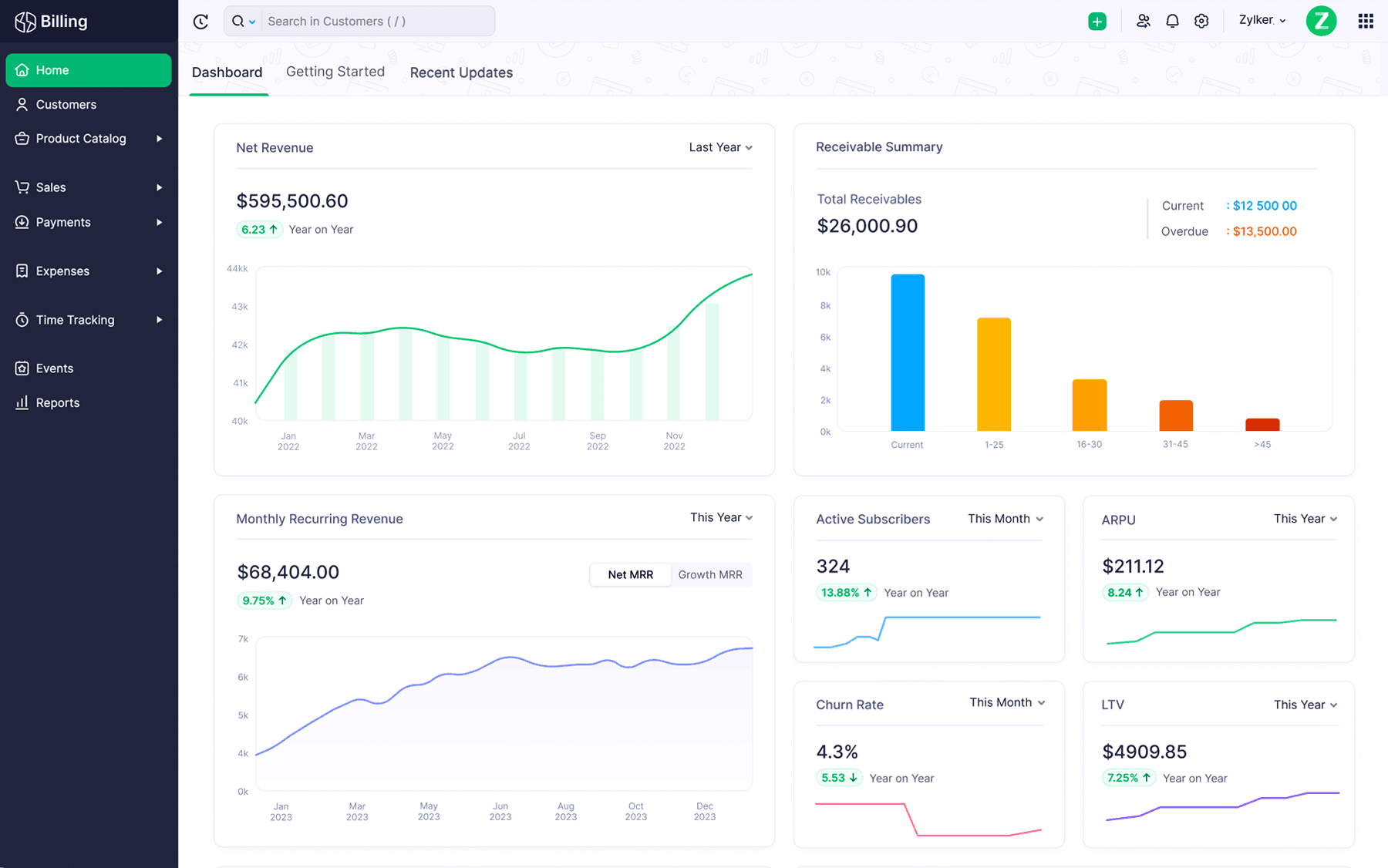
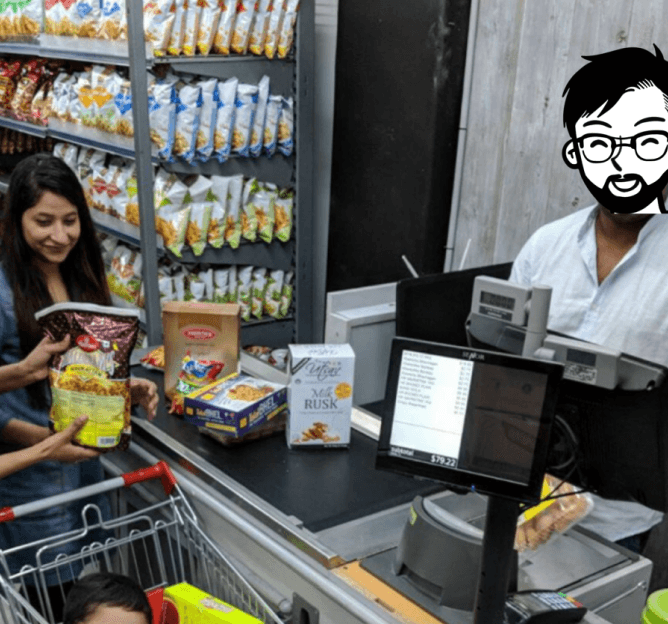
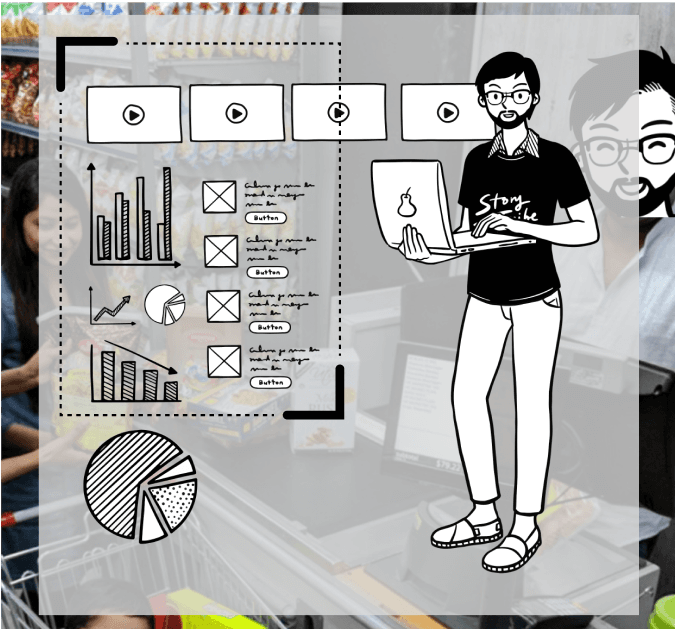
Majority Used to CCTV / POS Systems and other CRM - sales SaaS Products.
Needs a separate monitor for cctv view. ?
Multitasking
Hearing, Vision engaged , hands engaged
Insights - grid layouts - less navigation.
Grid layout UI
Flexible UI view port options.
Perceptible Information
Low Physical Effort
Flexibility In Use
Equitable Use
Its difficult to handle multiple things and also follow up with monitoring process / sometimes may misses out critical info .
I need something to hear me and respond.
What if it is more multisensorial ux -
Multimodal UI / Also conversational UI the marketing and branding can be elevated with real time conversational assistant character - Helping there.
Low Physical Effort
Multimodal UI
Multitasking
Hearing, vision and hands engaged
Flexibility In Use
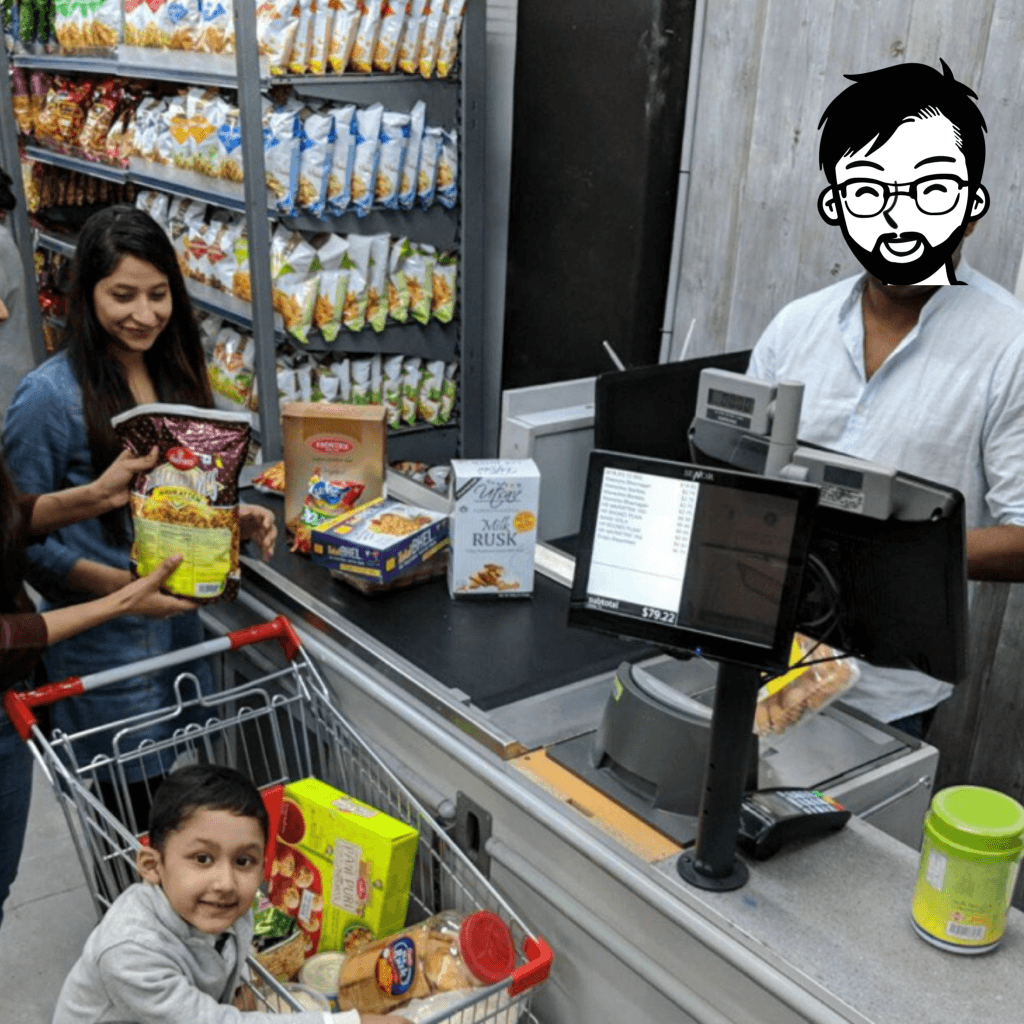
Have to engage with
Customer converstation
also follow up
billing process
like to have easy holistic view.
Also considering the engagement - its difficult to view visuals of all cam view, data and process information .
What if it is converted to layout view, which convert visual information to
planogram information. that would
efficient to process between store activities.
Perceptible Information
Low Physical Effort
Layout view [ locating and movement understanding ]
Live wall - combination of view , layout , recent event info. [ Gestalt store view ]
Less focused .
can Hear, can see
like to control and see needed information.
User interface - involves lot of data Sets
Keeping flexible UI to control data quantity - as per the needs of user.
And It combine similar data , safe data types in aggregate one event info.
Perceptible Information
data quantity control
Aggregating data - information.
Mentally tired , less focus.
can Hear, can see
Flexibility In Use
Features mapping
Mapping Features With Impact and tech as parameters to defines its probableness to use.
Low tech
High tech
Low impact
Hight impact
Visual feed - survillence
Event timeline.
Responsive visual feed
Shower shows latest event
screens.
Profiles events - identify profiles
and segregates as per data categories.
Personality - AI
Voice UI
Conversational UI
Profiling
Reads a journey and aggregate
to one event if the journey events are safe.
Shows live store staff , customers
equipment's [ cart , intrusions ] data live on store layout plan.
label’s event / aggregate’s event
appropriately by deciding event hero
as object, zone, customer, staff etc.,
Can assign task and helps
monitor and generate reports.
Can change UI view port ,
More less data reading .
Can add multiple store under single application and helps to manage easy.
Can add co user for this application,
but can restrict with data visibility.
SaaS Integration
Smart Labelling
Communication channels
Audio chat with camera &
app to app chat.
Custom Condition [ Intelligence ]
Multistore management
Multiusers management
Product finding for customers.
Layout Mapping
Application Modes
[ Silent / active ]
Report generation
Report generation
Event Data aggregator.
KPI
Notification
“Appropriate Intelligence”
Eg: Nudges “ Greet Kavitha mam ”
Add zone / define zone with data conditions
to extract targeted monitoring and data analytics.
helps customers find
Products - by showing locating products
Multimodal UI
Task management
Appropriate UI
Disorder detection
Before / after
Locating profile
How might we
Store Sphere : as the overarching concept. It has the potential to incorporate all the features listed, providing a comprehensive and integrated solution for retail store monitoring and management.
Probable
Possible
Echo Assist : Apersonality-driven, multimodal UI that utilizes audio and visual cues to assist users in navigating the retail store monitoring system, providing personalized support and recommendations.
Pulse UI : A customizable and dynamic, widget-based interface that visualizes real-time store data and analytics, providing an at-a-glance understanding of store performance and enabling data-driven decision-making.
Nexus Notifications : A customizable notification system that streams summarized event notifications to store managers, enabling them to stay on top of daily operations and make informed decisions quickly.
Retail Radar : An intuitive, interactive store layout plan that combines real-time monitoring information with video feeds and directional arrows, enabling store managers to quickly identify and respond to emerging trends and issues.
The goal of comprehensive control and accessibility
Surveillance traditionally relies on camera feeds, but when transitioning to monitoring and management, it’s crucial to have a bird’s-eye view to maintain control over the context. This approach enables the perception of information in gestalt rather than focusing on individual details. Despite the need for an overarching view, considering mental models and the need for evidence, visual feeds are essential to add value. The goal is to provide comprehensive control over the store by offering an ongoing, overarching feed that is accessible anytime and anywhere.
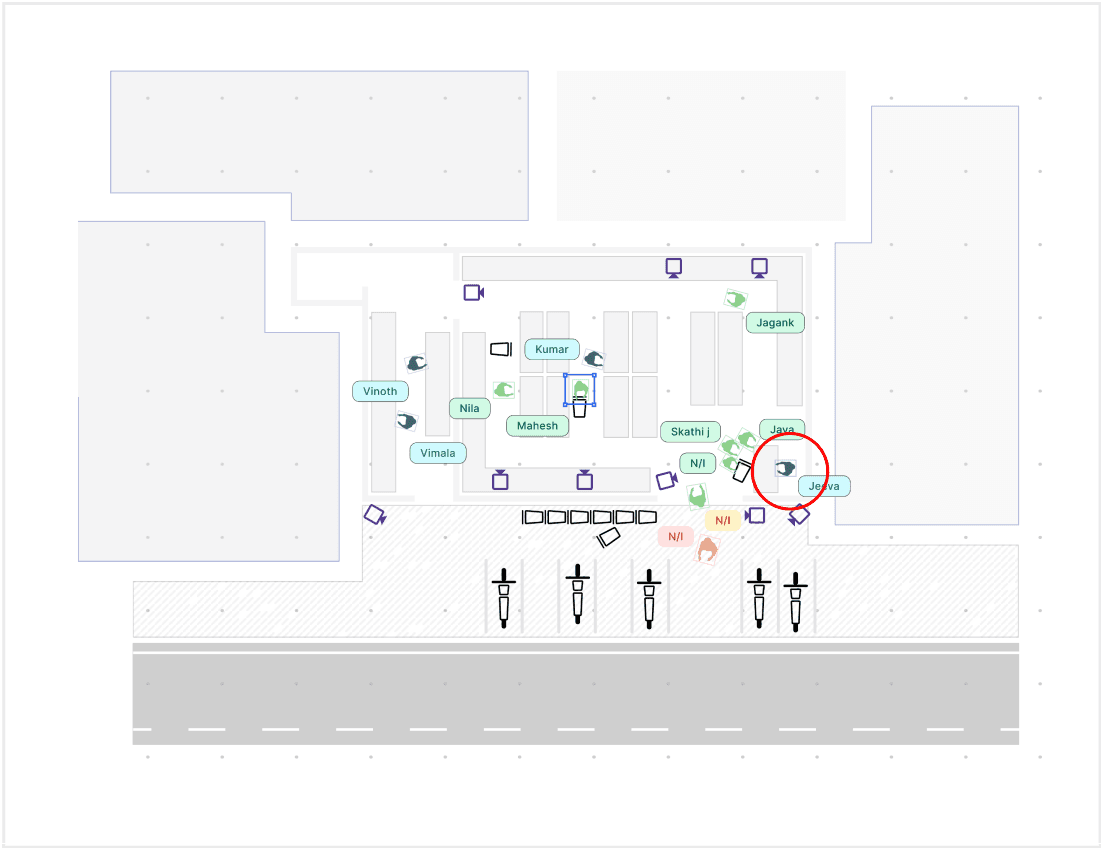
"Assisting users to be observer while staying actively participating."
The point persona group currently relies on feed-based monitoring. To facilitate a seamless transition to layout-based monitoring, the system can be designed as a customizable, widget-based interface. This interface should leverage AI-driven insights to offer real-time monitoring, video analytics, a layout view, and data-driven decision-making capabilities. Additionally, it should provide summarized event notifications to deliver a clear gestalt view of the store environment.
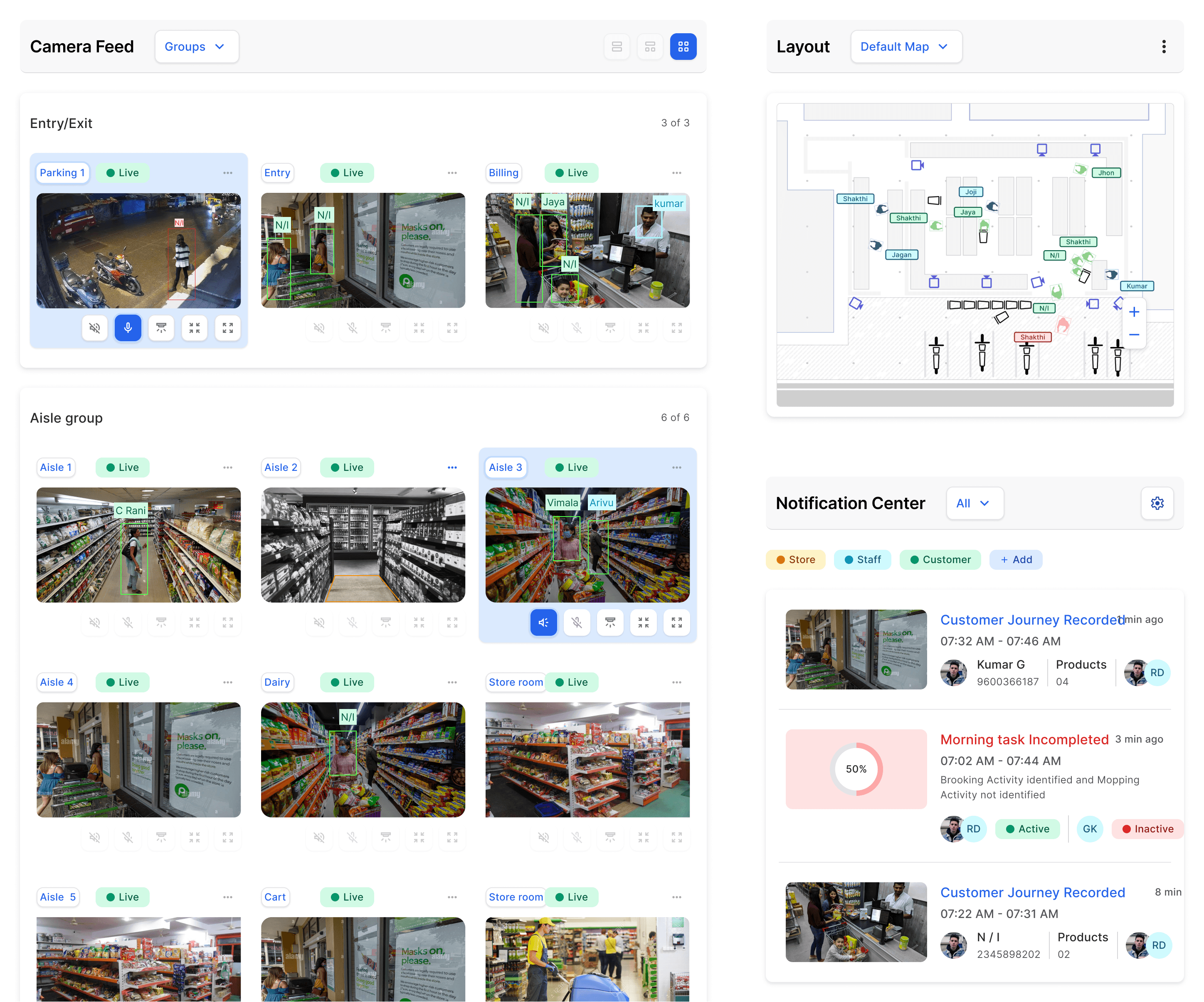
Summarized event notifications
Store layout map overlook
Surveillance cam view
Customizable widget-based interface
Concept considered after ideating over multiple concepts as follow :
Ideation process
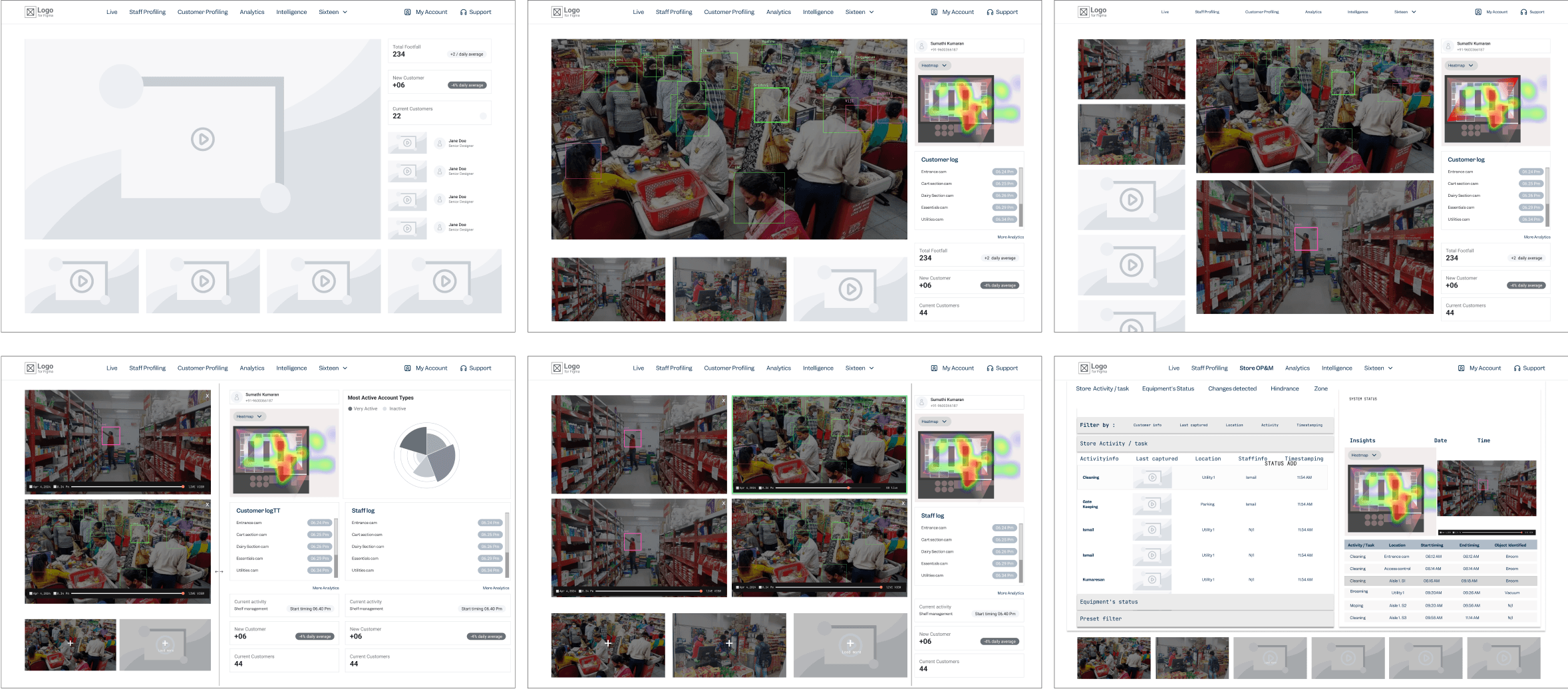
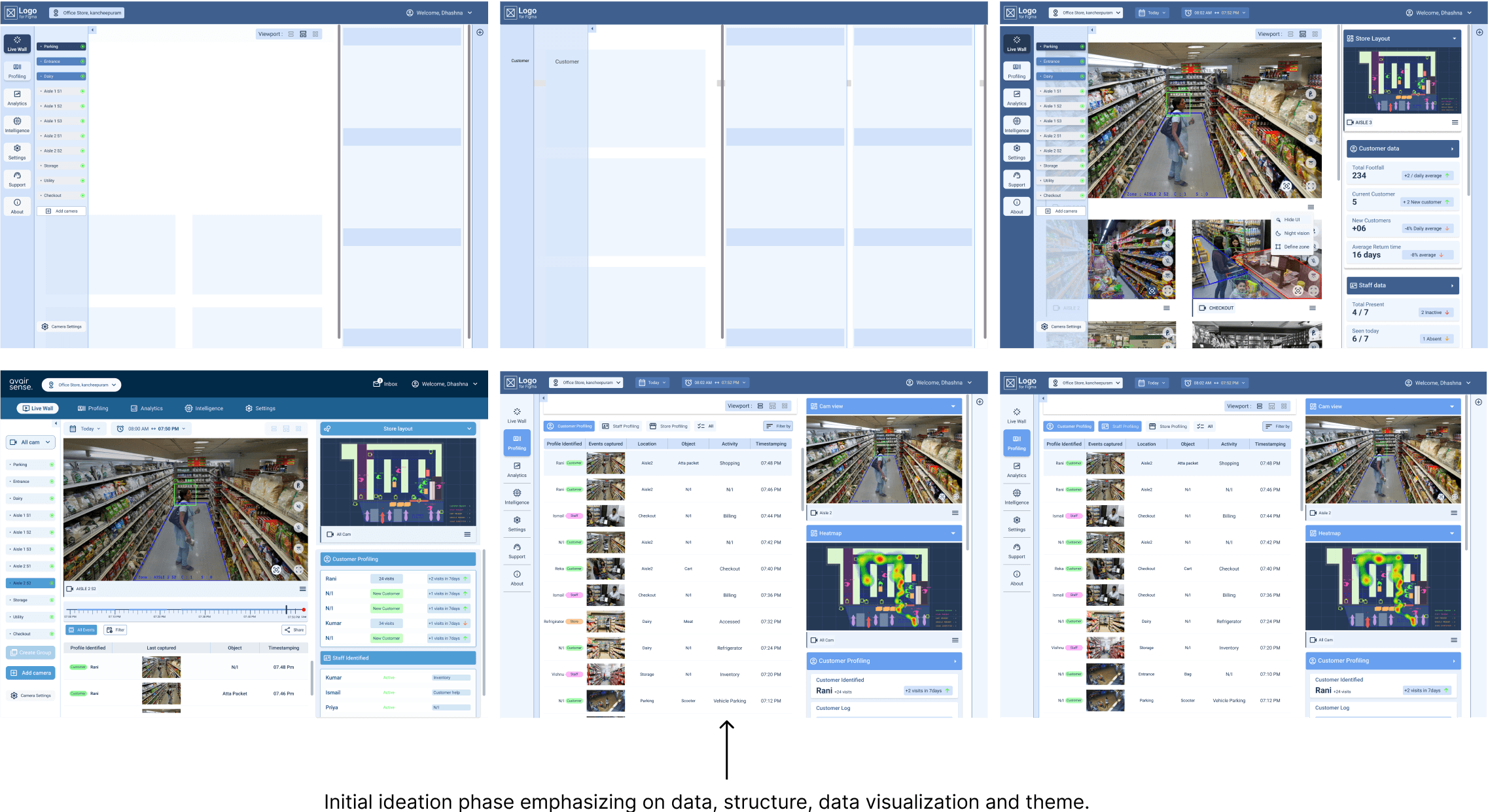
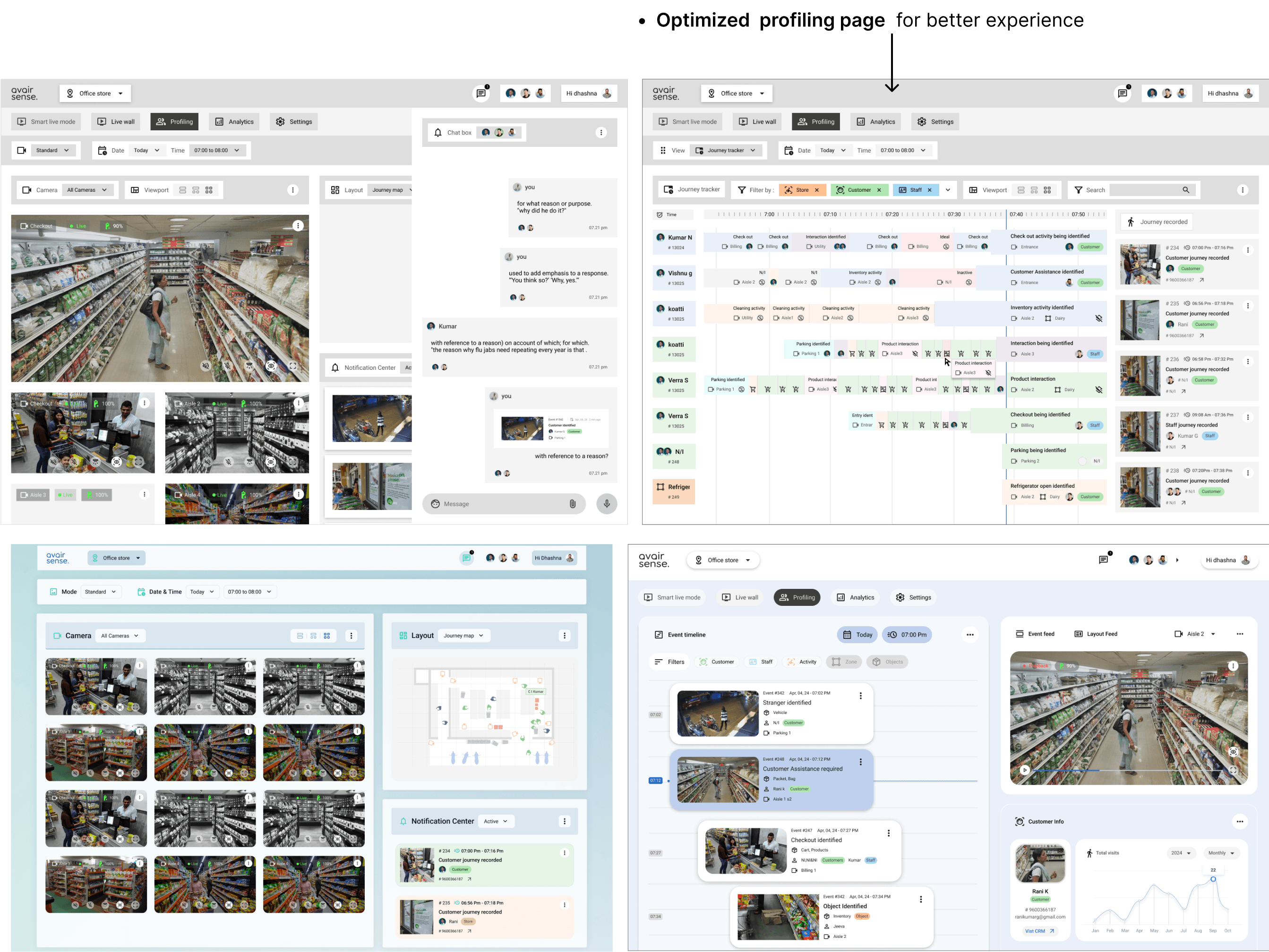
A profiling page is crucial as it offers a detailed breakdown of each event. It dissects activities into individual components, providing necessary details such as time, location, stakeholders, activity types, objects involved, and more.
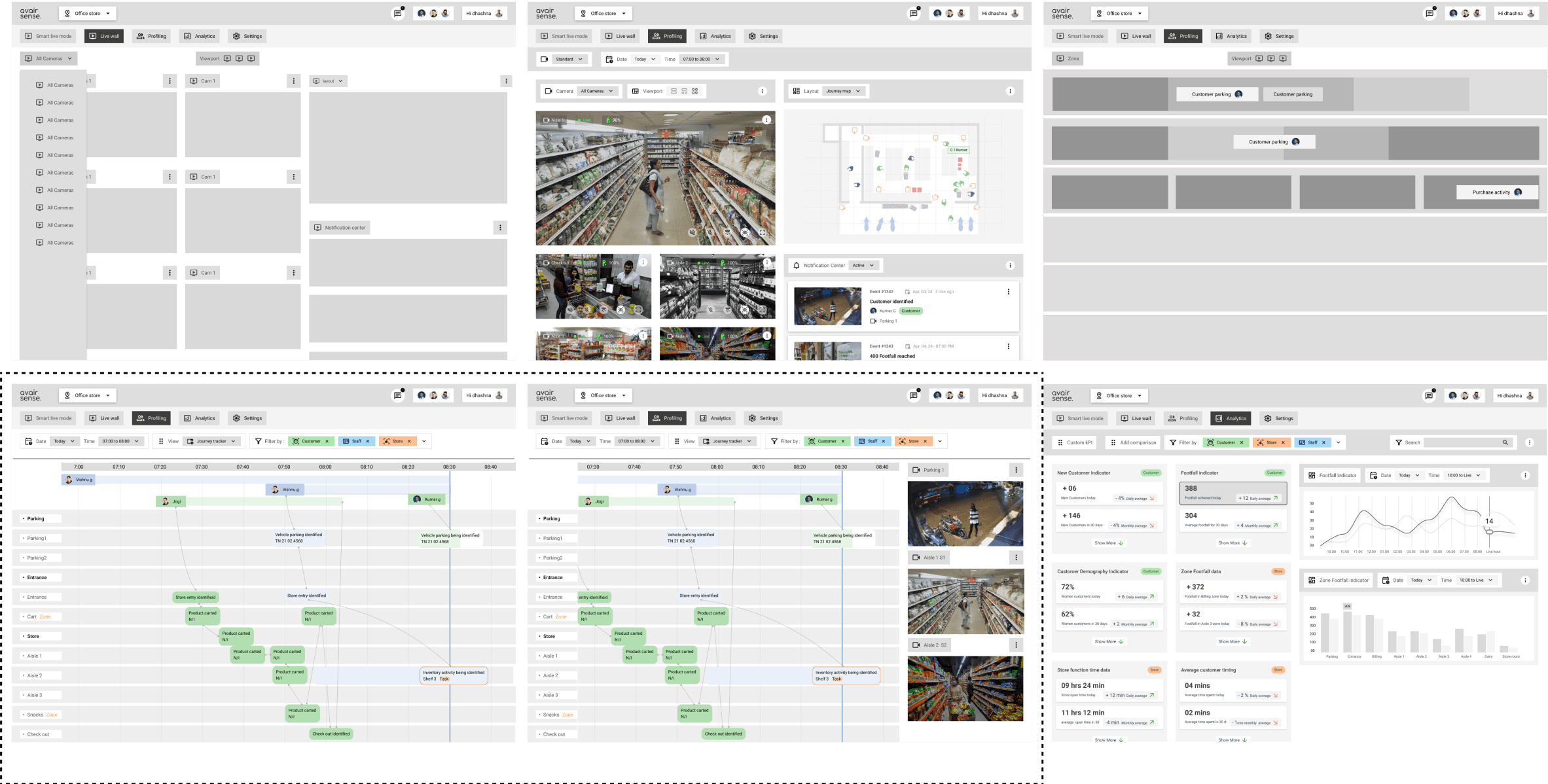
Fixing on Architecture, visual design language, flow and interactions.
Home / Monitoring
Profiling
Feed / layout/breakdown
Custom definition
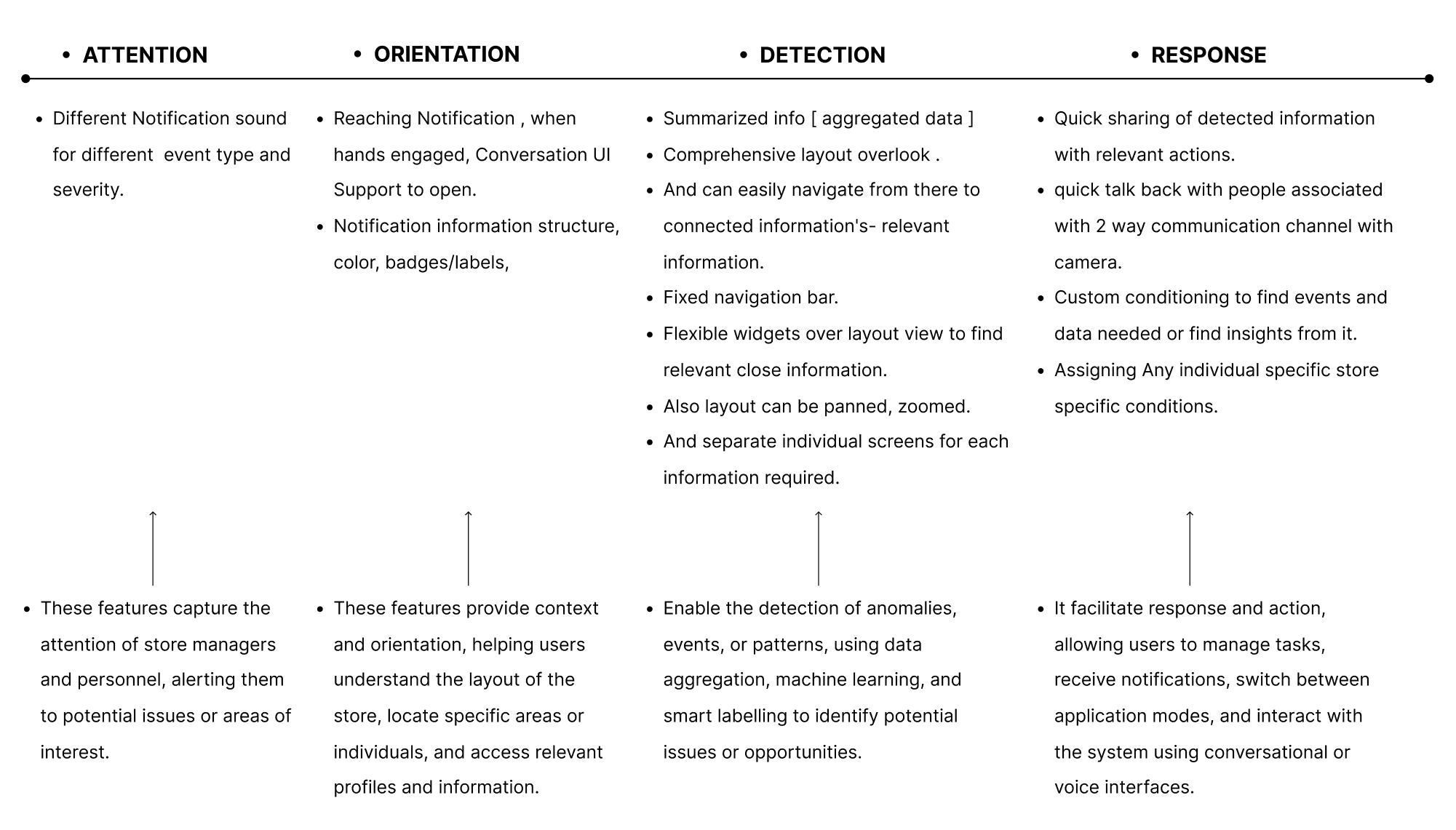
Attention-Orientation-Detection-Response (AODR) framework
This concepts and its features Can be aligned with the Attention-Orientation-Detection-Response (AODR) framework to illustrate how information will be processed.
The stages of cognitive processing is also known as AODR Framework
Information Architecture
Context as information Architecture : This information architecture map organizes the system's content and features into logical categories.
The AODR model is contextual and considers both micro and macro contexts. The Attention-Orientation-Detection-Response framework is not a one-size-fits-all approach, and its application may vary depending on the specific context, screen, or starting point.
Contextualize AODR: Tailor the AODR model to specific contexts, such as:
Micro-context: Individual screens, widgets, or features within StoreSphere.
Macro-context: Overall system architecture, user journeys, or workflows.
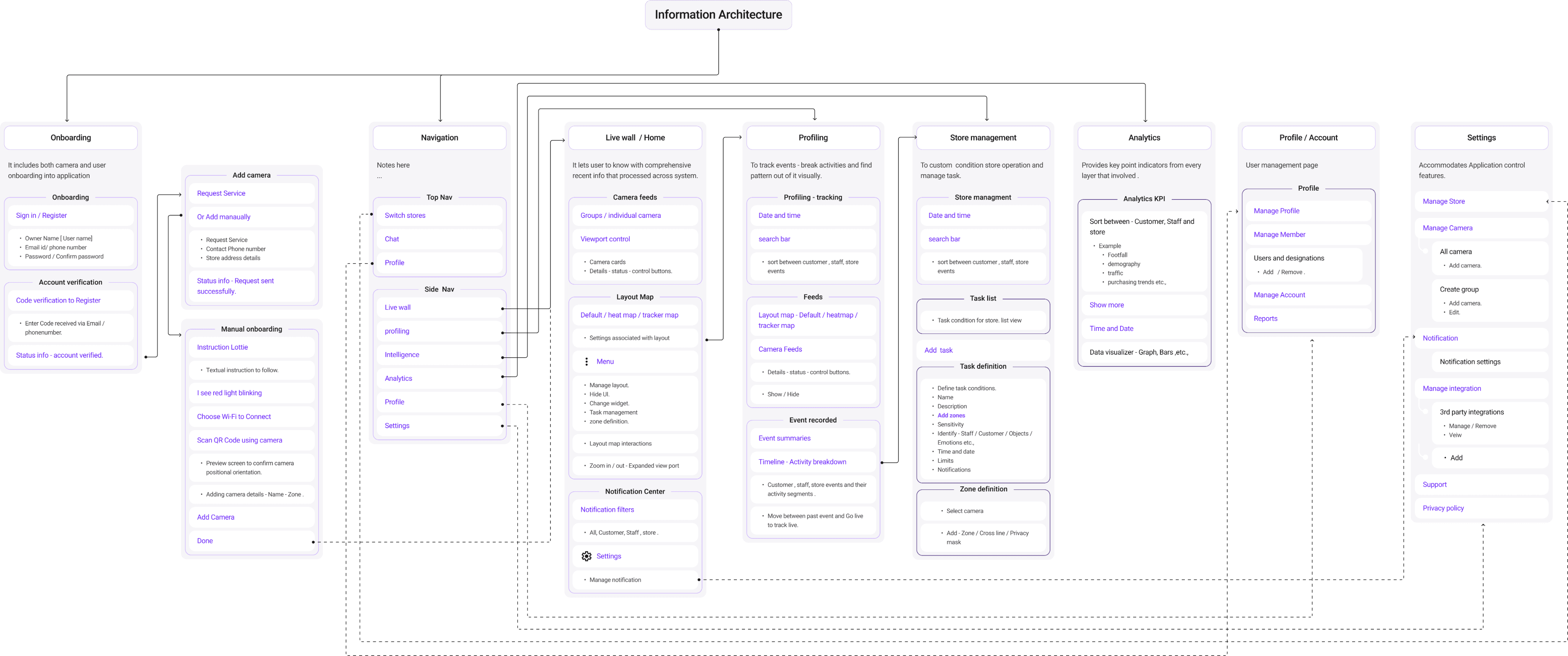
One key user flow following AODR model : ATTENTION STAGE - ORIENTATION STAGE - DETECTION STAGE - RESPONSE STAGE
Notification : Different notification sounds, visual cues, and other attention-grabbing elements to draw the user's attention to various severity of event and type of event occurred.
Image showing notification pops with background POS in action.
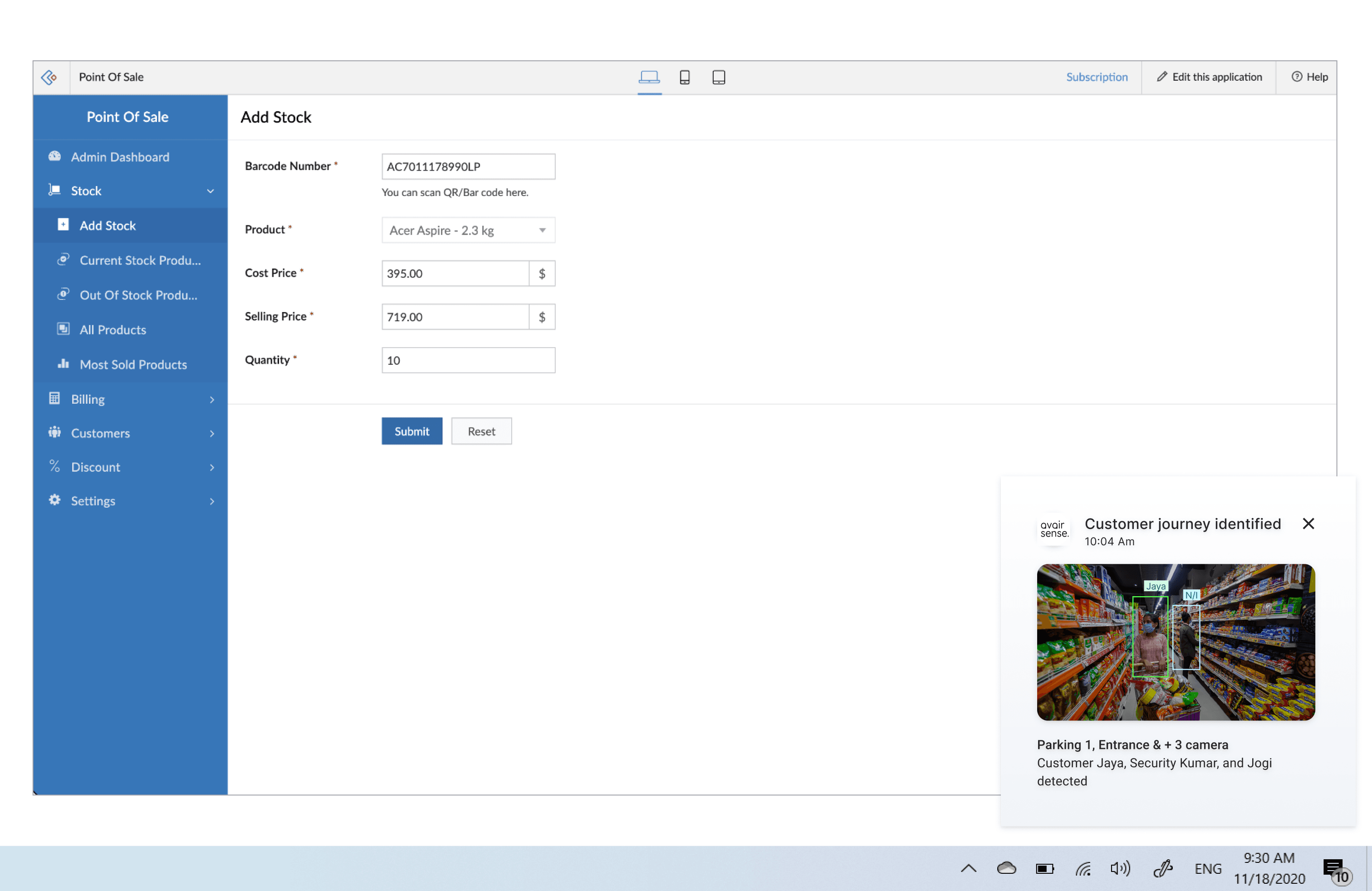
ATTENTION STAGE - ORIENTATION STAGE - DETECTION STAGE - RESPONSE STAGE
Notification types: Journey notification, Threat Notification, Analytics Notifications, Task Management Notification etc.,
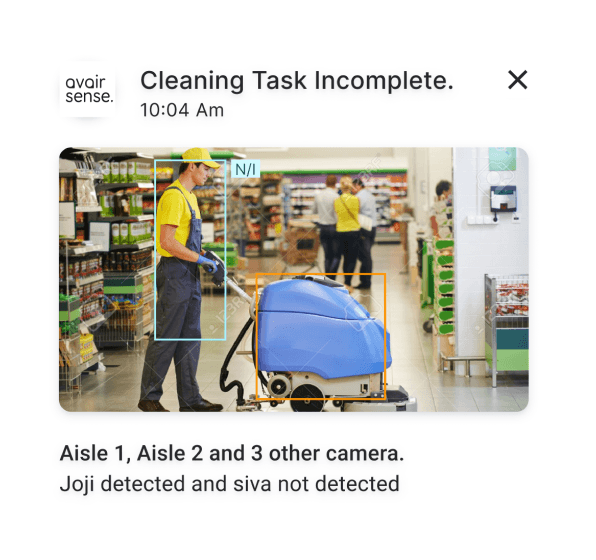
Task Management Notification
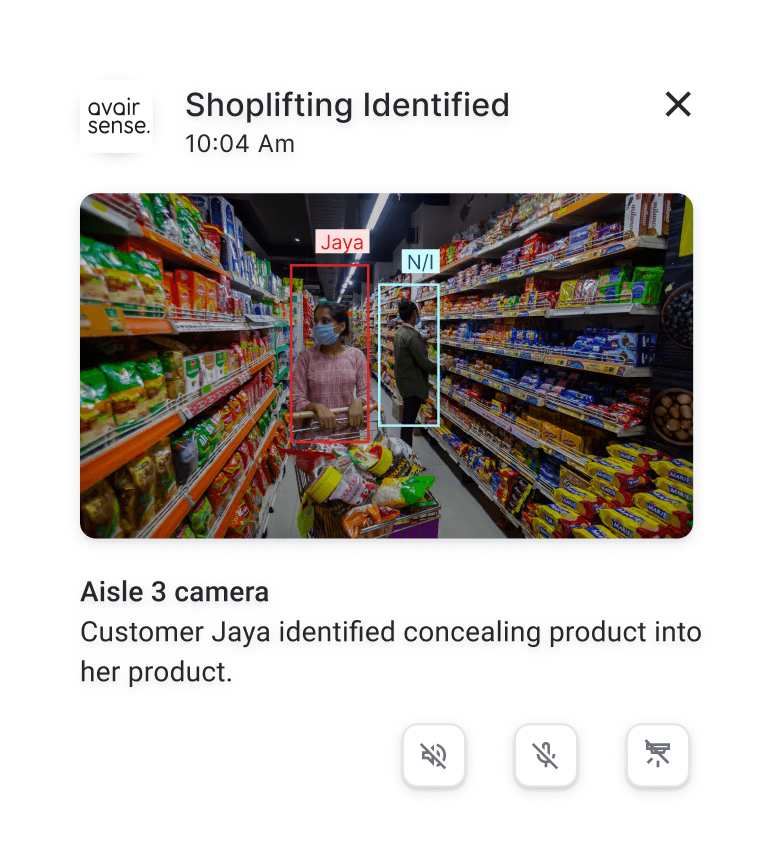
Threat Notification
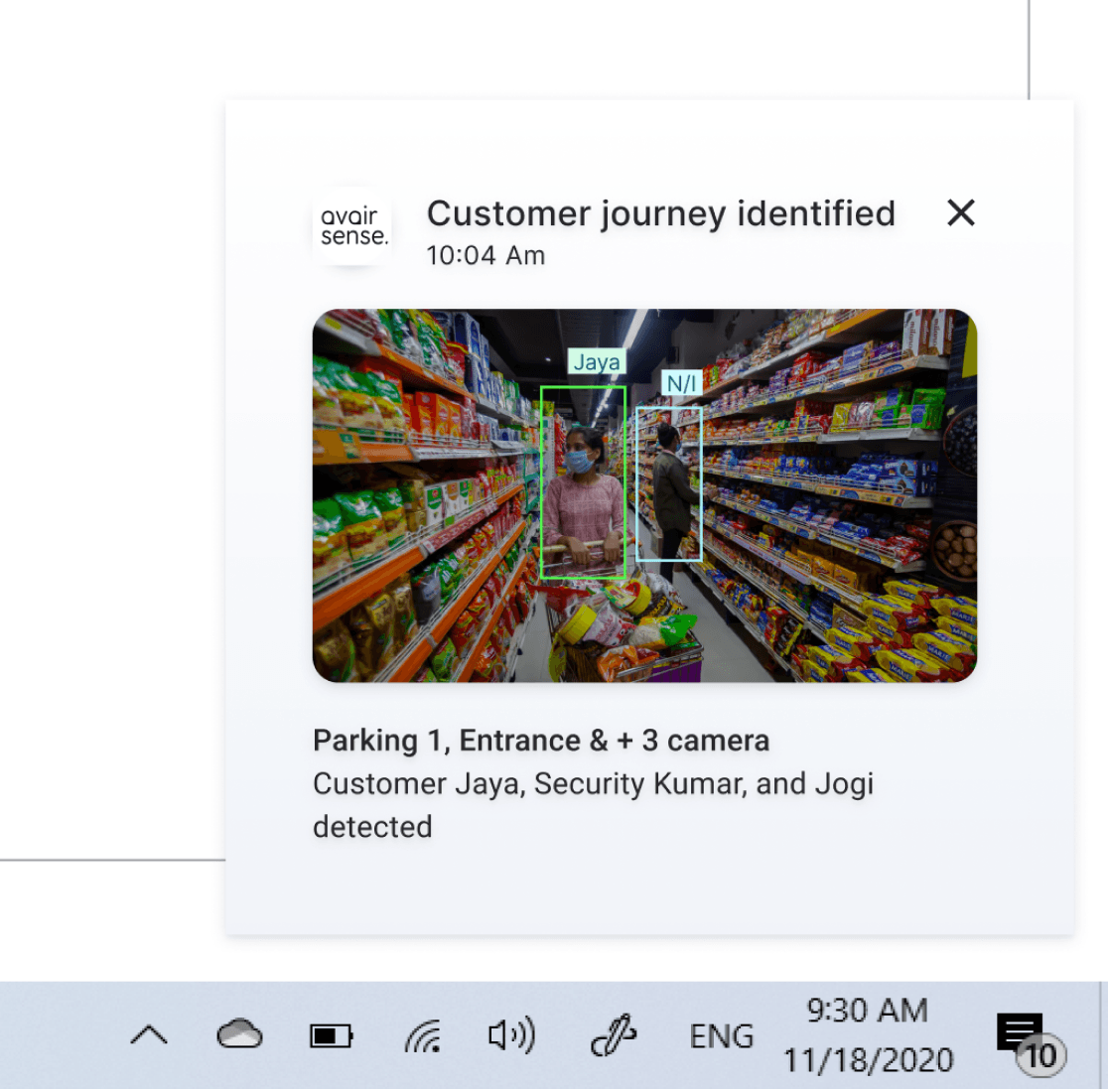
Journey notification
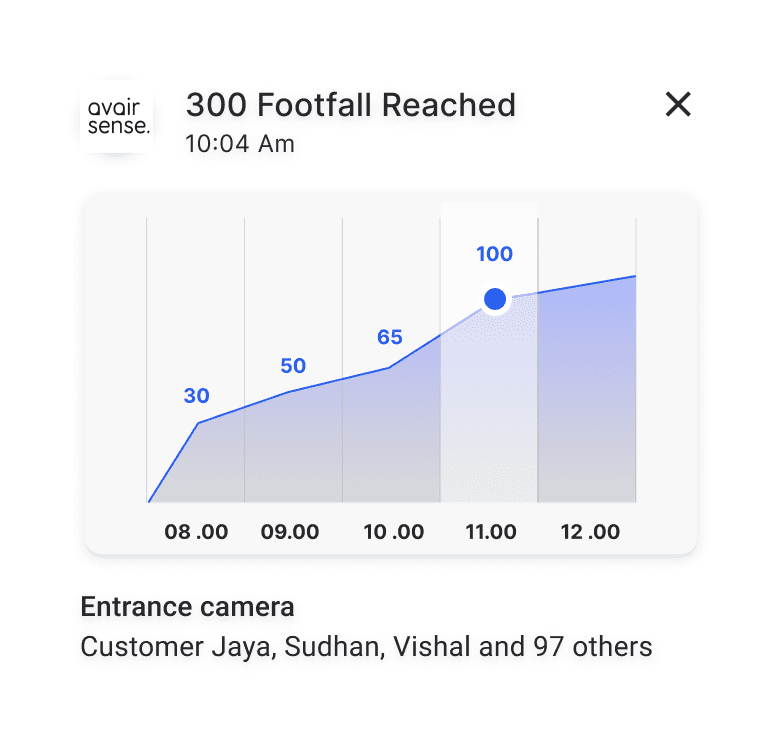
Analytics Notifications
ATTENTION STAGE - ORIENTATION STAGE - DETECTION STAGE - RESPONSE STAGE
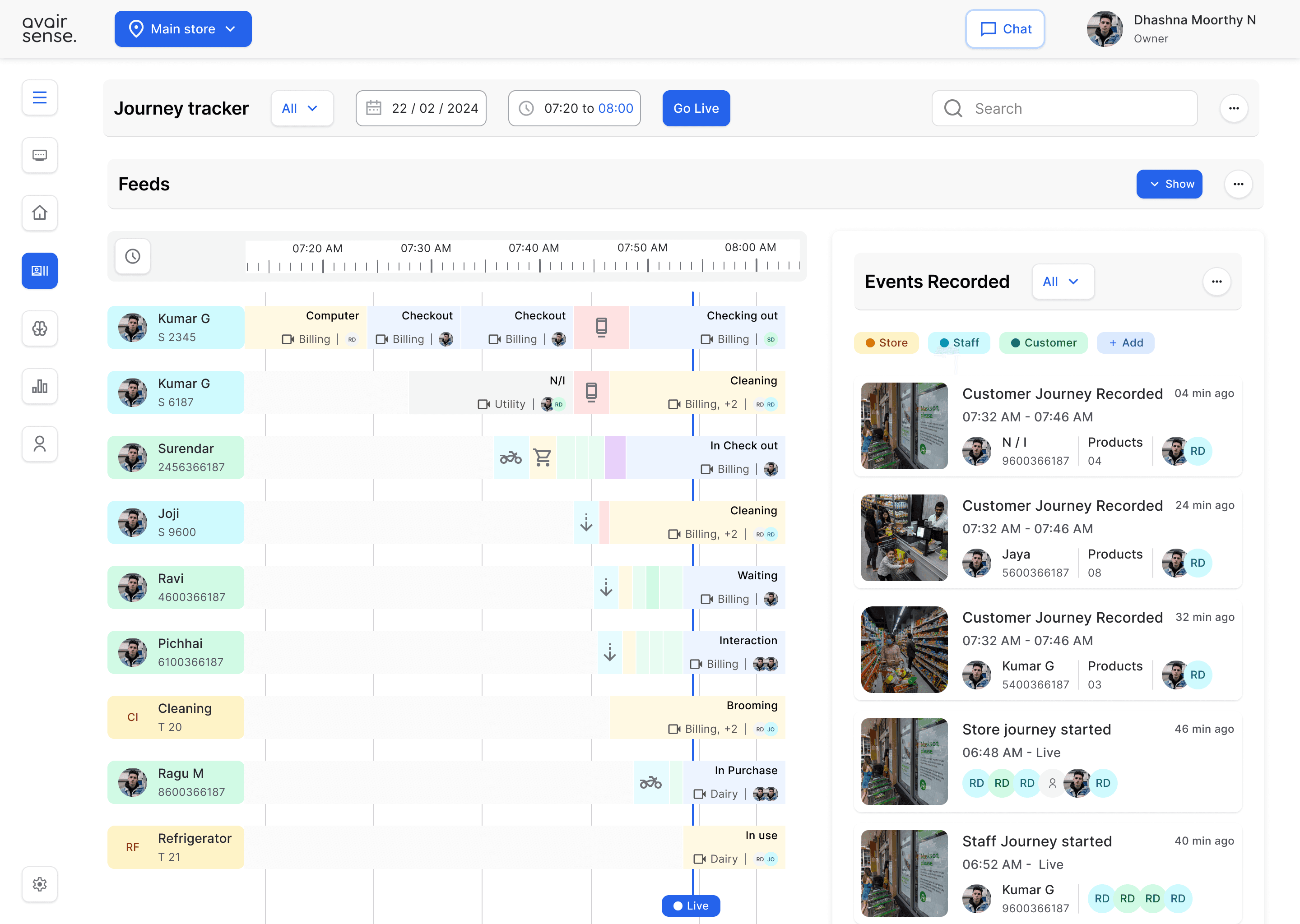
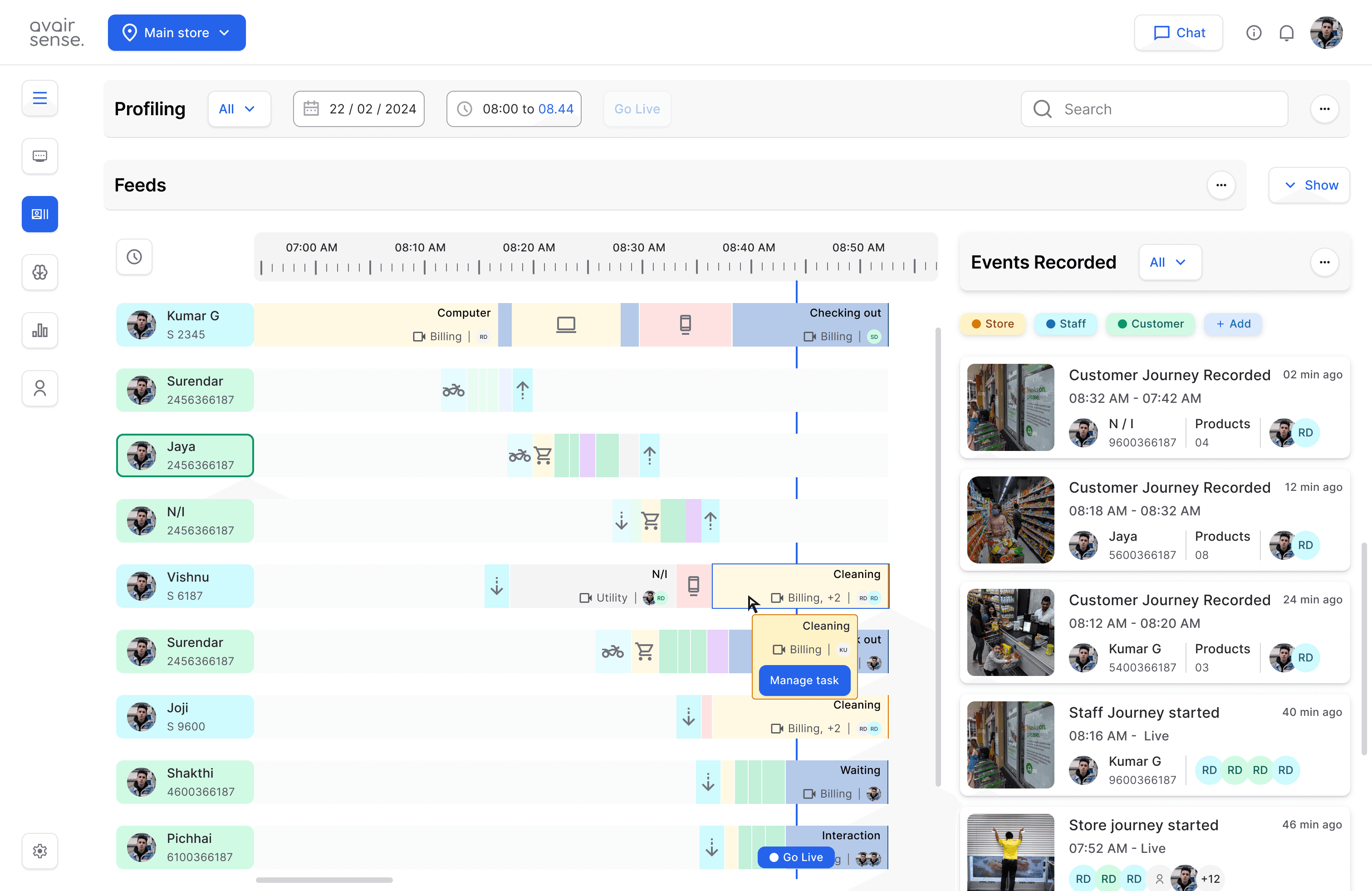
Profiling : Detailed information about each event, including :Timestamp and duration, Location and zone, Involved individuals (staff or customers), Relevant images or video clips, Visualize Customer Behavior, Monitor Staff Performance, Manage store operations.
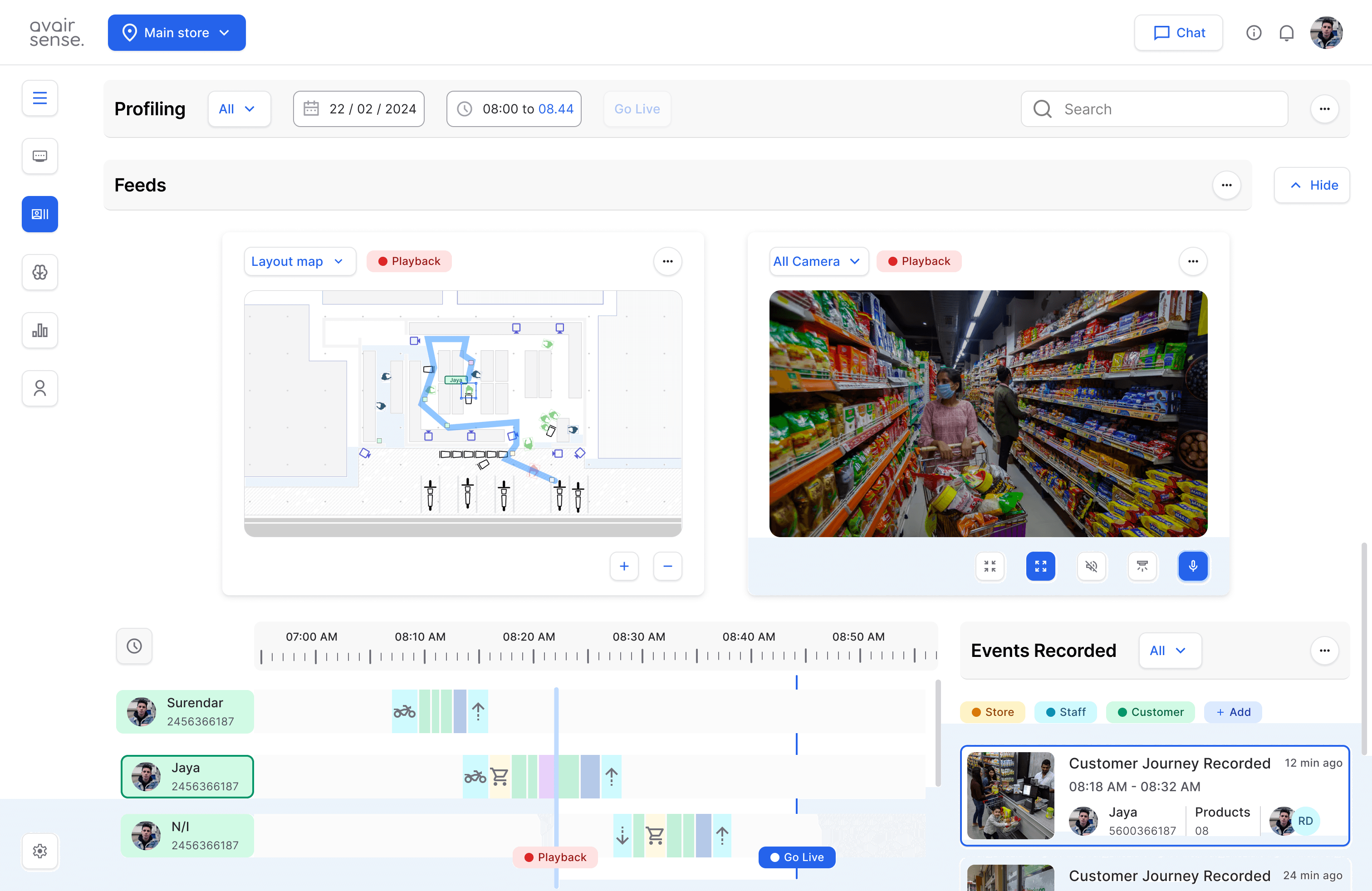
Summarized event information
Detailed information breakdown of
each event- activity stages.
Layout map and Visual feeds to provide real contextual information.
Events Recorded
Profiling : Users to quickly detect patterns and features by Providing clear and concise information.
Color coding to understand the Activity stages intuitively overtime. also hovering will provide activity info Store info, Billing, Checkout activity, Interaction activity, Phone usage, Bike parking, Entrance, Cart pickup etc.,
Timelining in this way helps the user to orient and find key information about each event.
Can hide feeds views to see / monitor existing and past activity stages.
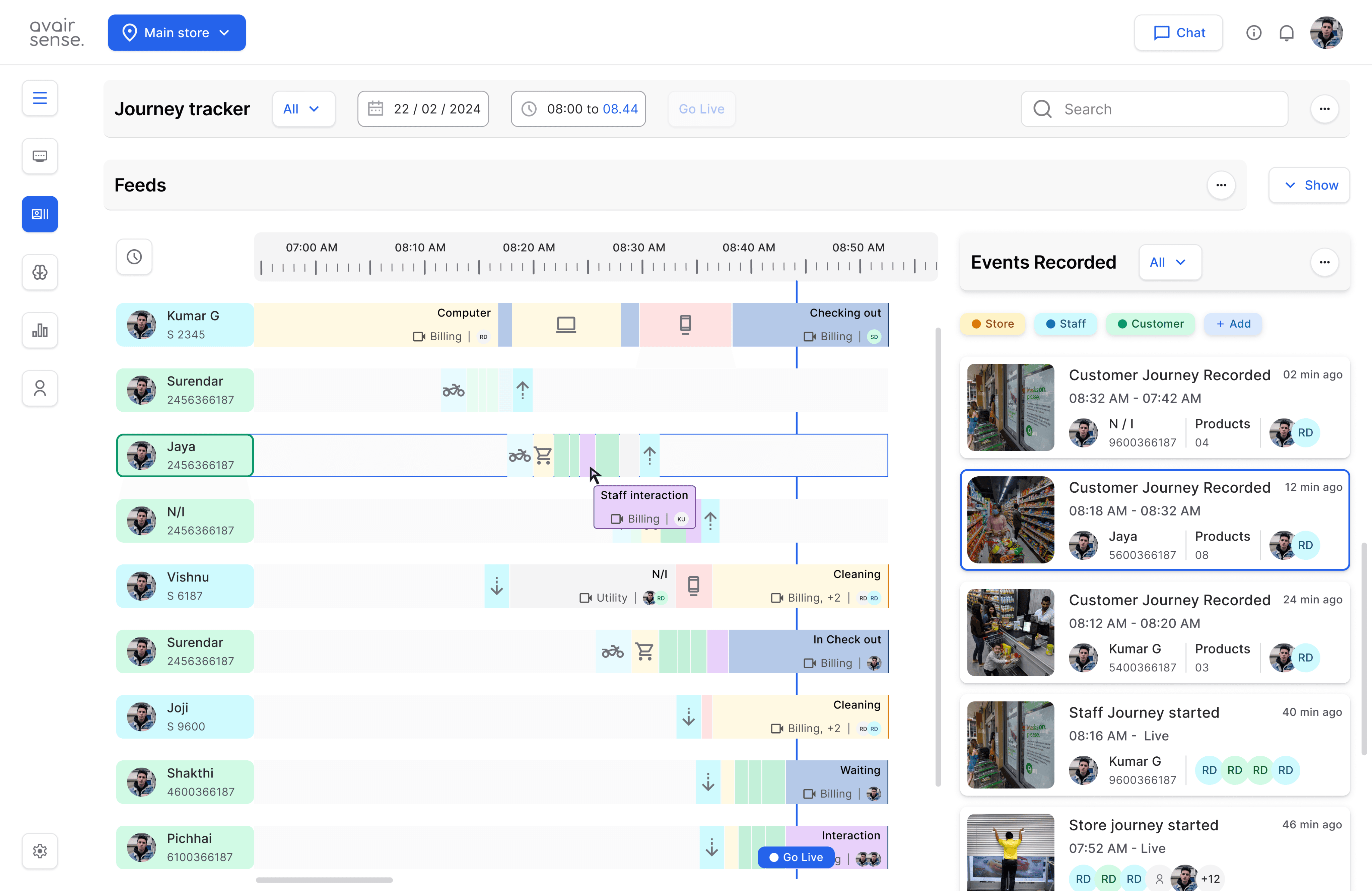
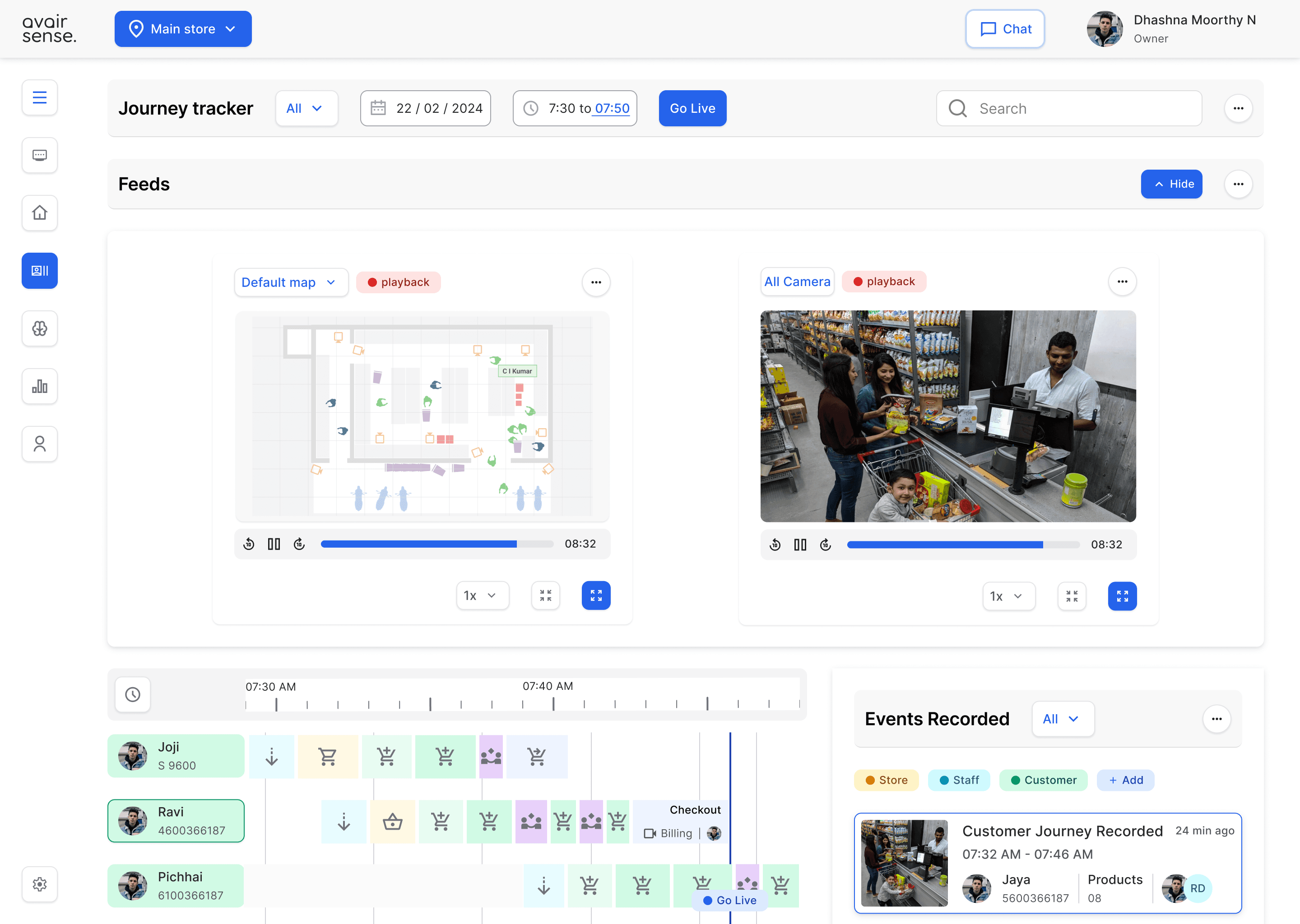
Profiling : Control Over Feed & Layout Map, Interactive features to control the video feed and layout map, such as: zoom and pan functionality, Playback and pause options for recorded video , Filtering and sorting options for events and activities.
Allows to View different customers / staff and store related events.
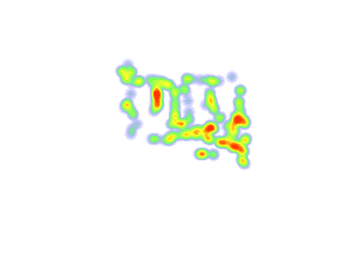
Can find insights with track line,
heatmap and default map view.
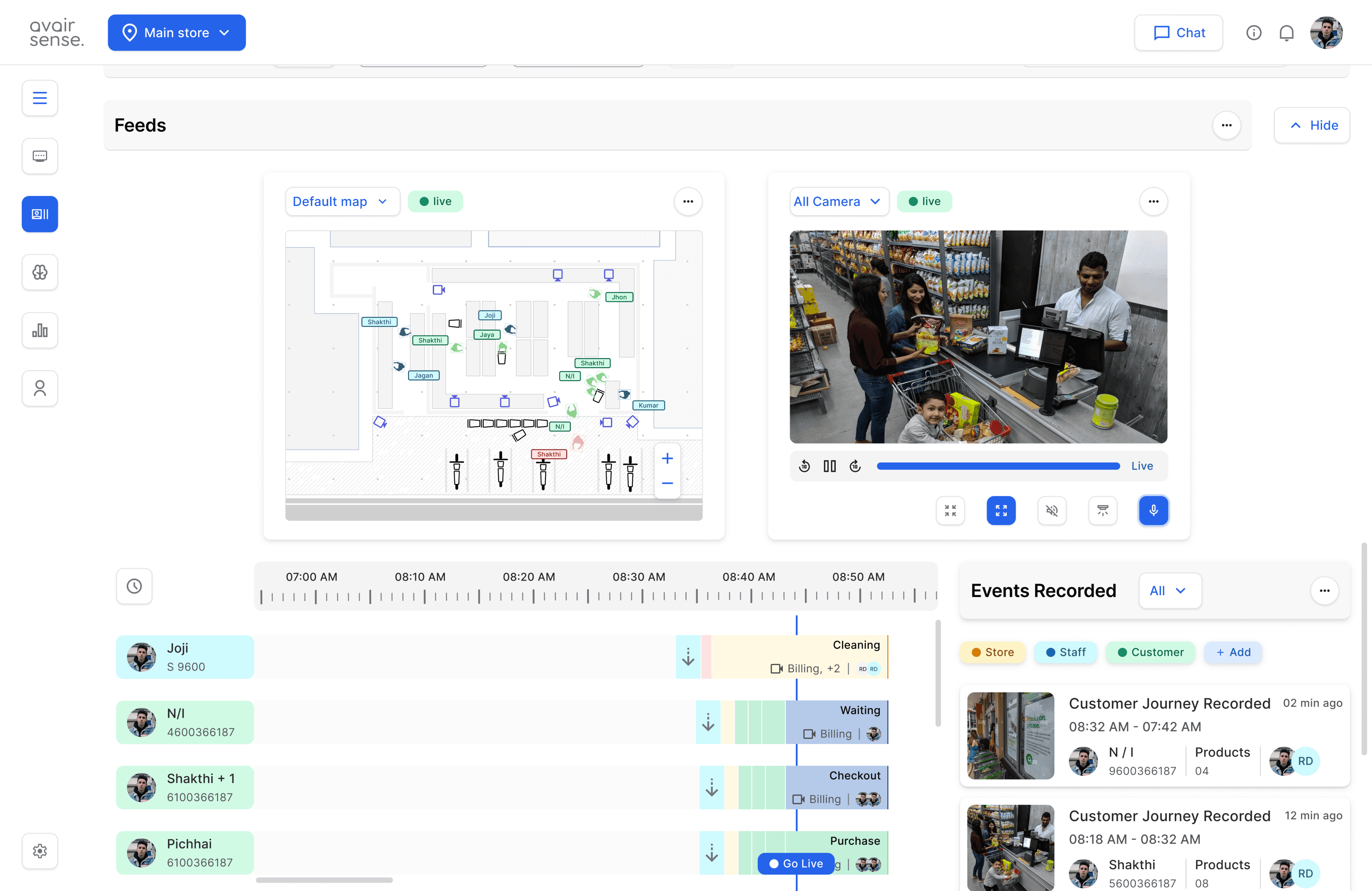
Allows to View different customers / staff and store related events.
Can find insights with track line,
heatmap and default map view.
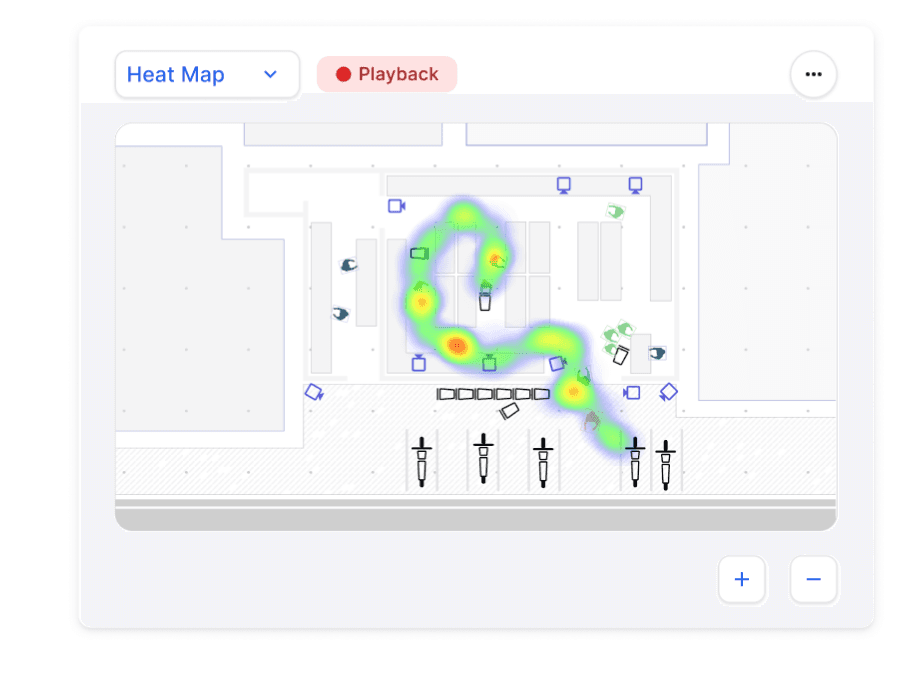
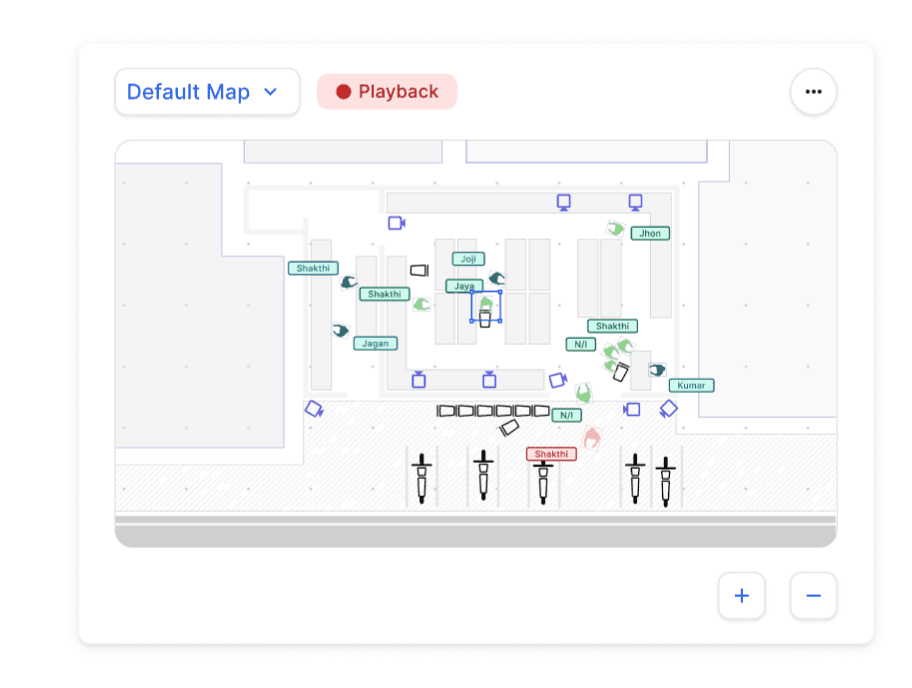
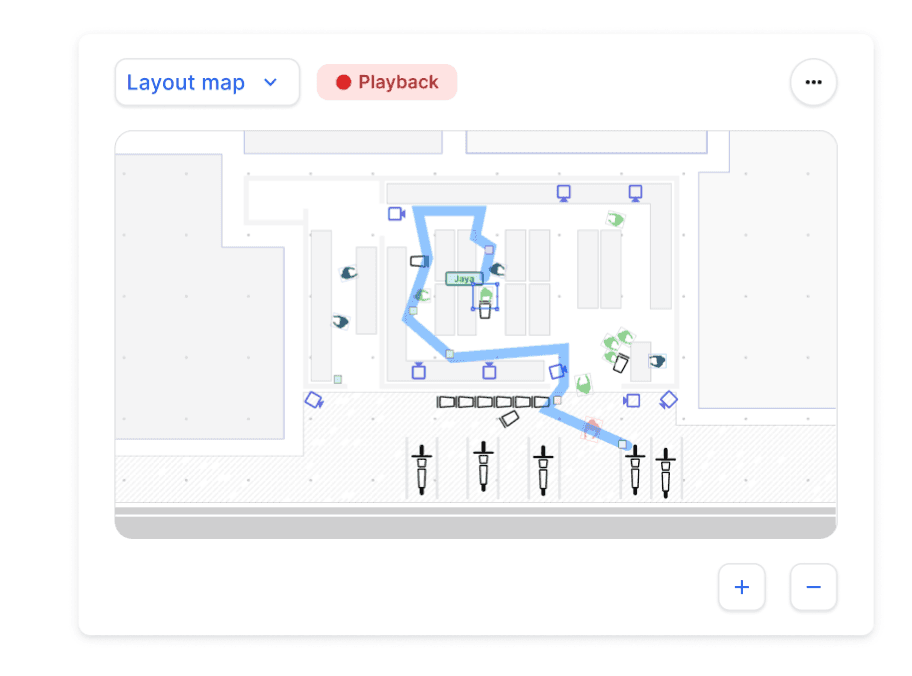
Default map - show all layers
Layout tracker map - show activities and movement pattern.
Heat map - Engagement time and behavior .
Profiling : Visualize Customer Behavior, Monitor Staff Performance, Optimize Store Operations, Enhance Security and Safety and Improve Customer Experience.
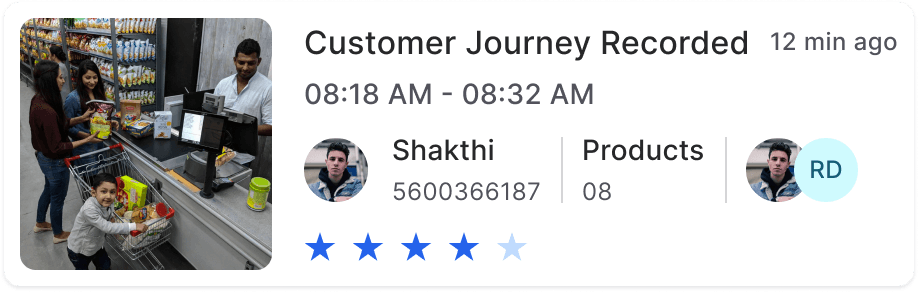
Hovering enables finding even detailed information.
Intervention to collect live customer feedback and ratings after completing each journey might be added as part of scaling.
ATTENTION STAGE - ORIENTATION STAGE - DETECTION STAGE - RESPONSE STAGE
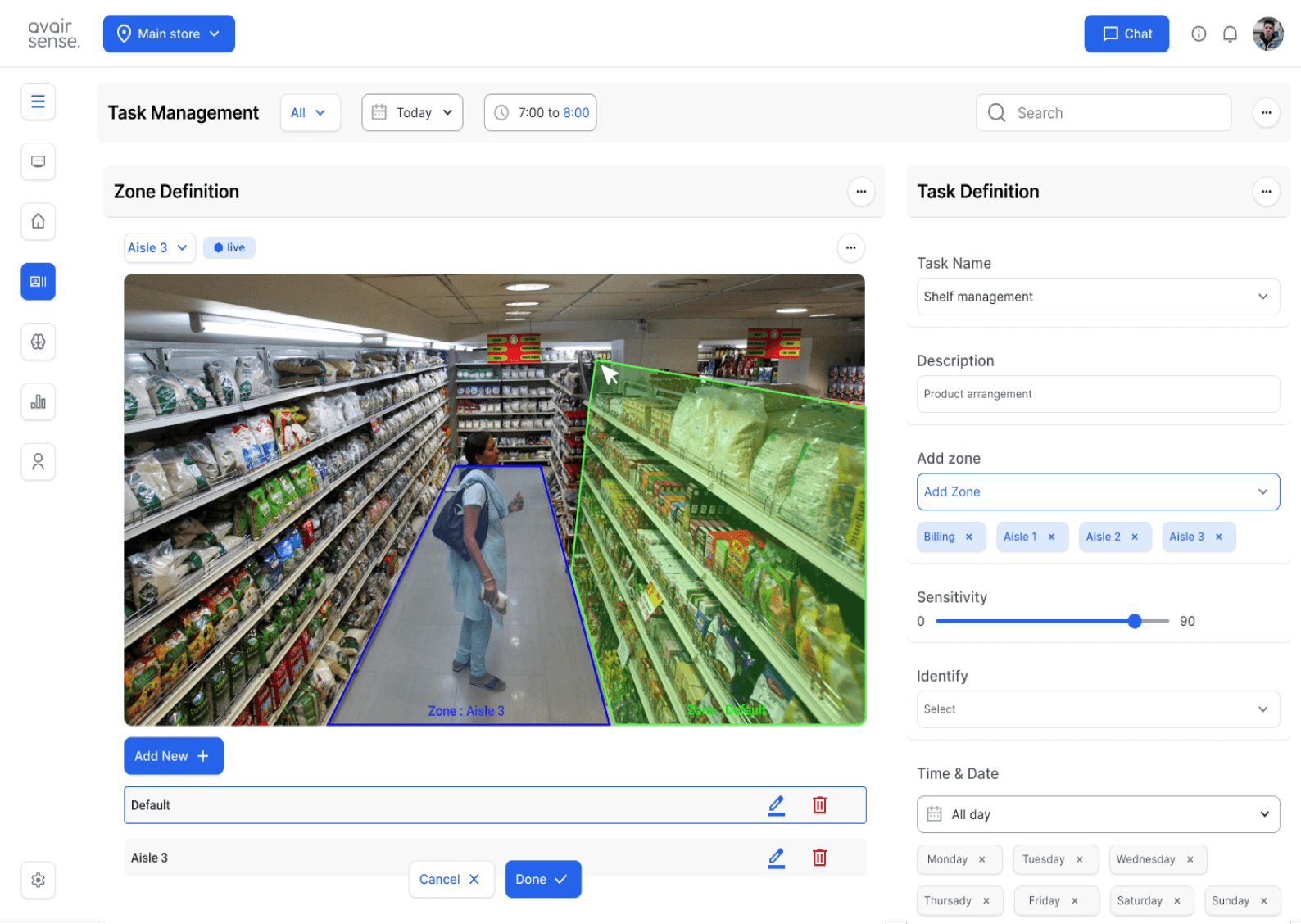
Store management : Allow users to add tasks that cater to the unique needs of each store, enabling customization to handle specific store conditions and activities. Task Creation, Task Assignment, Task Status Tracking, Help find data , insights particular to customer, staff and store.
Indicating delayed task timing or incompleteness.
Task definition
Defined Task information and its data conditions.
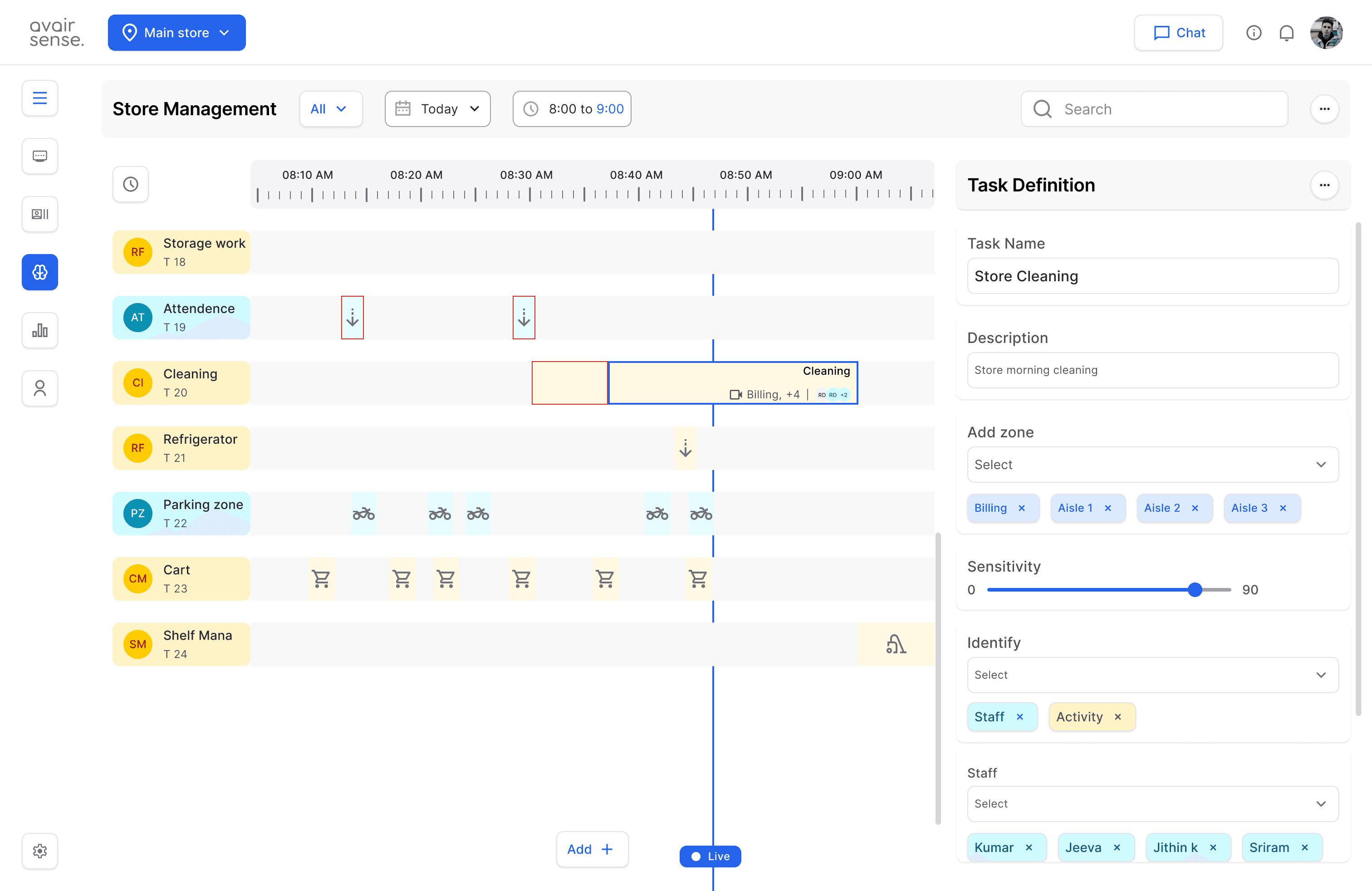
Configure rules and alerts specific to each zone, such as:
Staff, customer detection.
Activity detection.
Object detection,
Emotion detection etc.,
People counting and tracking
Time and date info,
Limits, and
Notifications.
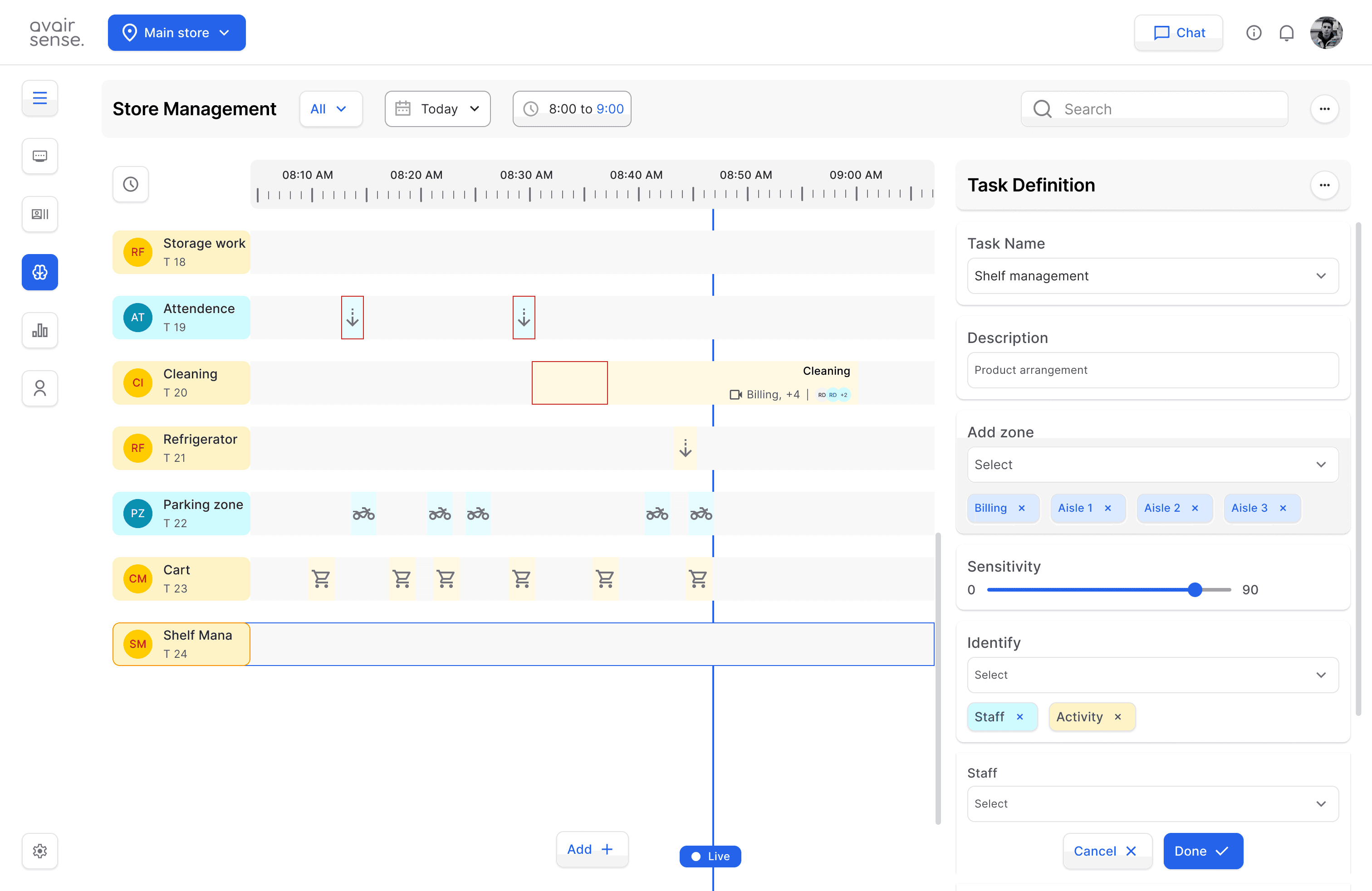
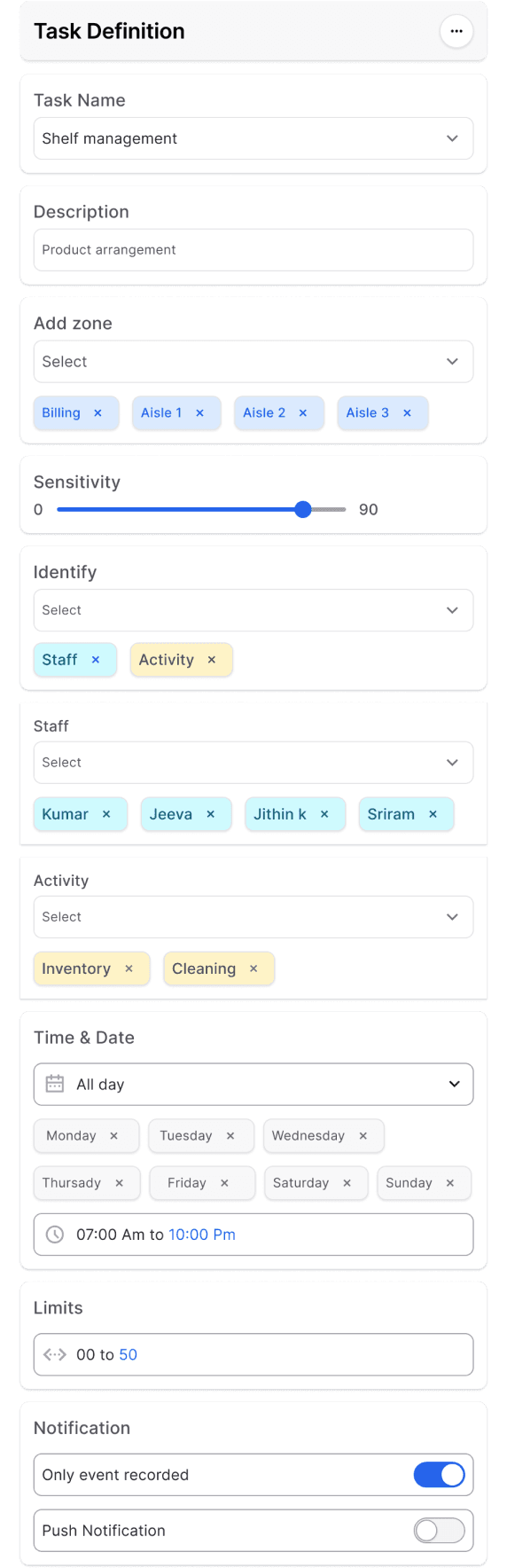
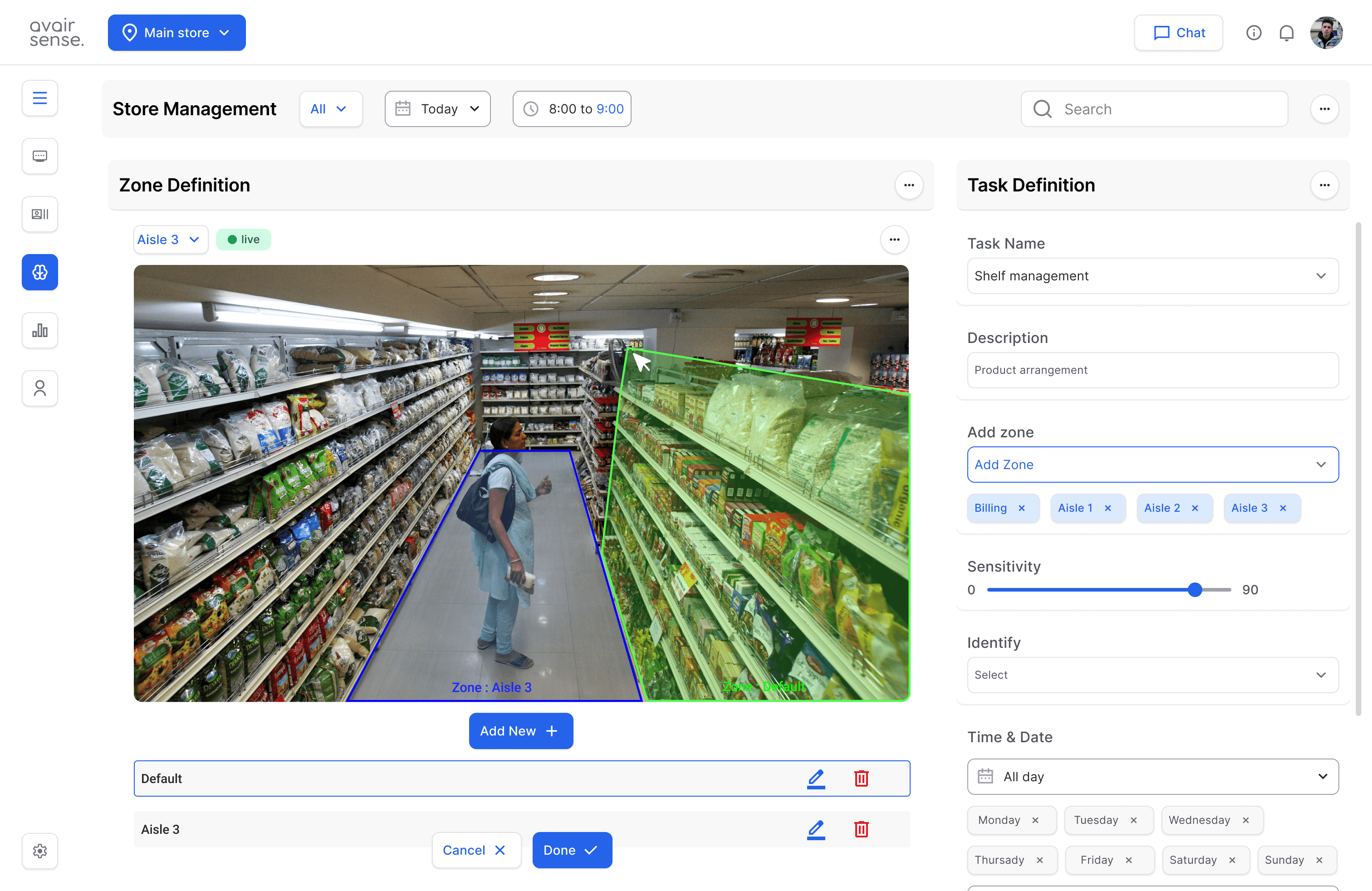
Task definition : Zone definition is a crucial aspect of configuring camera feeds to Define Zone Boundaries, Assign Zone-Specific Rules and Optimize Store Operations.
Designate specific areas within the camera's field of view as focus points
Establish clear boundaries for each zone, ensuring accurate detection and tracking of events within that zone.
Analytics KPI Dashboard : Visual representation of key metrics, condition defined and from 3rd party integration applications. such as Customer footfall and engagement, Conversion rates and average transaction value and Store operation information etc.,
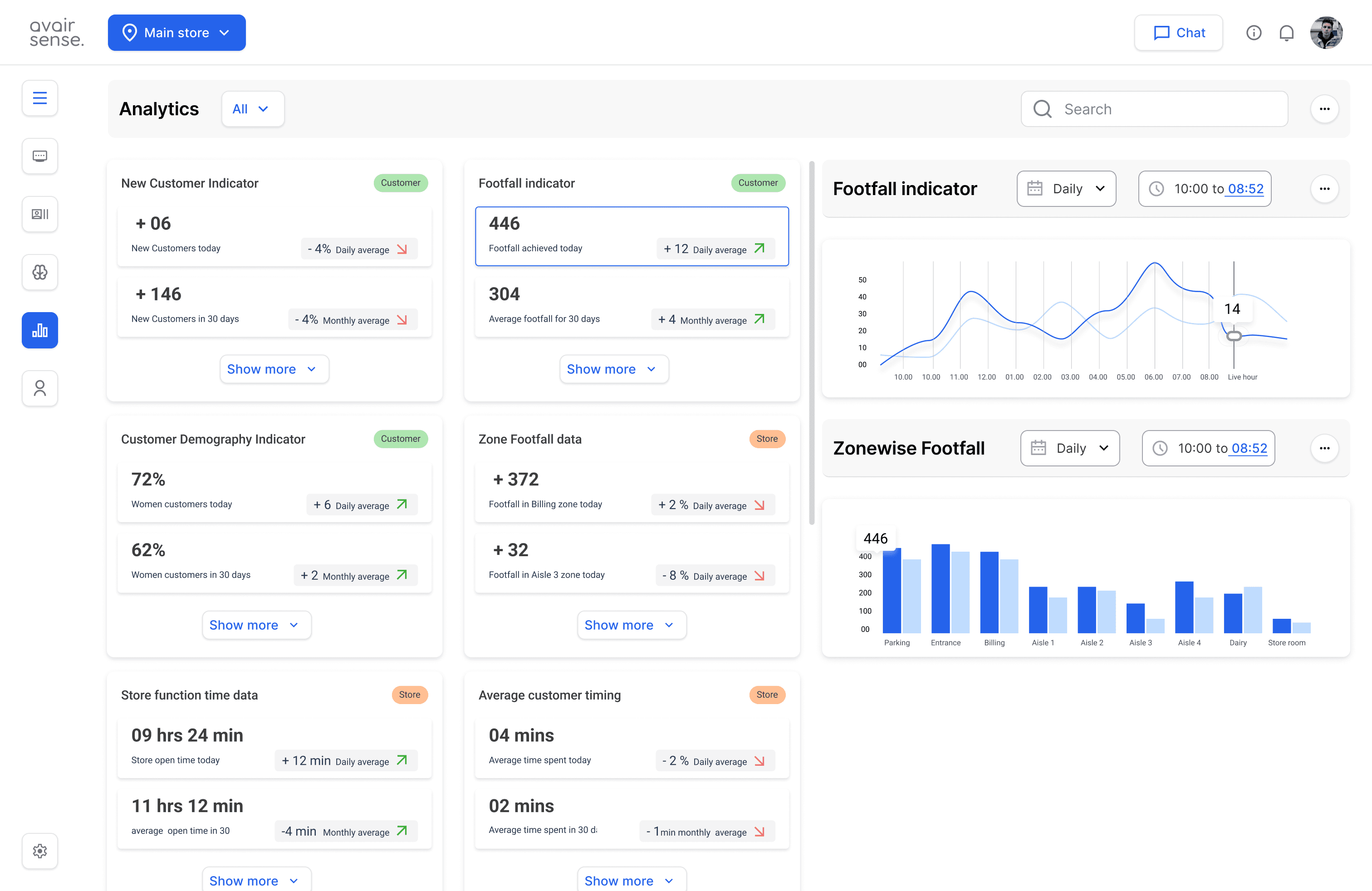
Data Visualization
Interactive charts and graphs to illustrate trends and patterns in the data.
Set up alerts for significant changes or thresholds in KPIs, ensuring prompt attention to areas that require improvement.
Analytics Notifications
Other Screens in this flow
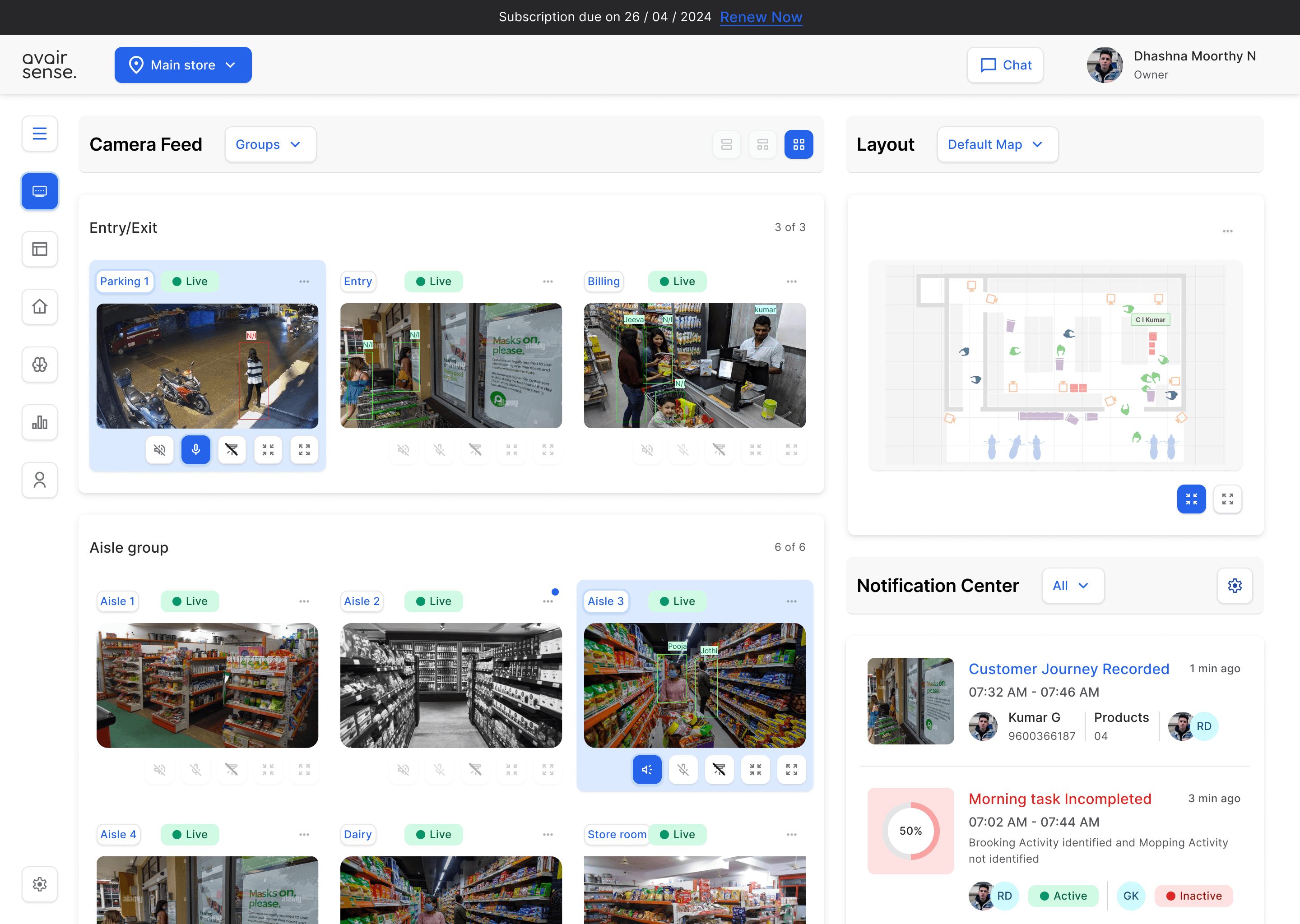
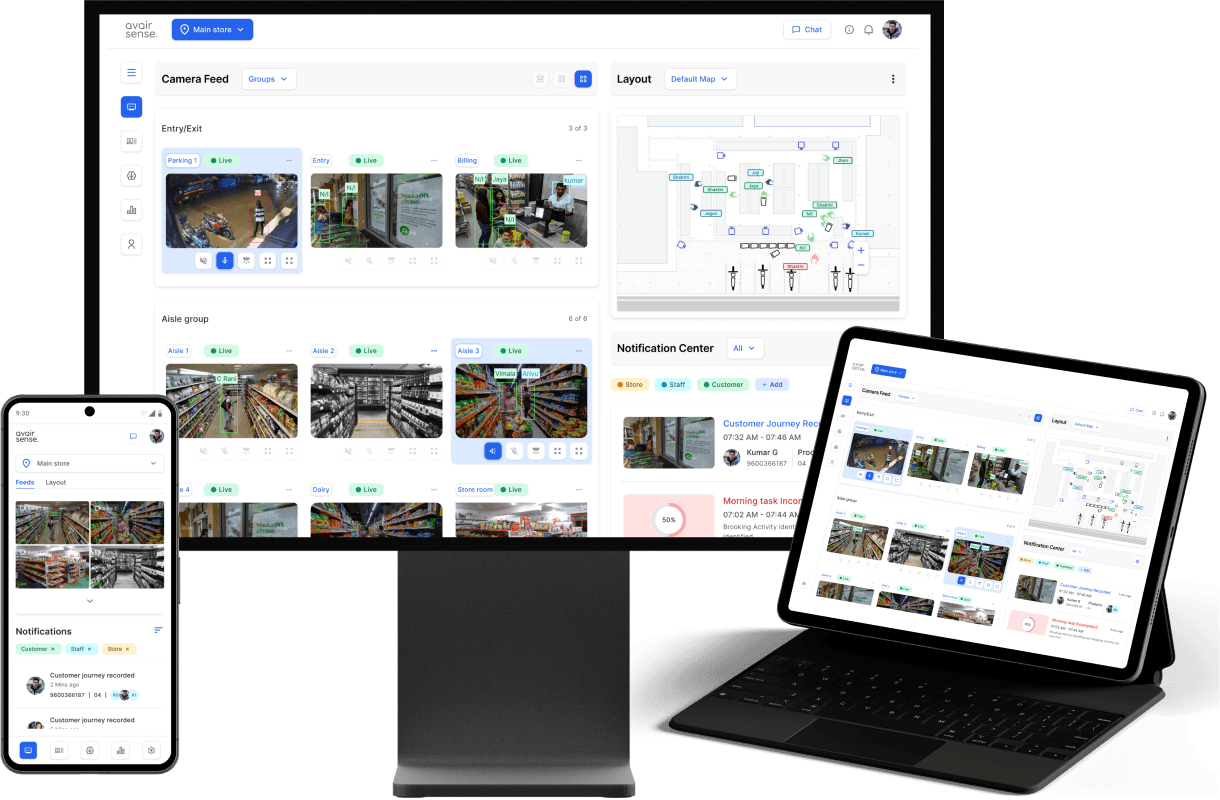
Live wall/ Home : The Home Page or Monitoring Page serves as a central surveillance hub for store owners and managers to monitor and manage their store's operations in real-time, providing a comprehensive overview of store performance and alerts.
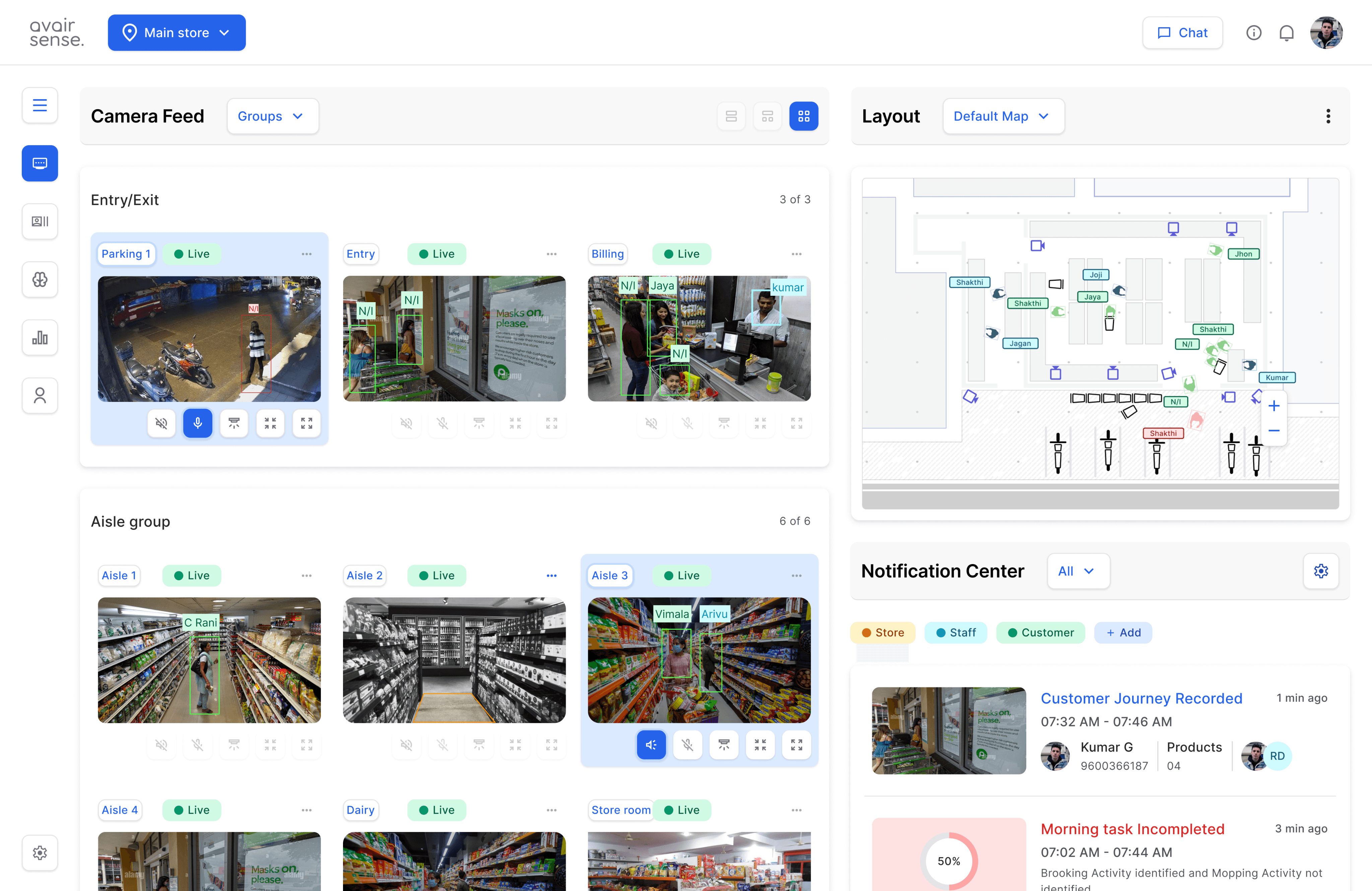
Navigation tab
Camera Feed Thumbnails
Live thumbnails from cameras throughout the store, providing a quick visual check of store activity. With control features.
Store layout map
A interactive map of the store's layout, helps to provide birds view of store activities live and helps easy in locating people and track people.
Notification center
Provides summarized information as event records.
Navigation tab
Home / Monitor
Camera feeds
Notification center
Layout map
Profiling
Events recorded
Feeds
Journey - activity tracked
Store management
Task and data condition
Task definitions
Zone definitions
Analytics
KPI
Data visualizations
Profile
Add members
Manage members.
Settings
Manage camera
Notification
chat settings
support
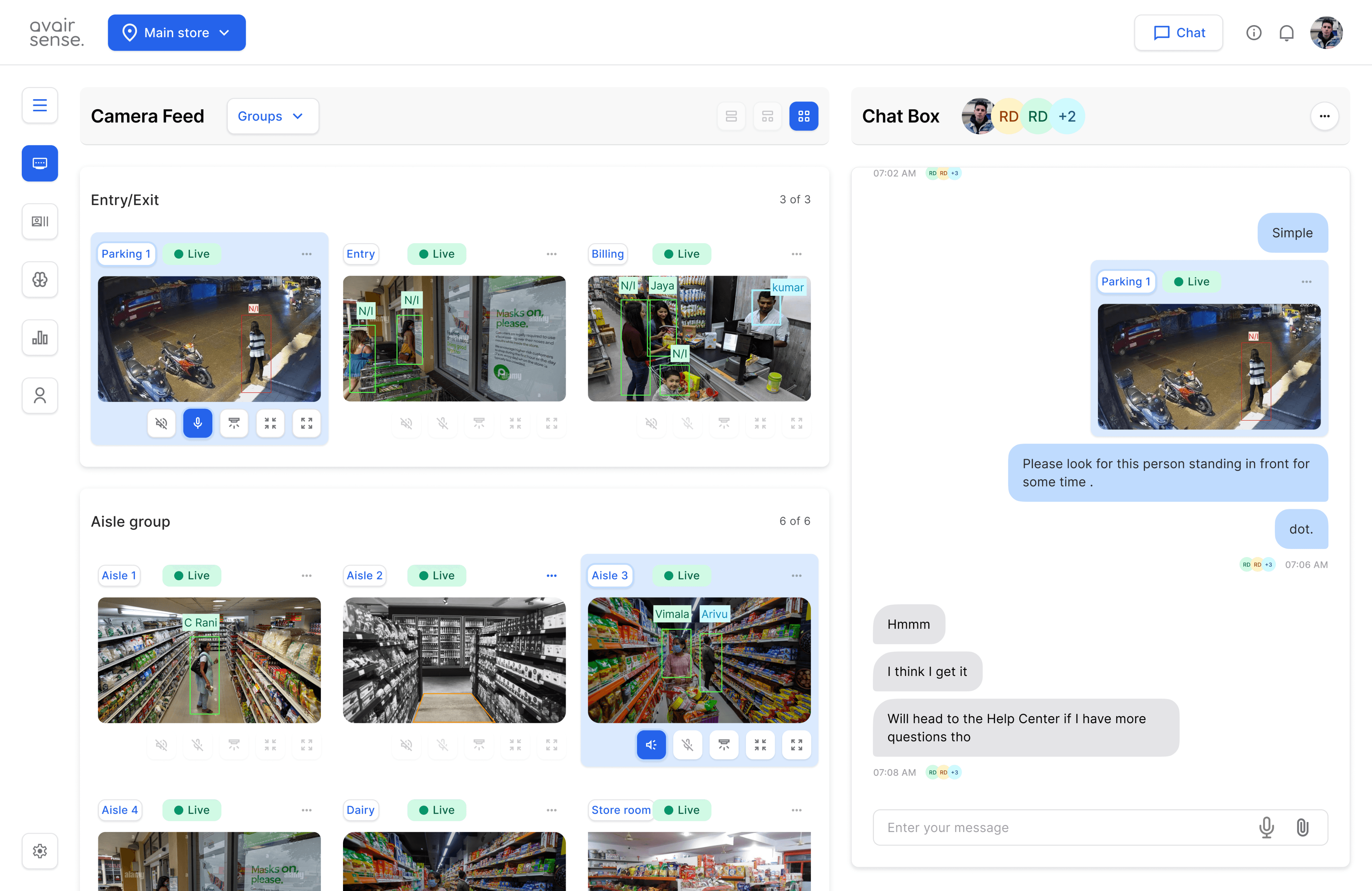
Multistore management Switch between store
Real-time Messaging
Instant messaging system for quick communication.
And to follow up with owner /manager / staff hierarchy in Remote management.
Integrations : It enable the retail management system to seamlessly connect with other solutions, services, and tools, expanding its capabilities and enhancing its value.
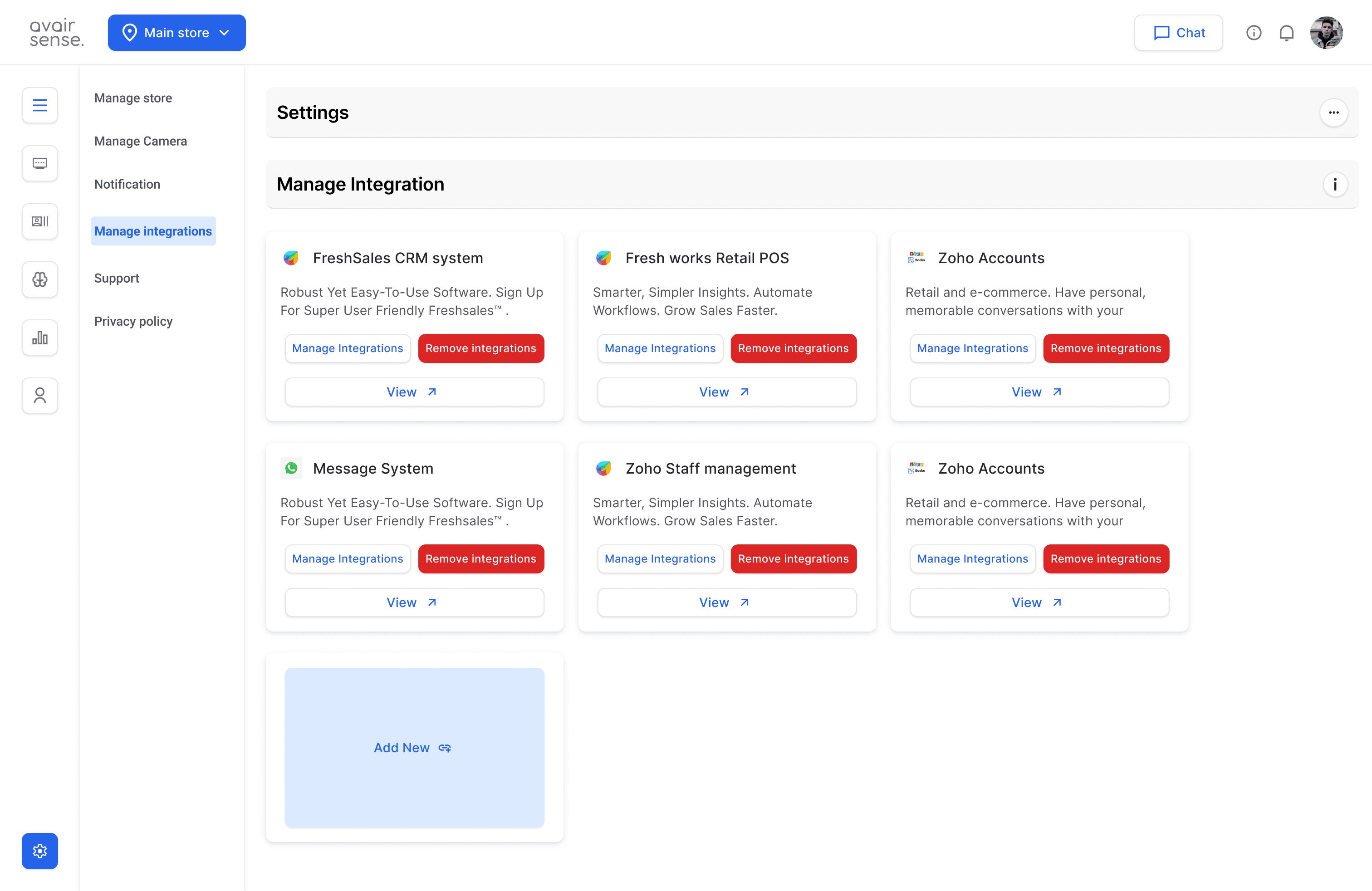
CRM & POS Access customer information, purchase history, and interaction records in one place.
Add
Helps Access licensed integrations. particular to store needs
Camera : The camera management feature enables users to monitor, control, and manage cameras installed in the store.
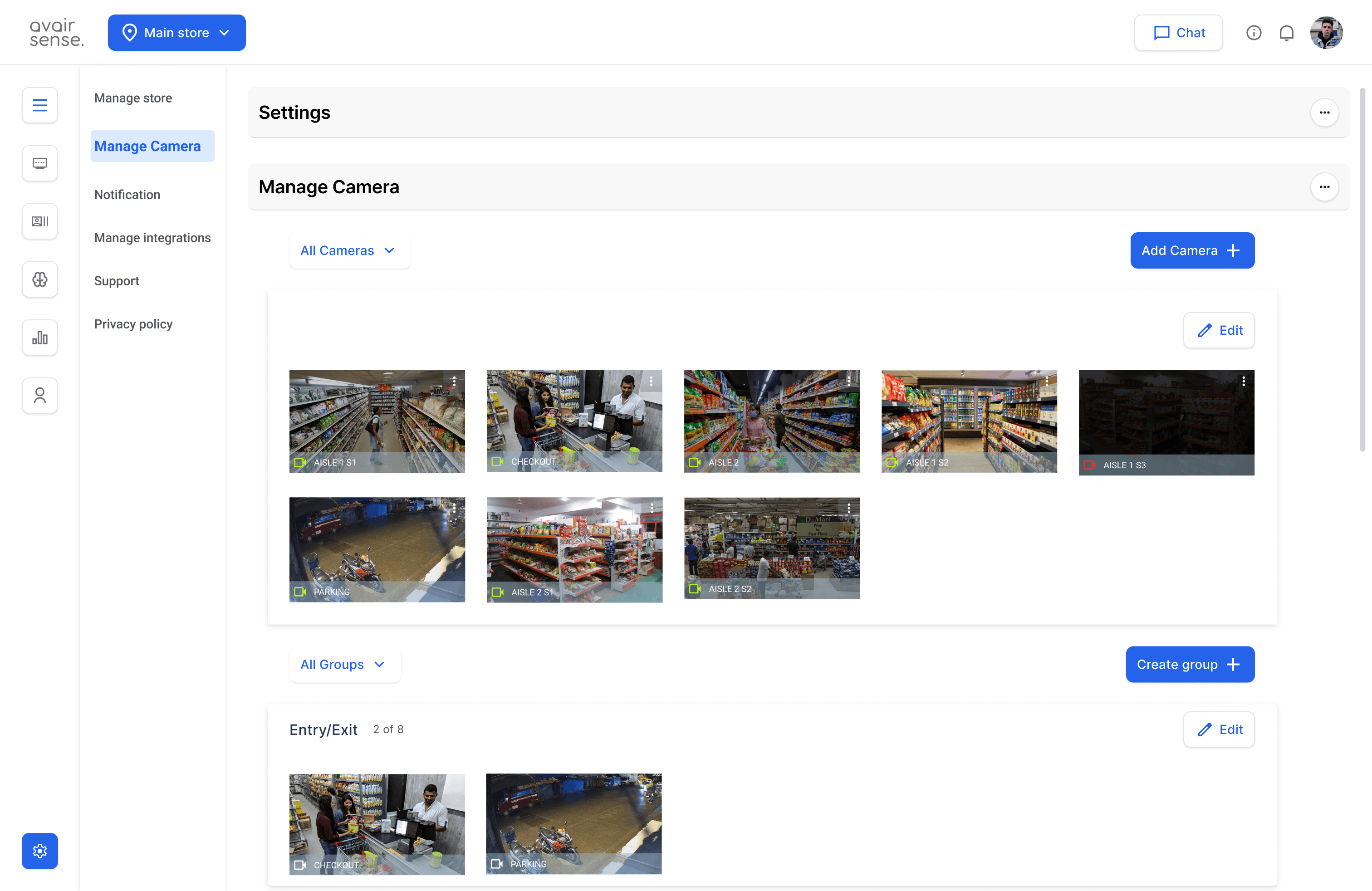
This page helps installation and onboarding of camera and manage network status.
Lets user to group the camera to control and manage as per the data requirements.
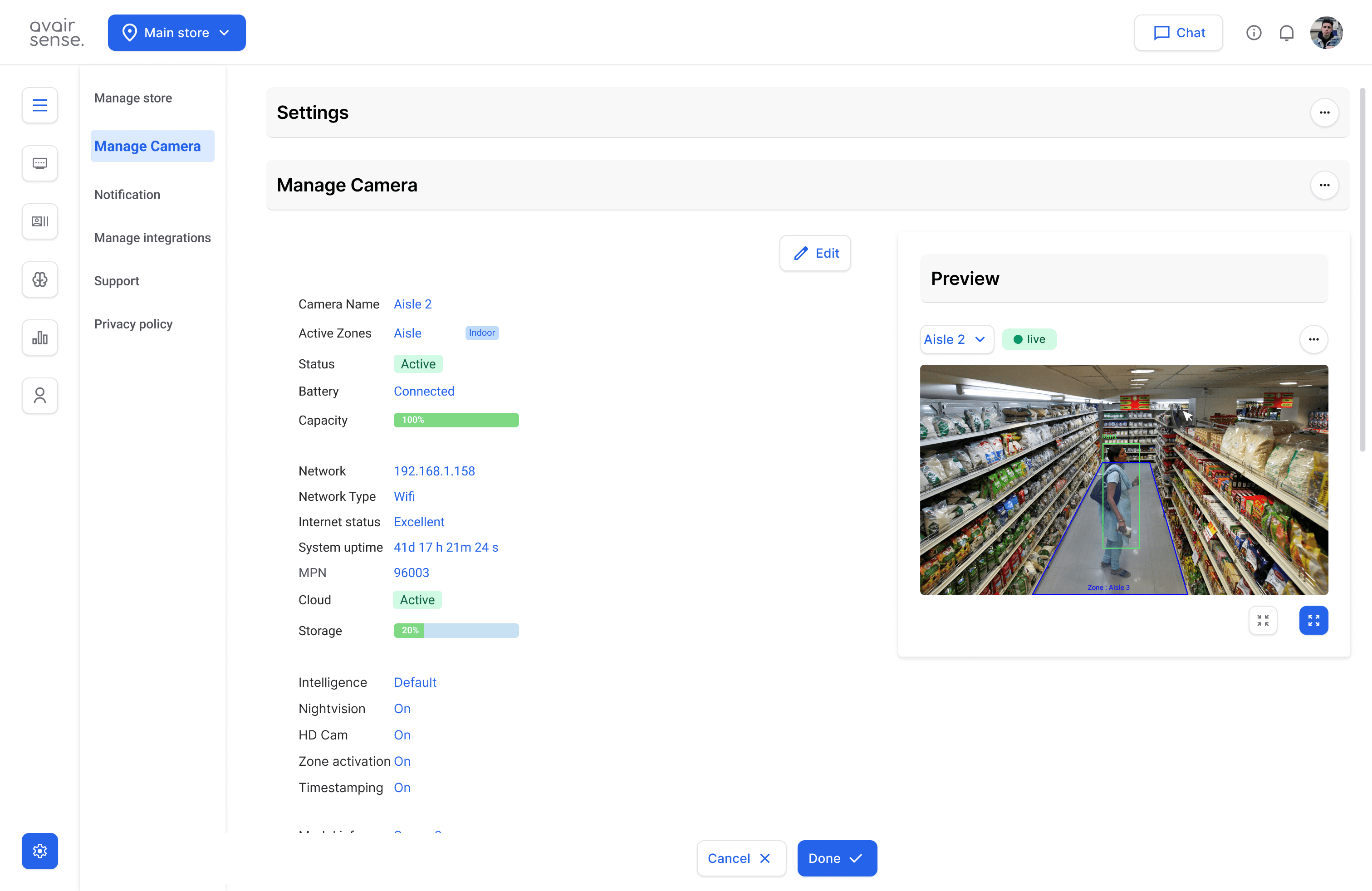
Provides camera status and technical information like Network connections and Features.
Profile : Enables users to create, edit, and manage their own profiles, as well as those of other users, to control access, permissions, and settings within the retail management system.
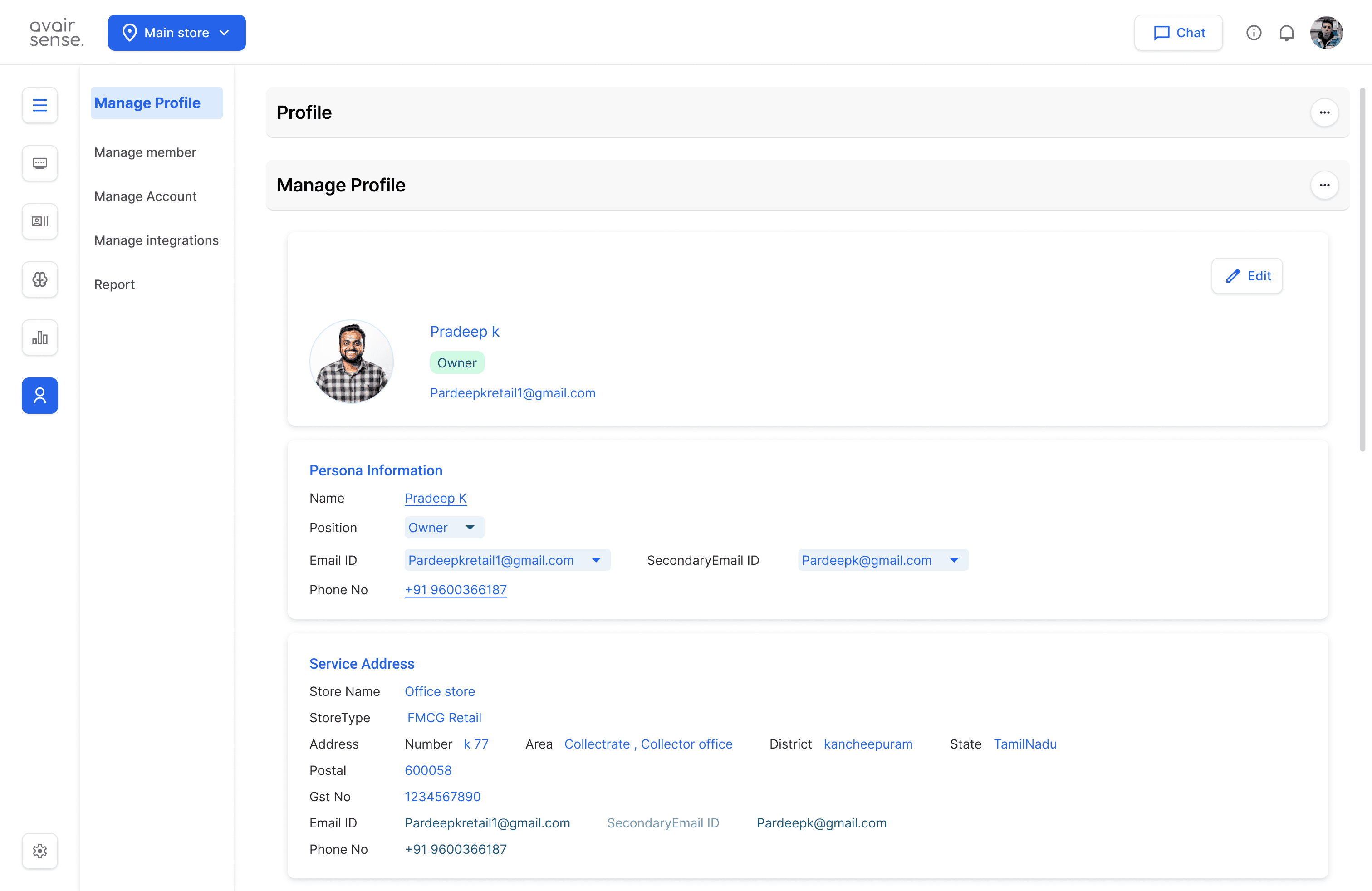
Edit existing user profiles to update information.
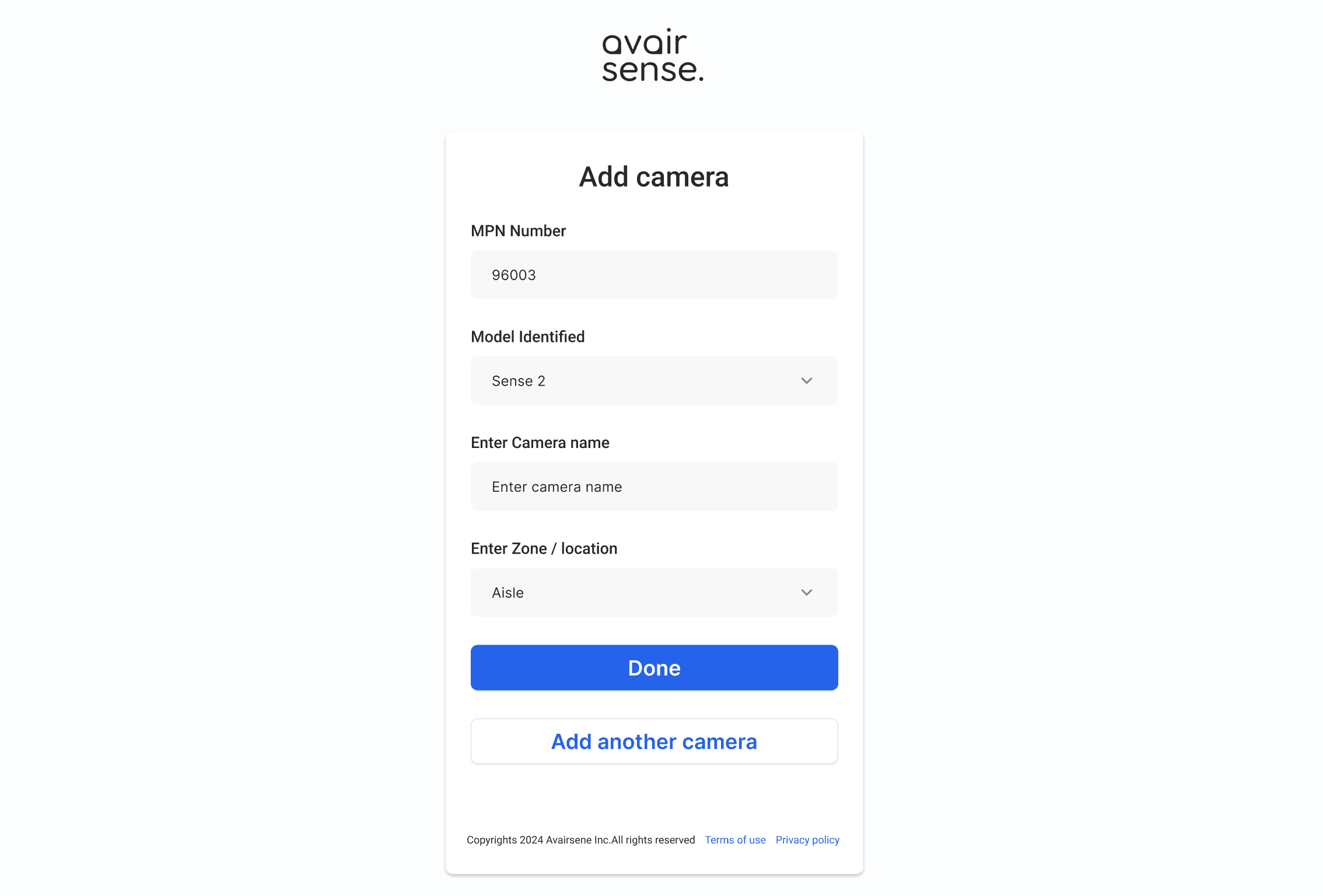
Onboarding flow
Onboarding Experience : Sign in, sign up
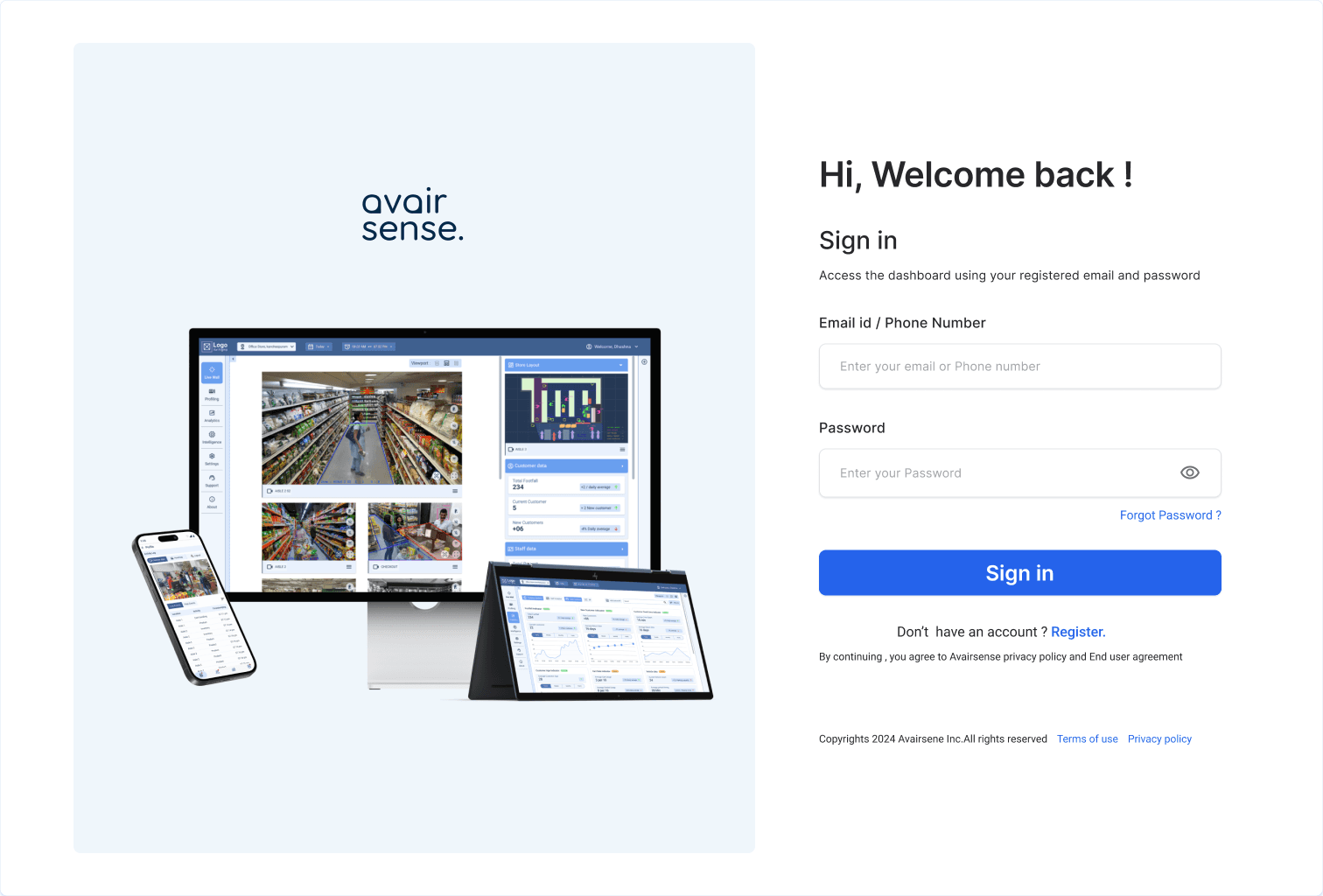
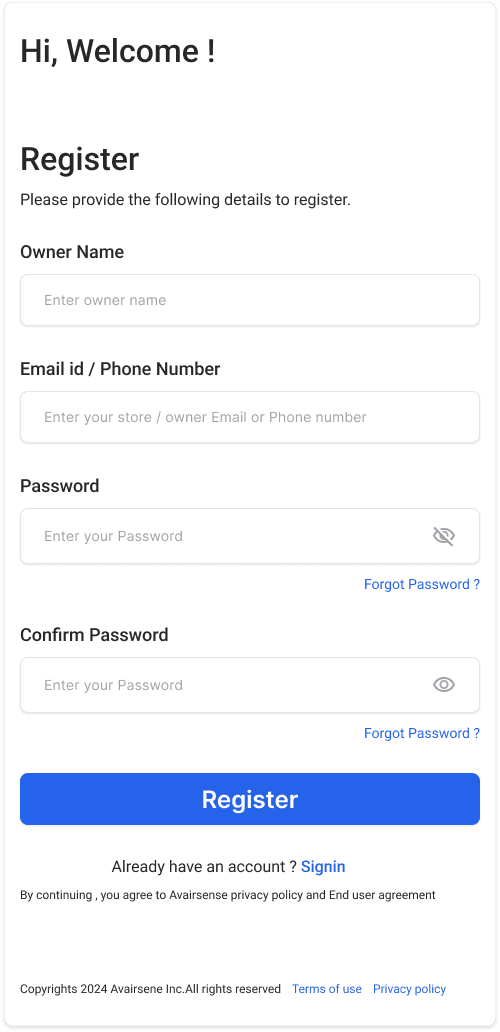
OTP verification
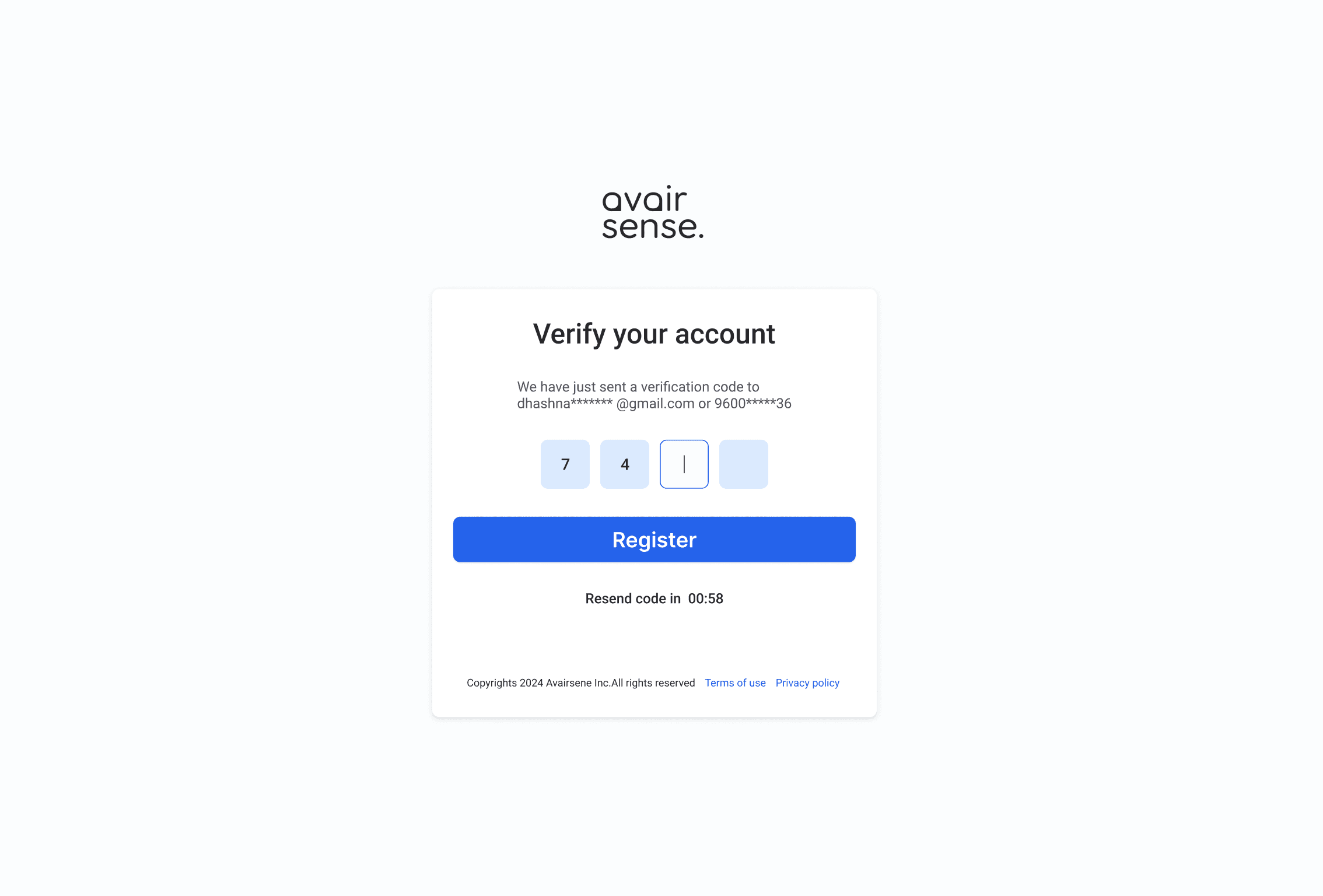
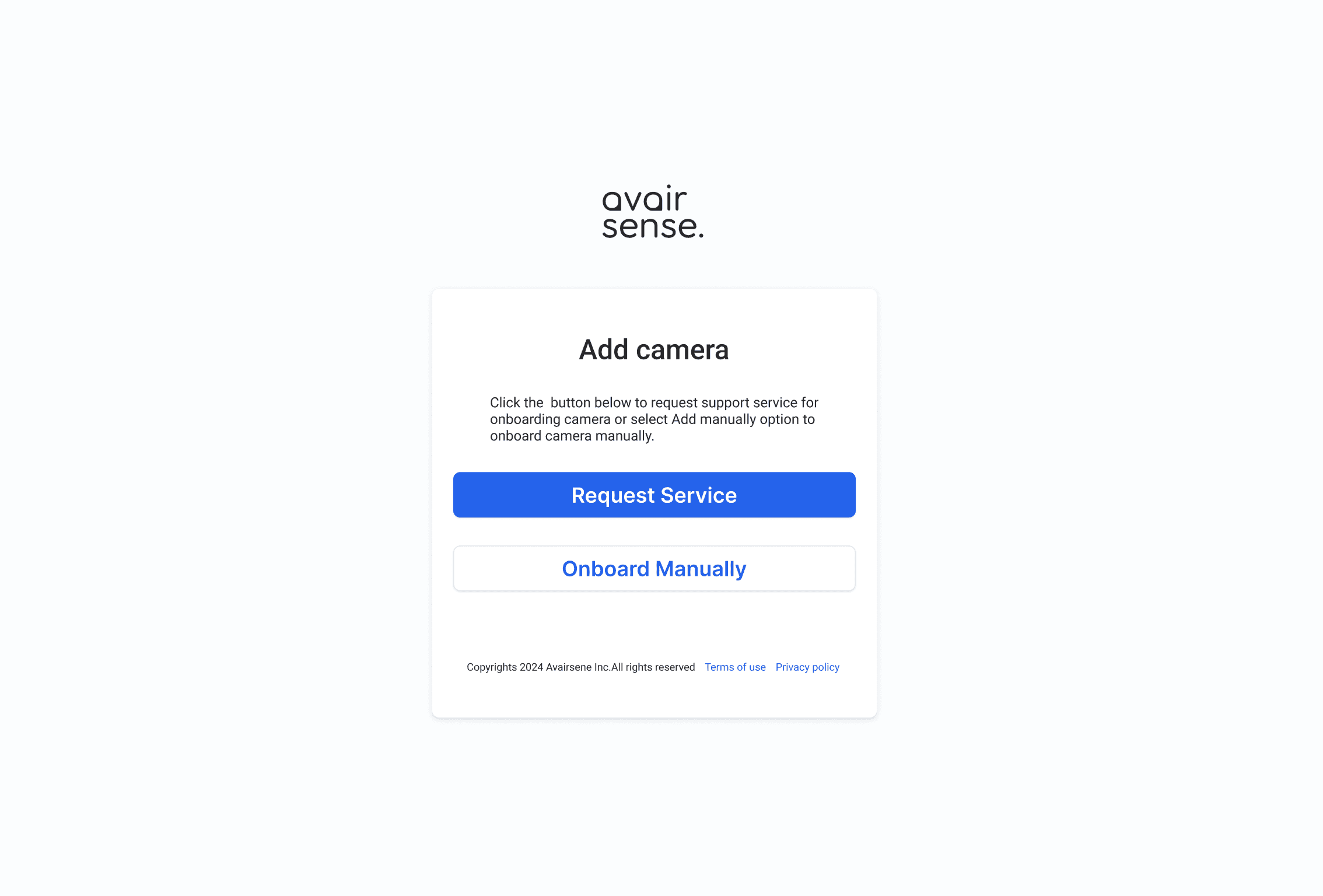
To call Service support for installation or manual onboard camera and application
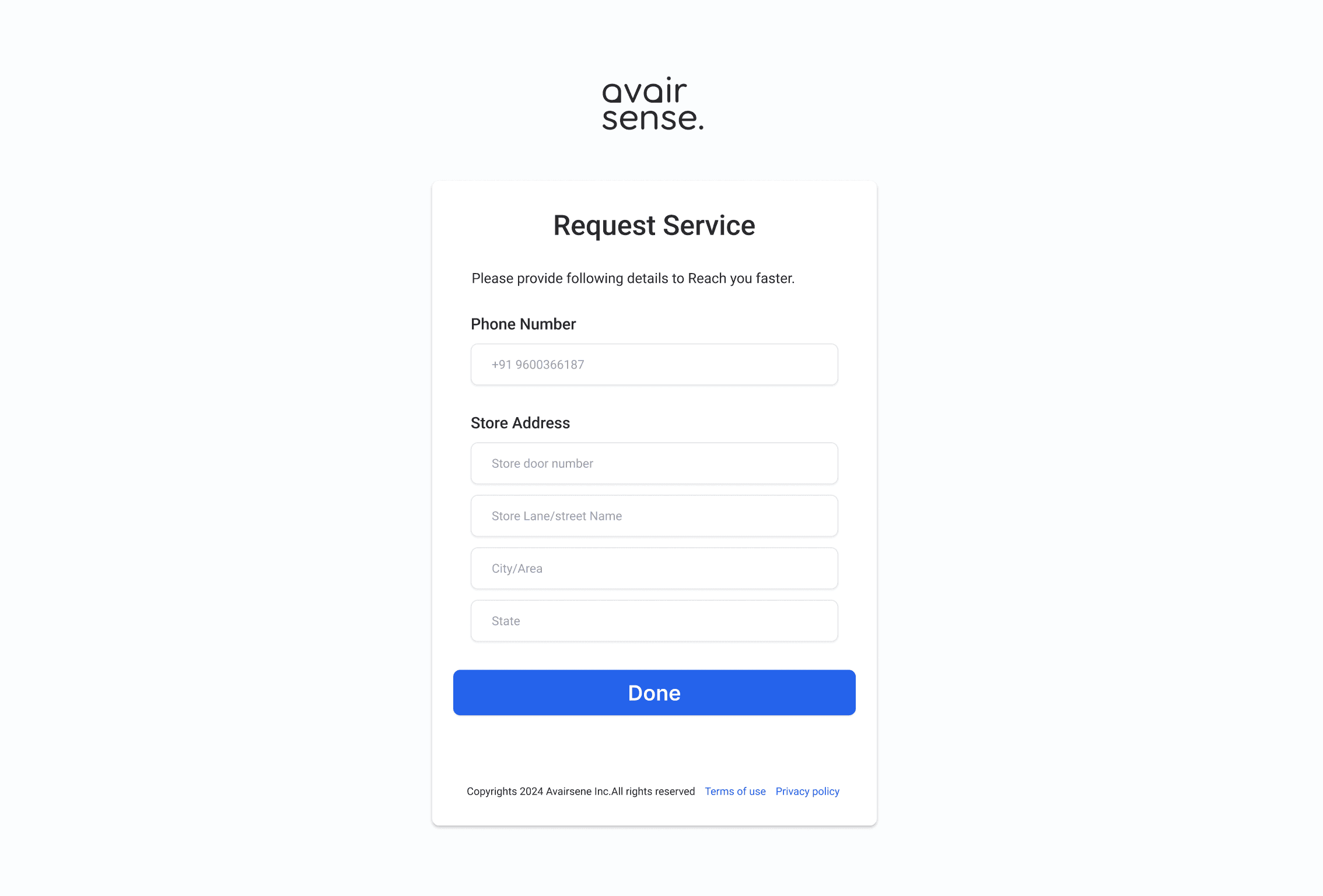
Details to send service support to reach Customer location.
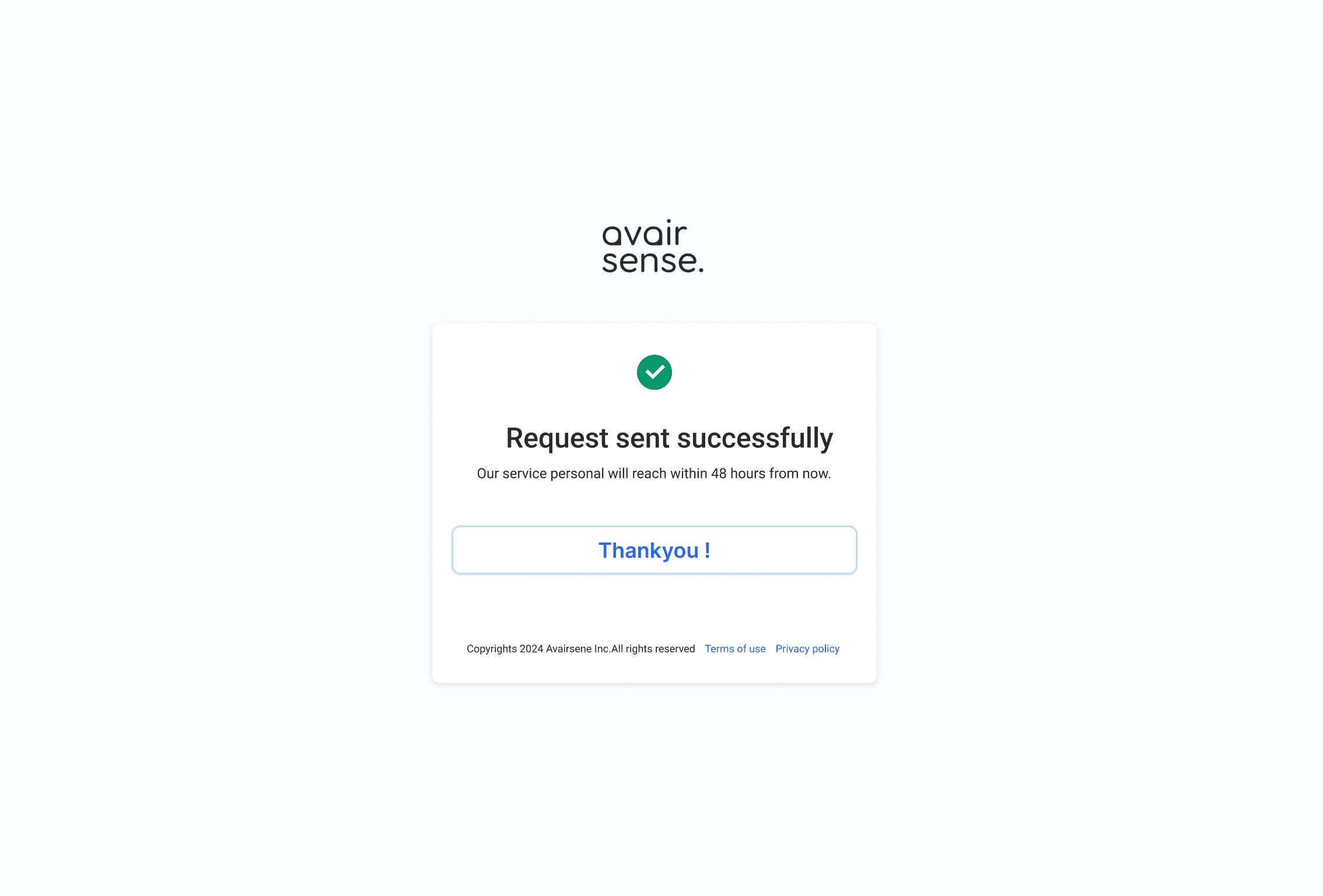
End of service request flow.
Lottie file to show instruction to support manual onboarding.
Connect to Network - WIFI
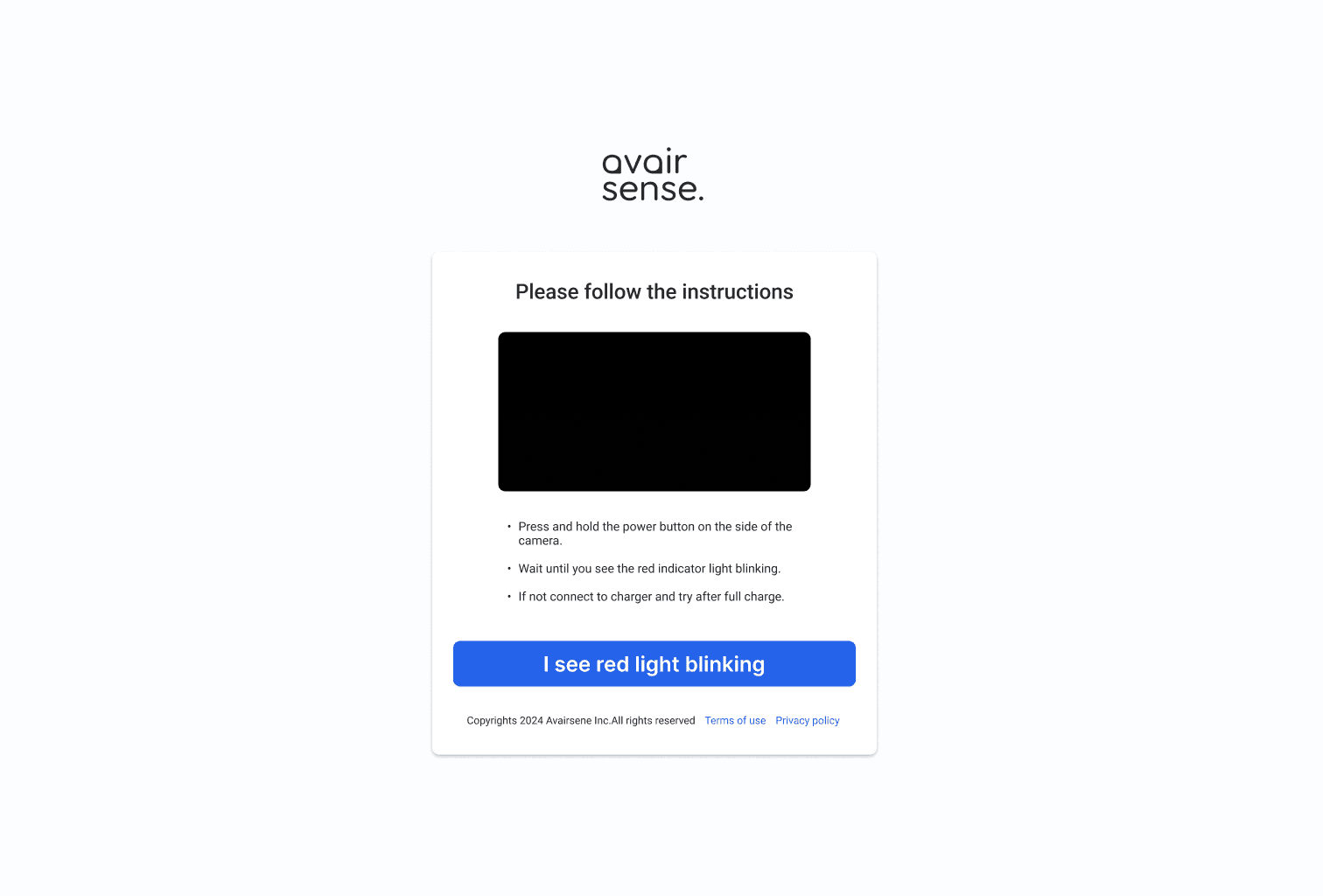
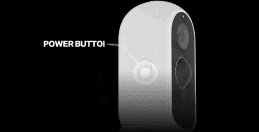
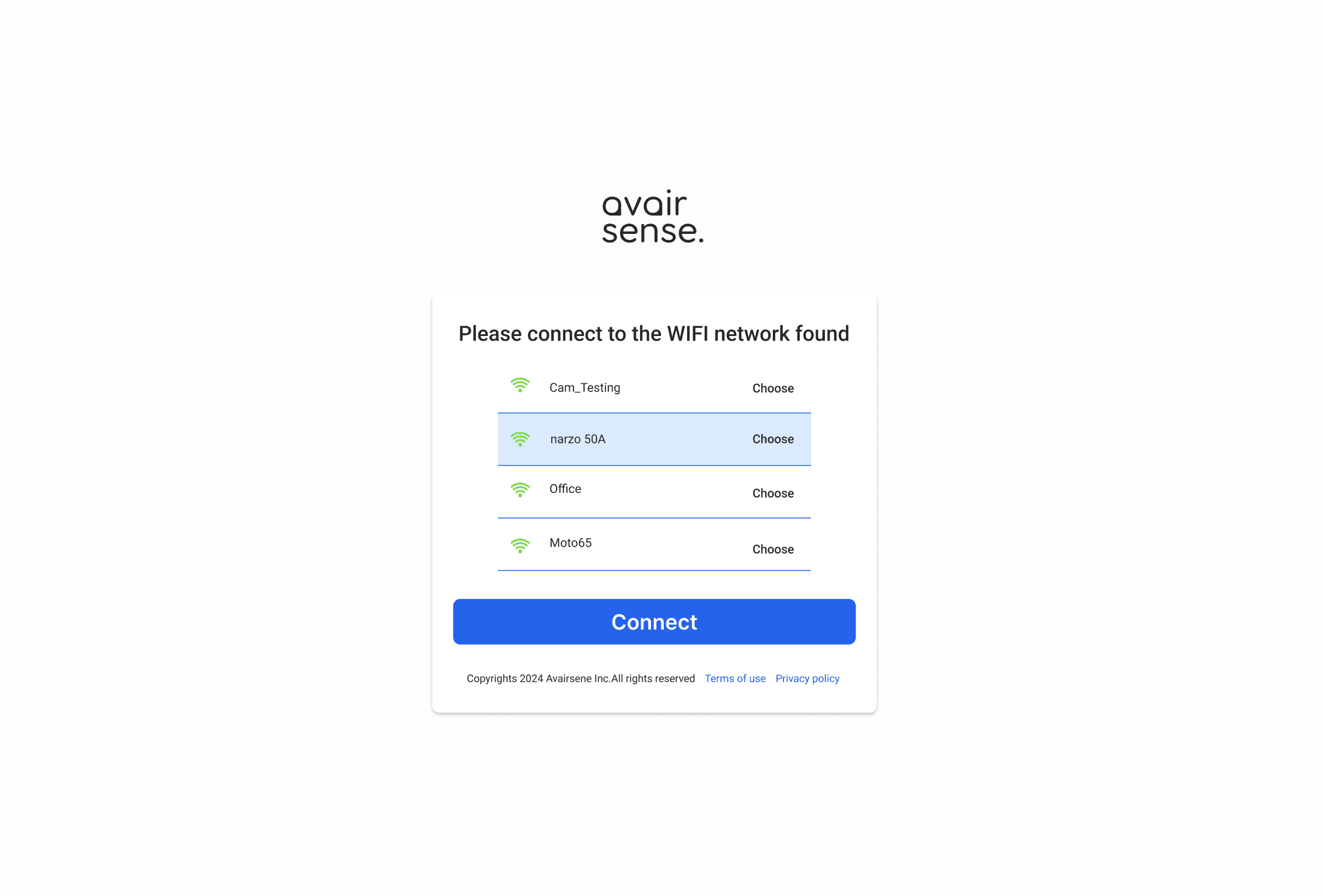
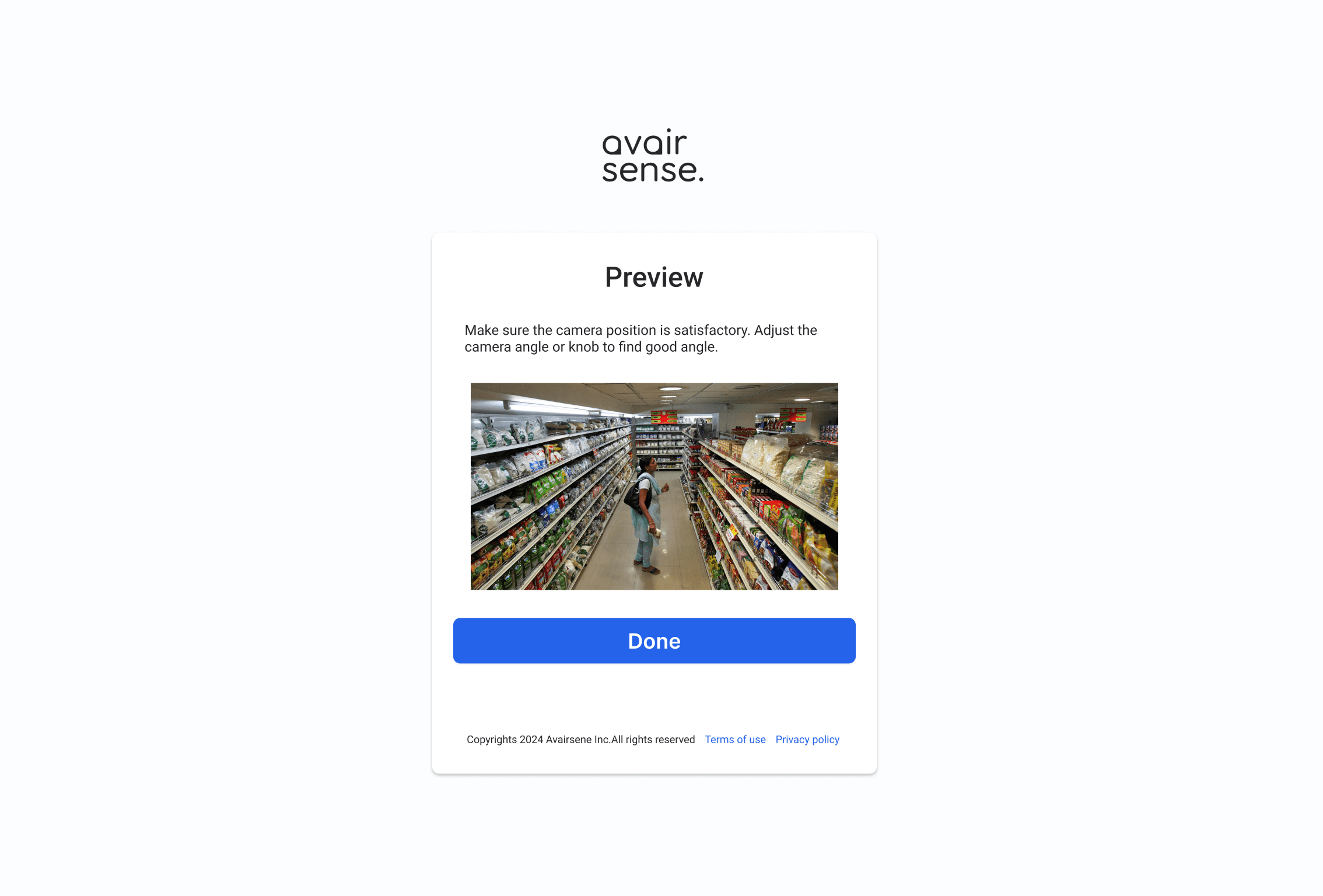
Preview screen to find perfect angle during installation.
Setting up camera name and zone location.
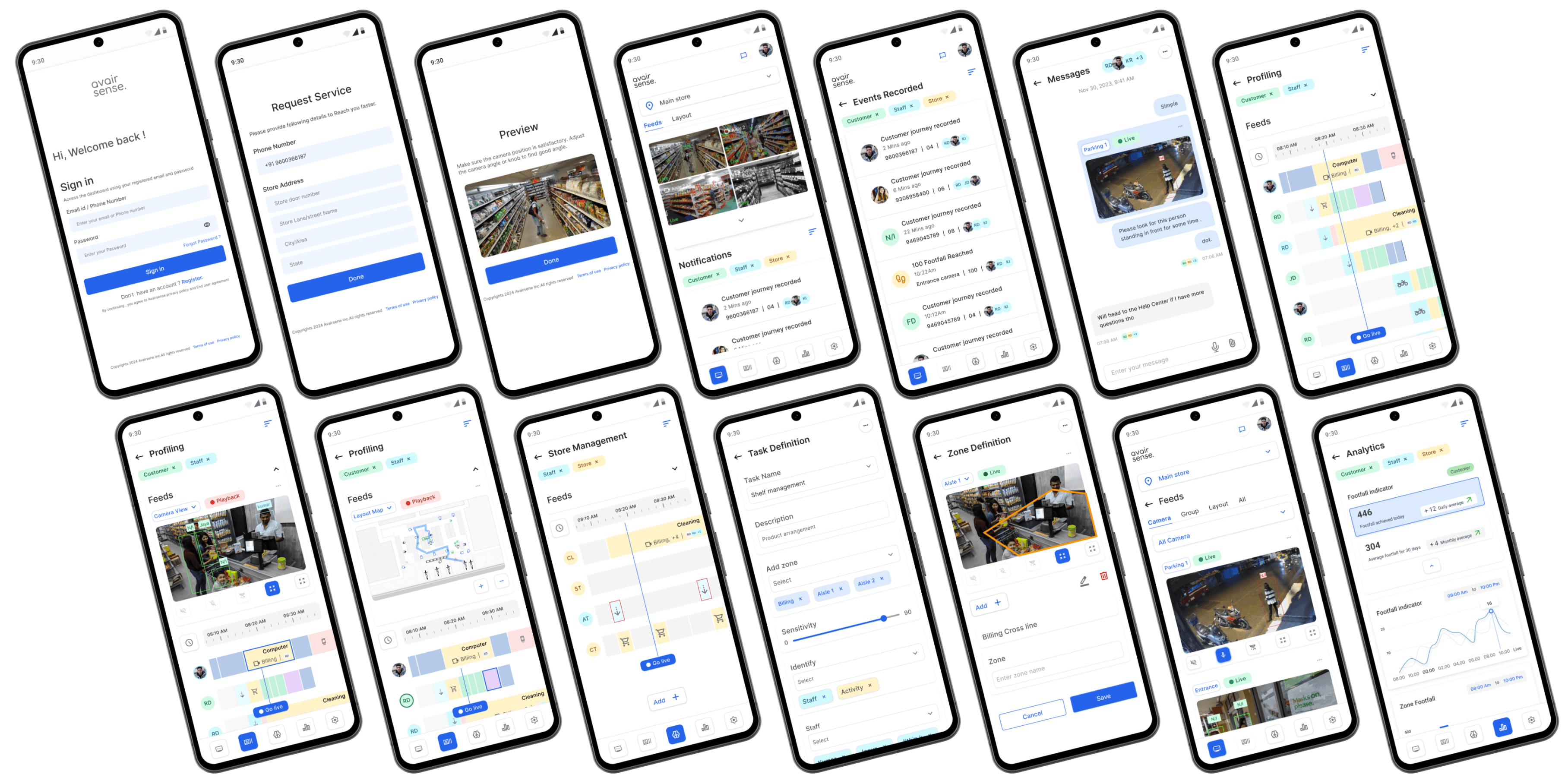
Mobile experience
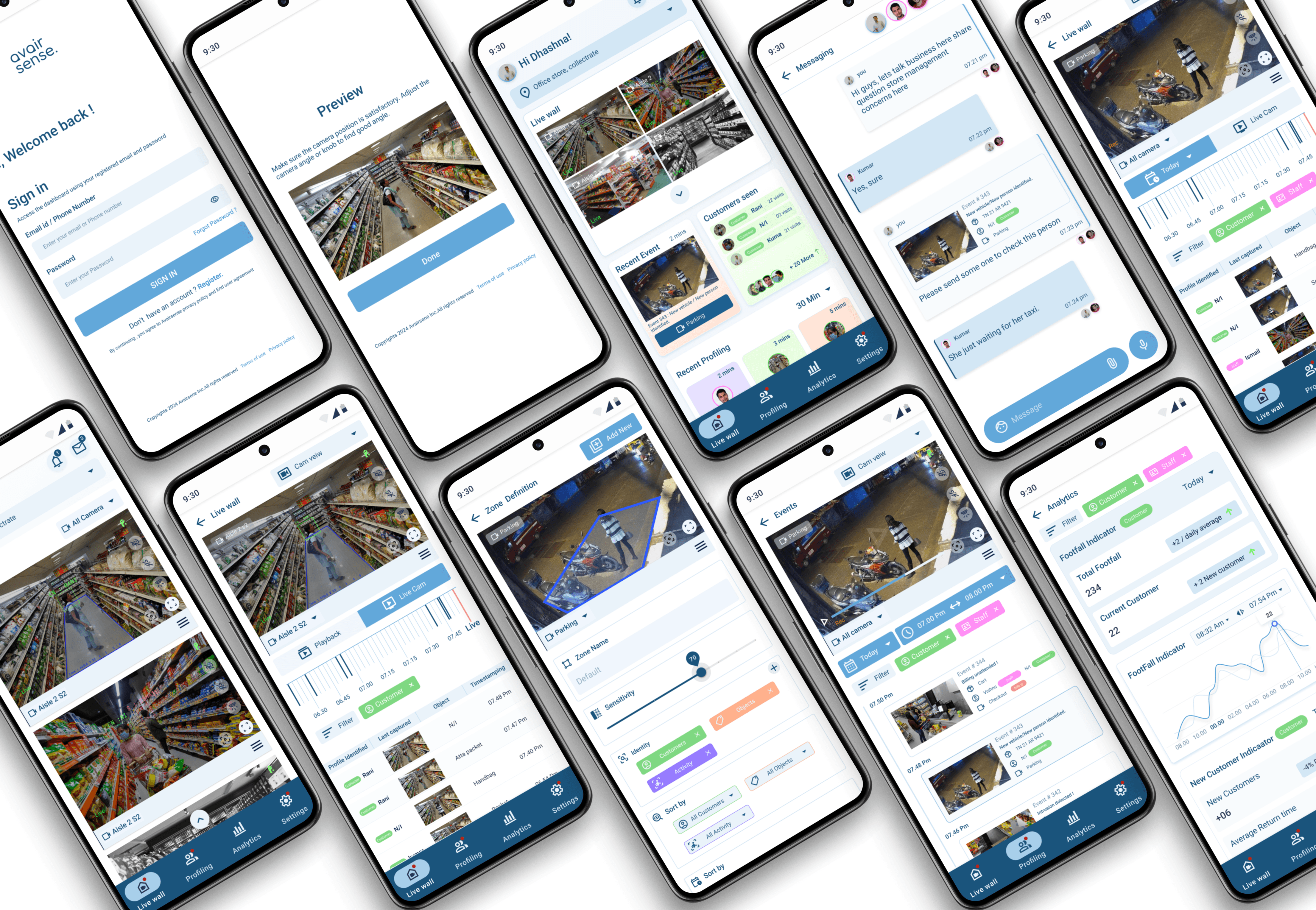
Other ideation mockups
Camera Hardware Ideation
After identifying the necessary hardware components based on the system's functional requirements-such as sensors, cameras, processing units, storage, and communication modules and detailing the specifications for each component, such as resolution, processing power, and storage capacity to begin ideating on the camera hardware.
Considerations : Considering the Sense 1 product design language, it is essential for the team to ideate Sense 2 to adhere to the same design language. This approach ensures consistency across their product line.
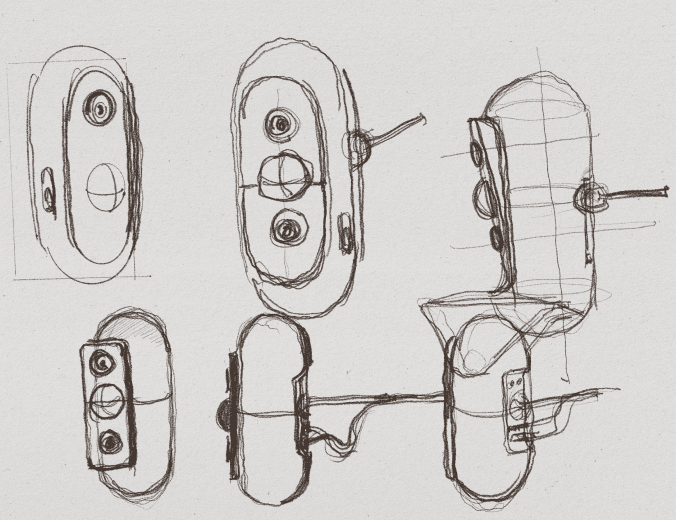
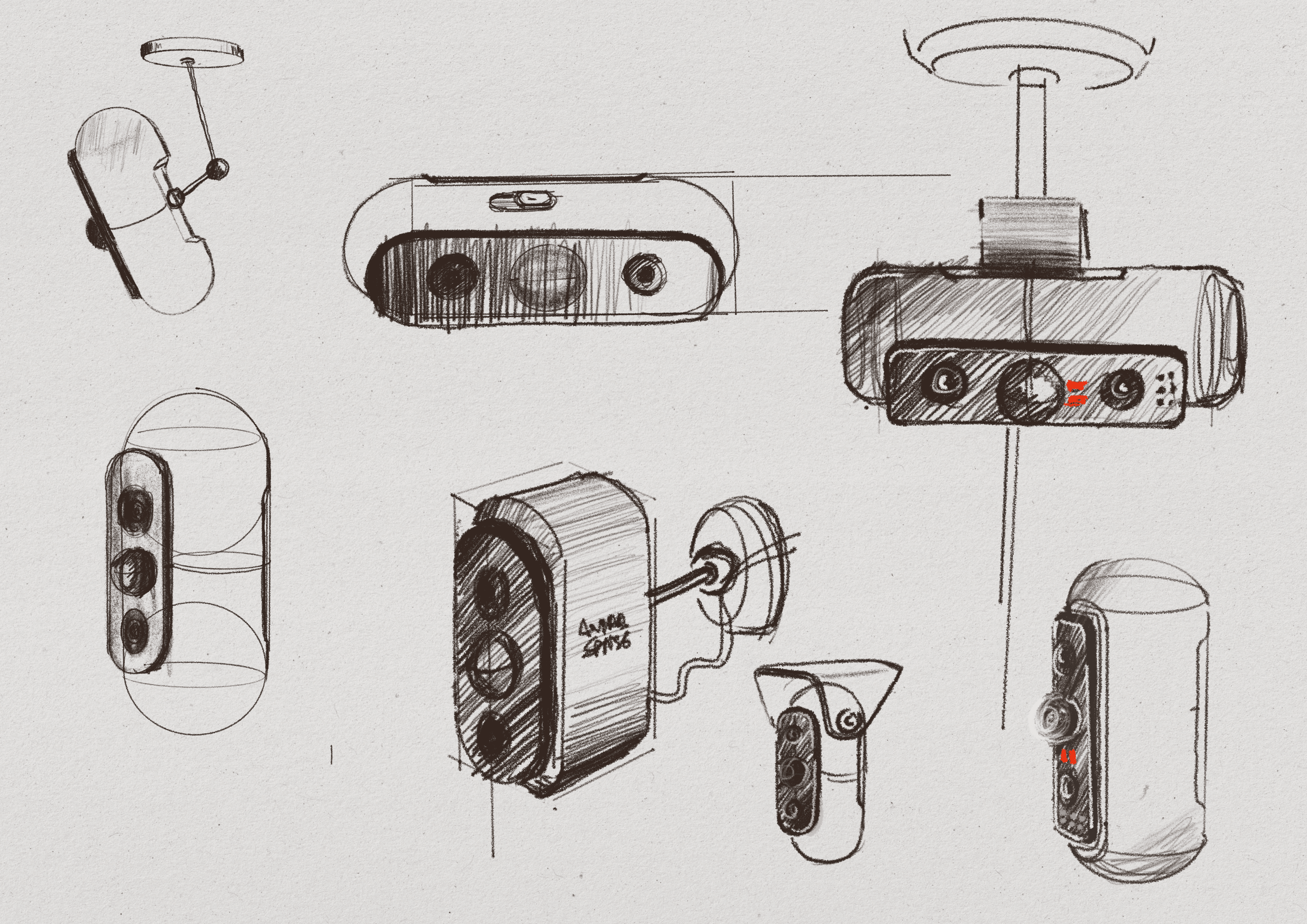
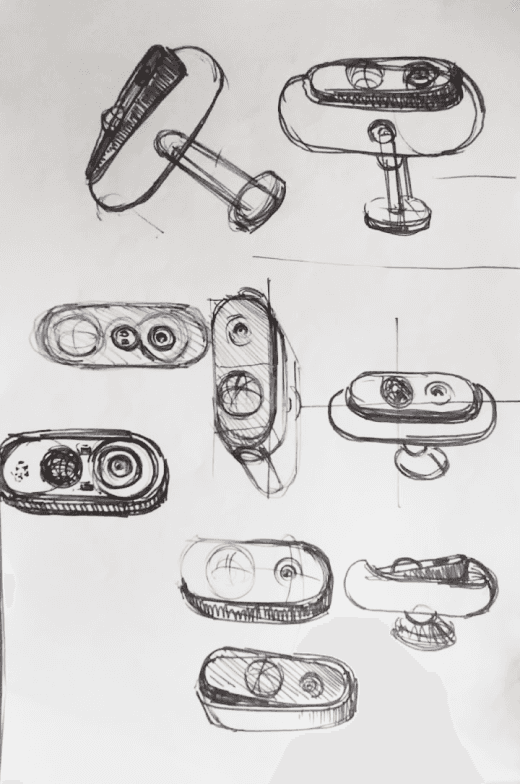
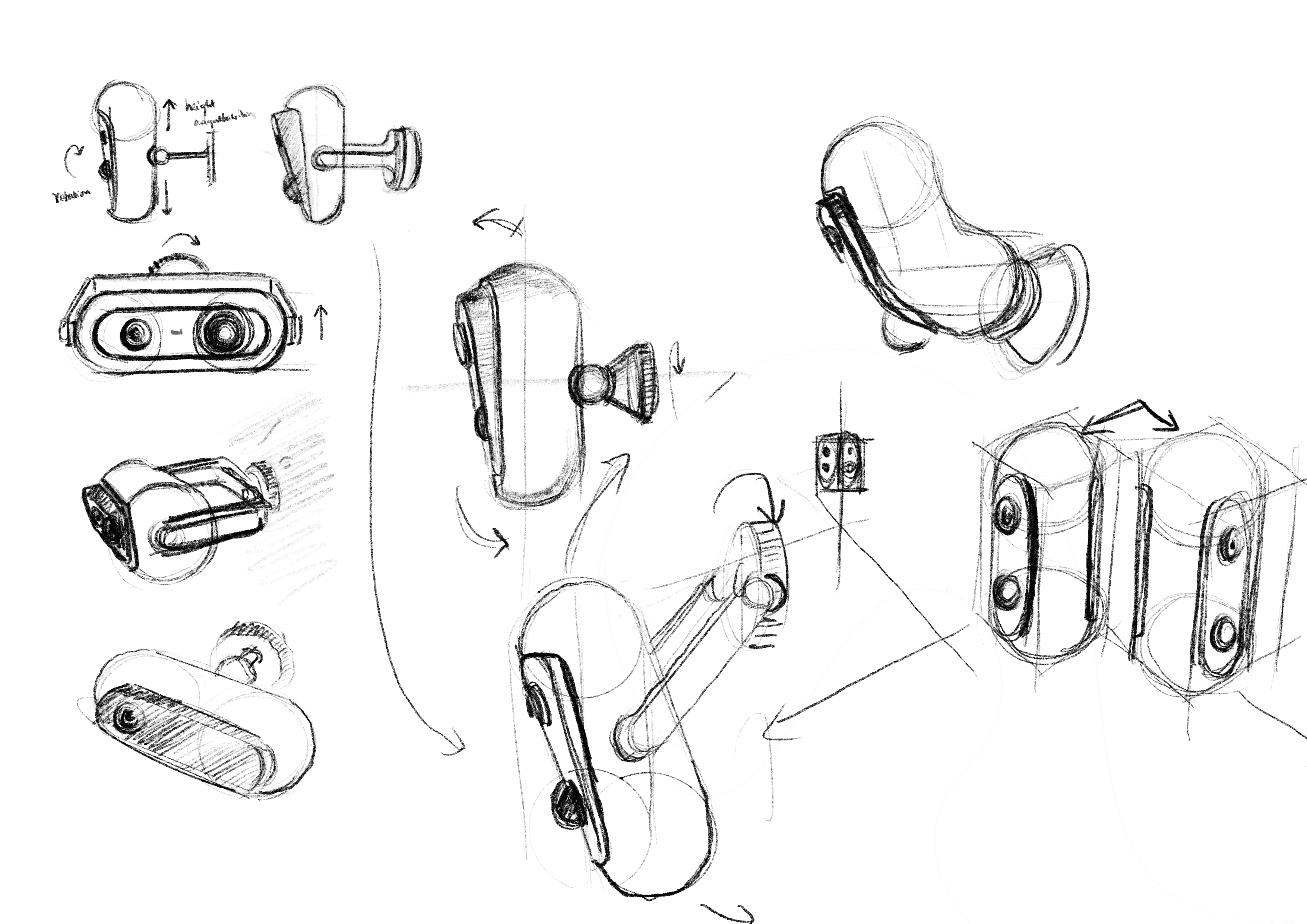
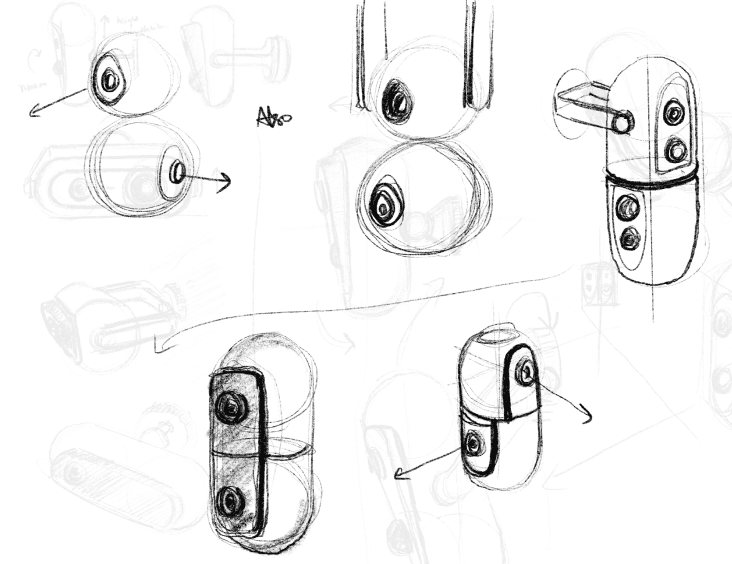
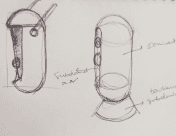
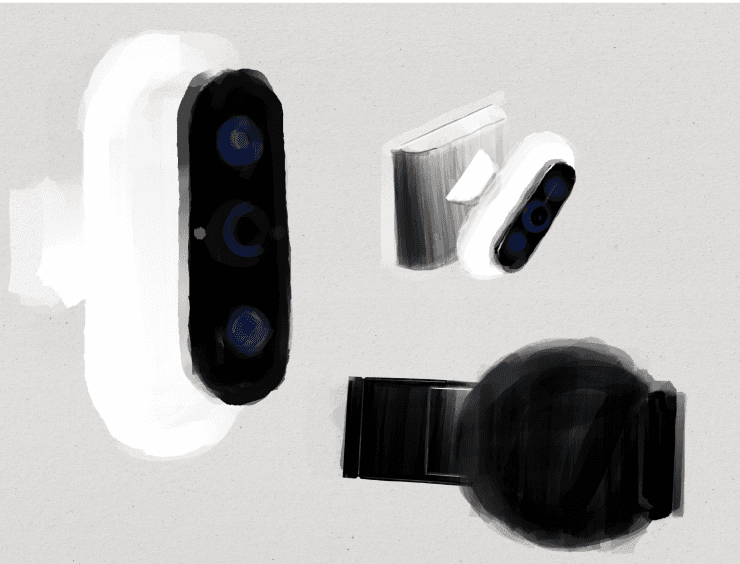
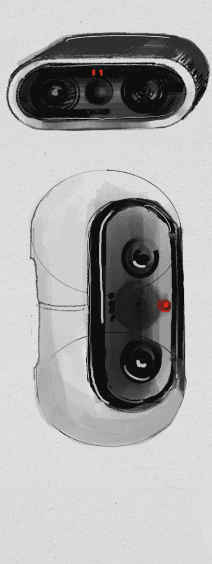
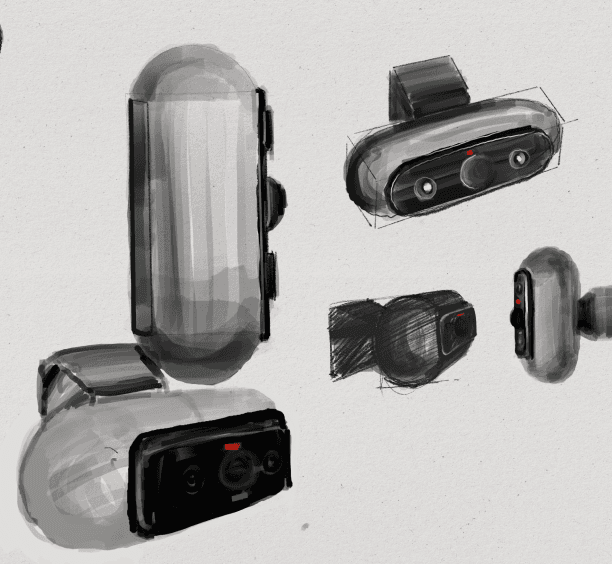
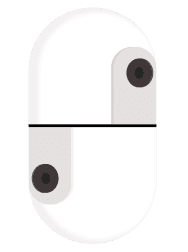
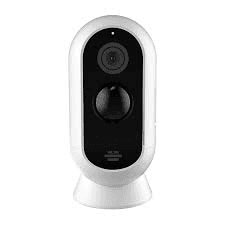
To follow Same design language as sense 1.
Ideating on modular camera/
to avoid space constraints and efficiency.
Adding clear Subdominant form.
Connections and fixtures detail & subordinate form.
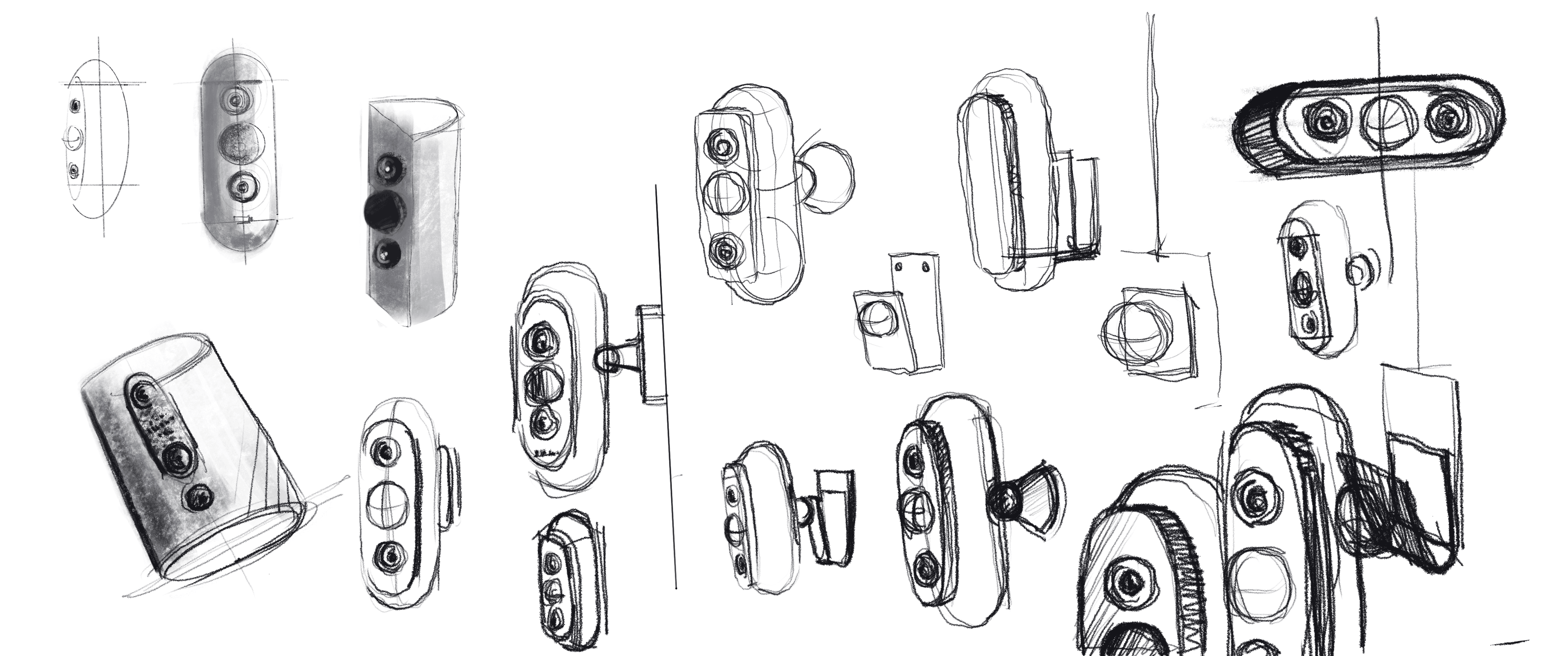
Narrowed down form and fixture details ideations.
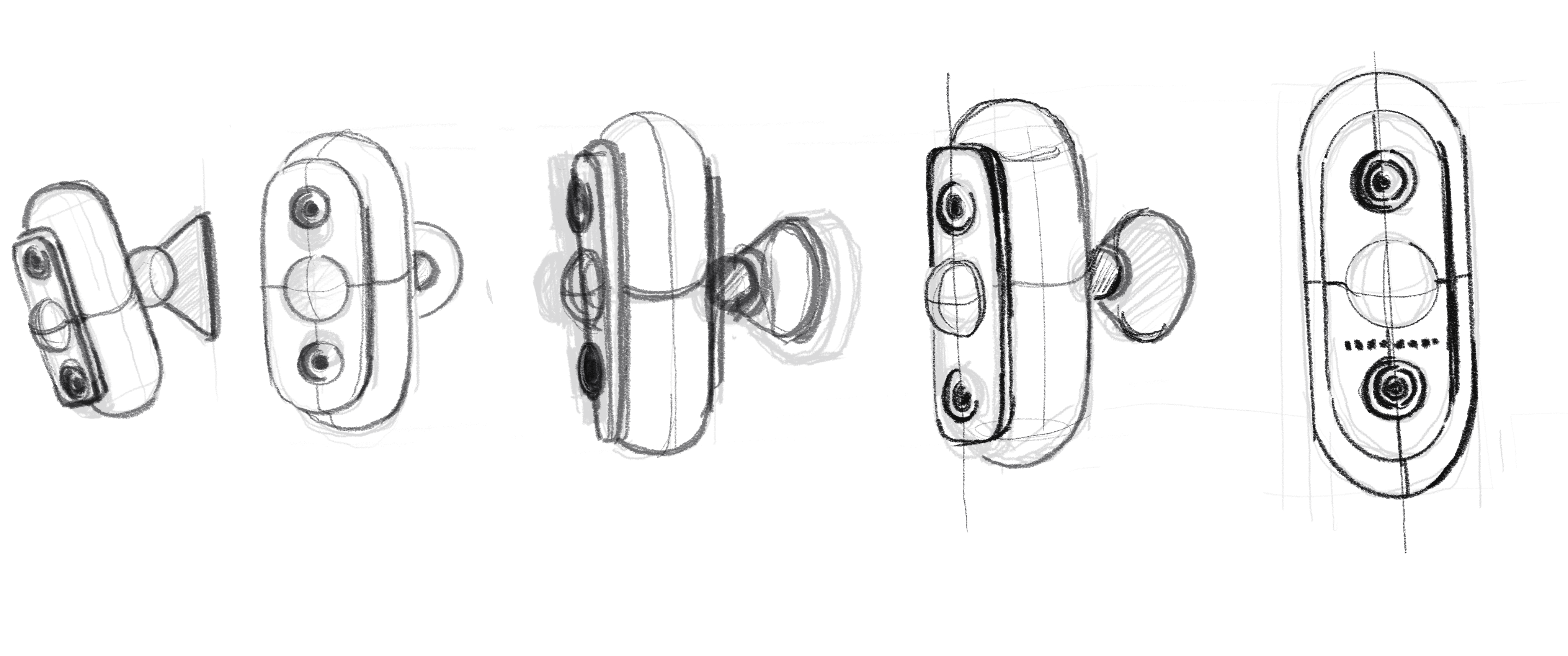
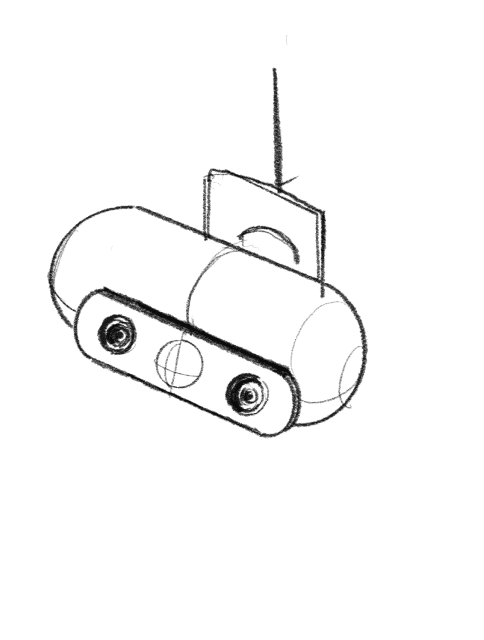
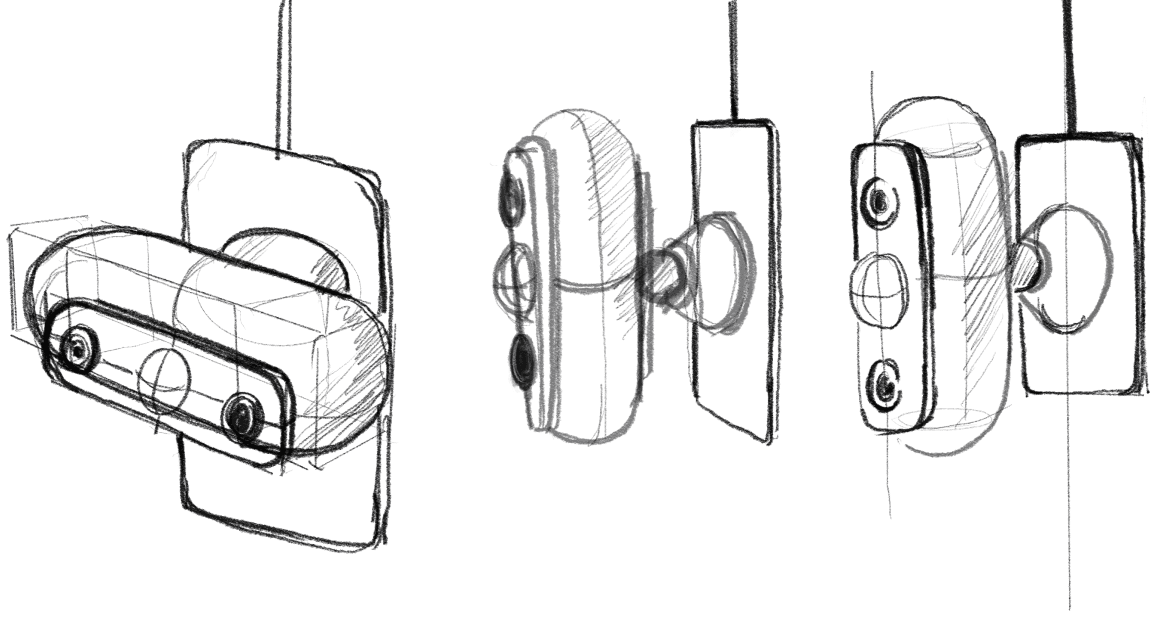
Creating a clear division between dominant, subdominant, and subordinate layers involves structuring and design elements in a way that emphasizes their relative importance and guides the user's attention effectively.
Addressing the fixture layer’s support for orientation and rotation is crucial for improving flexibility and usability.
Implement a rotation mechanism that allows the camera to pivot 180 degrees sideways.
That cables and connectors remain functional and unobstructed during rotation and orientation changes.
In high celling context "ground" or "platform" for the design and provides stability,
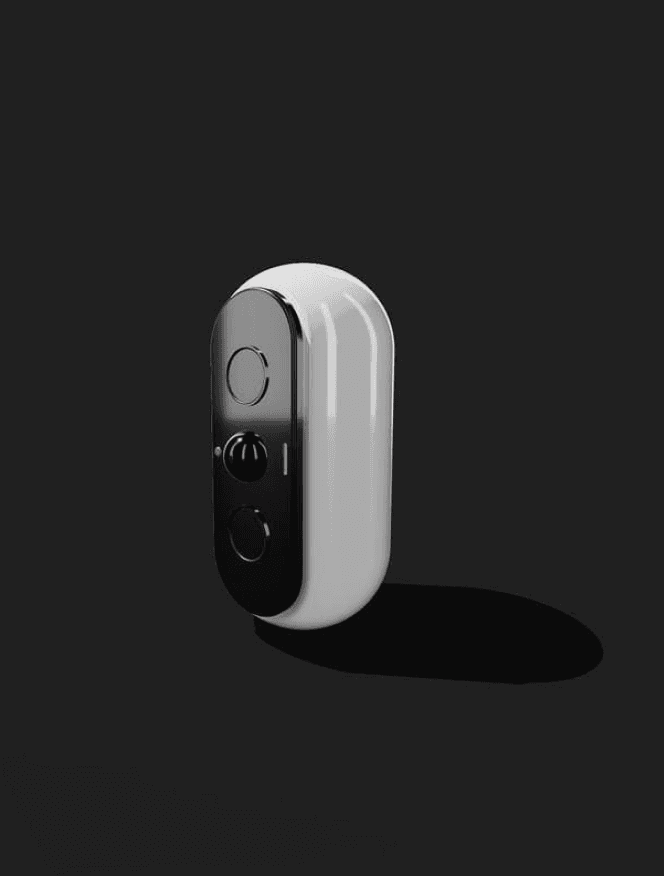
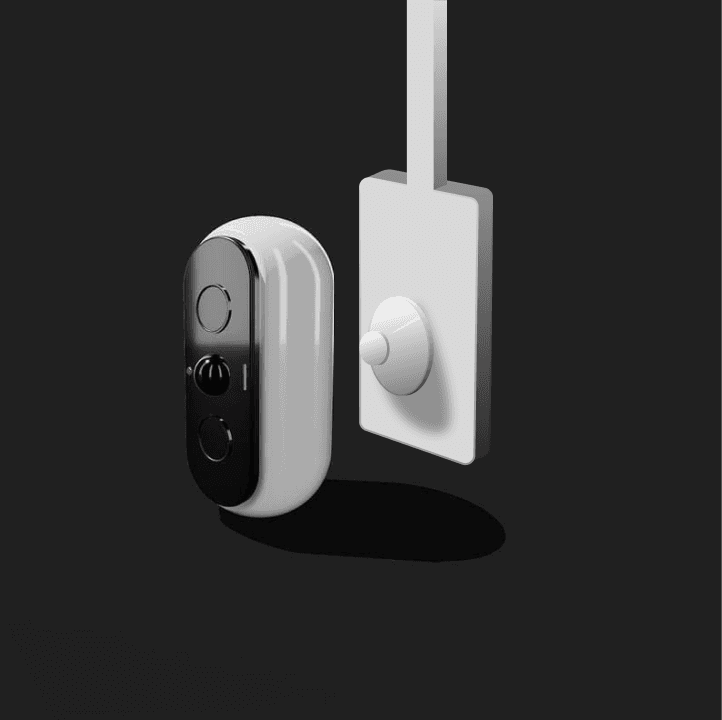
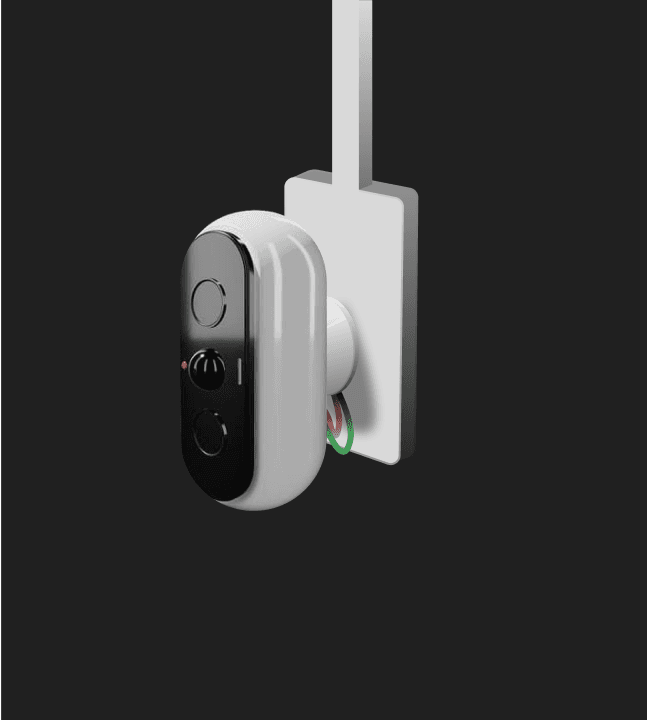
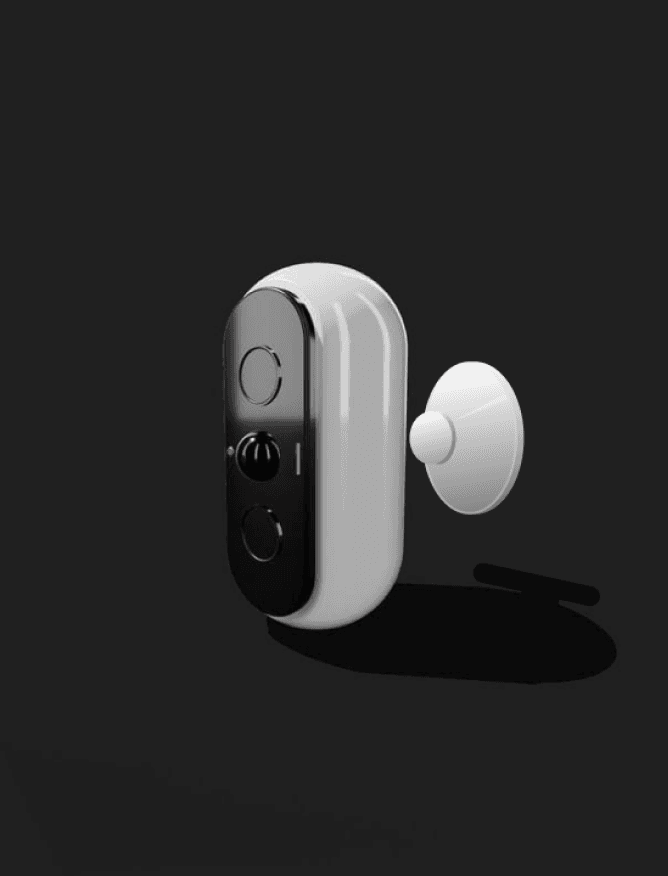
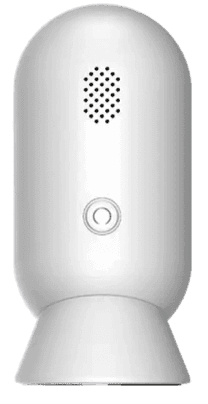
Model: Sense 2
Main body component
Dominant, subdominant and subordinate .
Ground or fixture layer
Connections
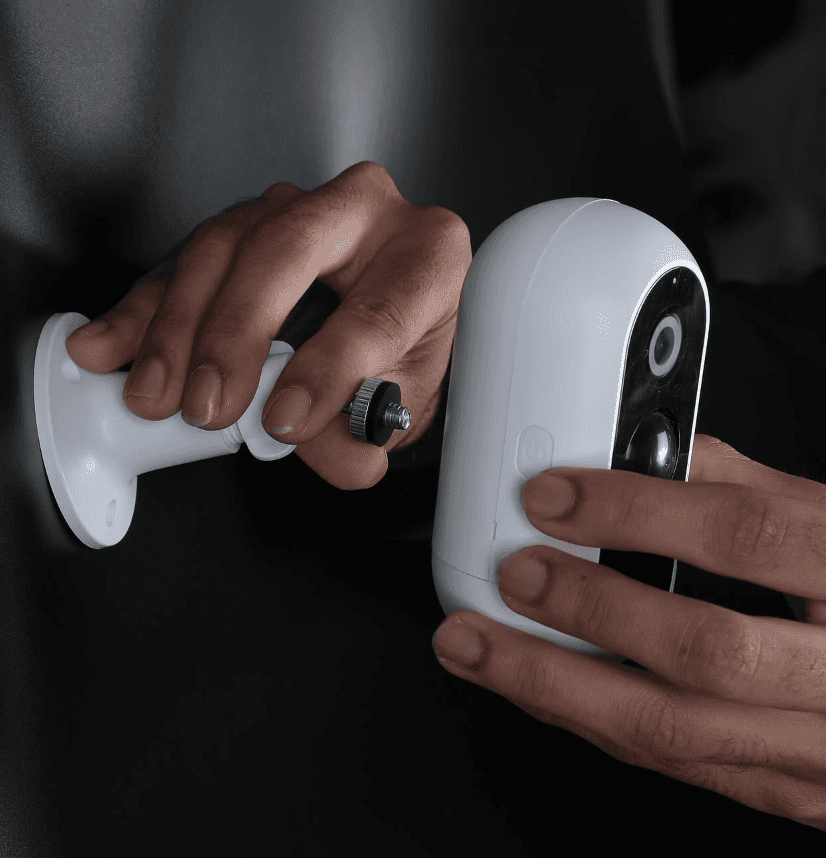
Extended fixture type
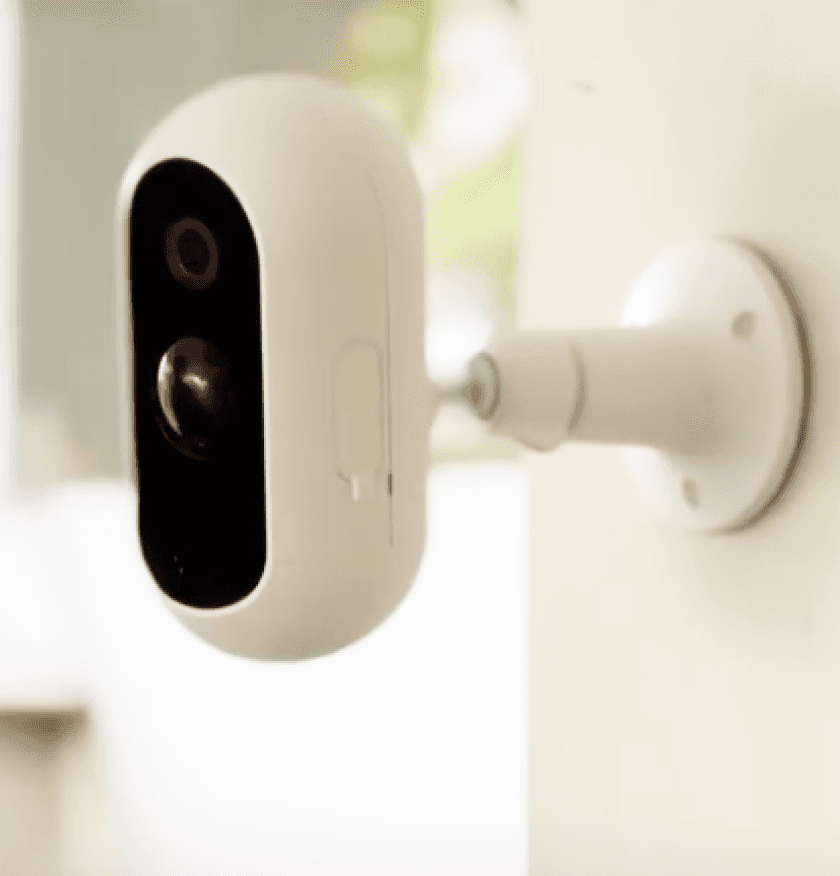
Credit : Prototype - Sense 1 camera [ avairsense ]
Fin.